 イメージプレビュー
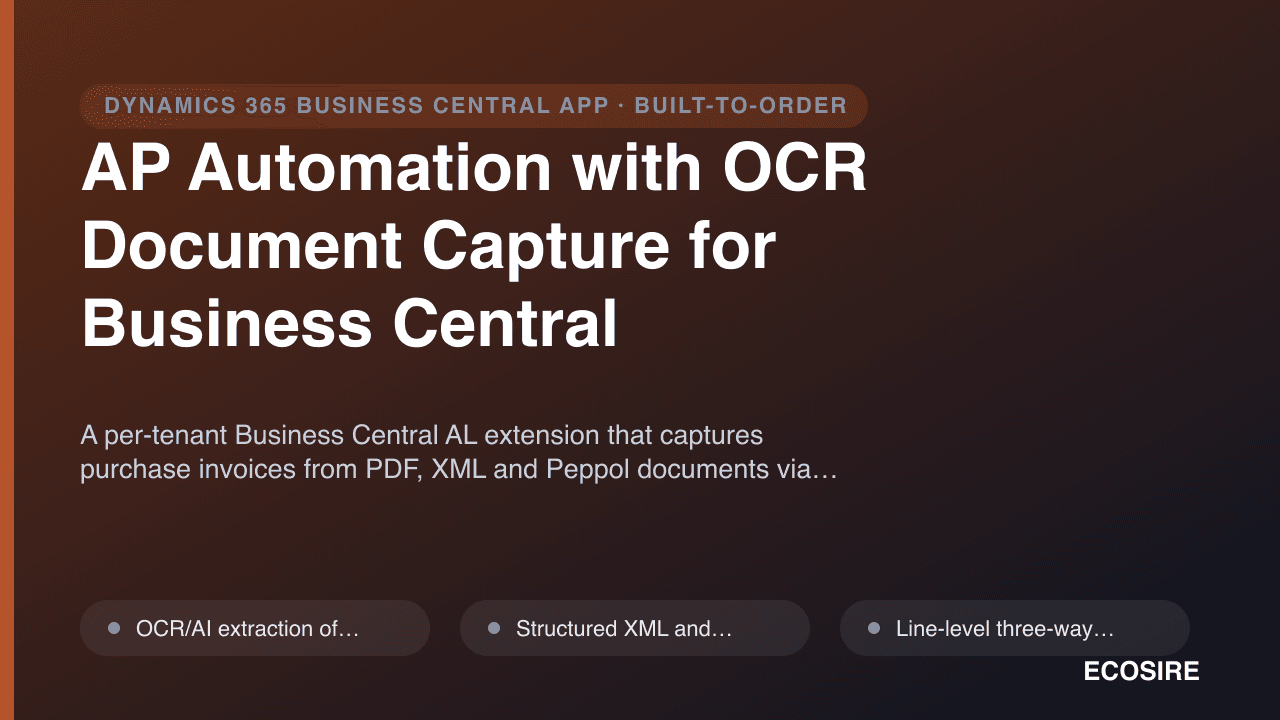
A per-tenant Business Central AL extension that captures purchase invoices from PDF,
XML and Peppol documents via OCR/AI, matches them line-by-line against POs and receipts, routes them through approval workflows, and archives the original document against the posted entry — built, installed and supported by
ECOSIRE on your tenant.
AP Automation with OCR Document Capture for Business Centralとは?
A per-tenant Business Central AL extension that captures purchase invoices from PDF, XML and Peppol documents via OCR/AI, matches them line-by-line against POs and receipts, routes them through approval workflows, and archives the original document against the posted entry — built, installed and supported by ECOSIRE on your tenant. Built to order by ECOSIRE for Dynamics 365 BC (build-to-order) — indicative price from $999.00 USD; request a quote for a scoped proposal.
主な機能
受注生産、すべておまかせ
自分での設定は不要 — ECOSIRE が構築・インストール・サポートする実働アプリです。
- 1
ご注文
一回限りの構築料金から始めます。キックオフで一緒に範囲を決めます。
- 2
構築とインストール
ECOSIRE がお客様の Dynamics 365 Business Central 上で構築・設定・インストールします。
- 3
本番稼働 + サポート
約1週間(営業日ベース)で稼働し、本番稼働後2週間のサポートが付きます。納品したコードの不具合は無償で修正します。
この製品について
Stop keying invoices into Business Central by hand
Your AP team is the bottleneck. PDFs arrive by email, someone opens each one, retypes the vendor, dates, amounts, GL accounts and every line into a Purchase Invoice, hunts down the matching PO and receipt, then chases an approver. It is slow, error-prone, and it doesn't scale.
This extension closes that gap directly inside Business Central. ECOSIRE builds it for your tenant as a per-tenant AL extension (not a generic AppSource download) so it fits your chart of accounts, vendor master, dimensions and approval hierarchy exactly.
What it does
Inbound documents — emailed PDFs, structured XML, and Peppol BIS Billing 3.0 e-invoices — are captured and parsed by an OCR/AI extraction service. The extension creates a Document Capture staging table and page where extracted header and line data land for review, with confidence scoring on each field. From there:
- Line-level three-way matching against the Purchase Order and posted receipt, with tolerance rules you define.
- Approval workflows built on BC's native Workflow engine with delegation, amount limits and substitute approvers.
- Original document archived as an Incoming Document record linked to the posted Purchase Invoice, so the source PDF/XML is one click from the entry.
How it's delivered
Everything runs through AL table/page extensions, event subscribers on document posting, the Job Queue for background polling, and the BC REST/OData v4 API for the capture round-trip. It honours dedicated permission sets and respects your dimensions, number series and posting setup.
This is a build-to-order engagement: ECOSIRE scopes, builds, installs on your sandbox, validates against your real documents, then promotes to production — with an honest delivery lead time and ongoing support.
得られるもの
- A per-tenant AL extension package (.app) installed on your Business Central sandbox and then production environment
- Source code (AL project) with table/page extensions, event subscribers, codeunits and permission sets handed over to you
- OCR/AI capture integration wired to your chosen extraction service over the BC REST/OData v4 API
- Configured approval workflow, amount limits, delegation and tolerance rules matched to your AP policy
- Permission sets and Job Queue setup for clerks, approvers and unattended background processing
- Validation pass against a sample set of your real vendor invoices (PDF, XML and Peppol) on the sandbox before go-live
- Admin and end-user documentation plus a handover walkthrough for your AP team
- Defined warranty period and an ongoing support/maintenance option covering BC version updates
これは誰のためのものですか
AP Clerk / Accounts Payable Specialist
Spends the day retyping vendor invoices into Business Central and chasing approvals. Wants extracted, pre-coded drafts to review and post instead of keying every line by hand.
Finance Manager / Controller
Owns the month-end close and the approval policy. Needs enforced amount limits, delegation, a clean audit trail and the original document attached to every posted entry.
Business Central Administrator / IT Lead
Responsible for the tenant, extensions and permissions. Wants a clean per-tenant AL extension that respects permission sets, Job Queue and the upgrade path — not brittle customisations or unsupported tooling.
AP Automation with OCR Document Capture for Business Central の比較方法
| 基準 | エコシエール | カスタムビルド | 競合他社 | Dynamics 365 Business Central 標準機能 |
|---|---|---|---|---|
| OCR/AI extraction from emailed PDF invoices into BC | 付属 | 部分的なサポート | 付属 | 含まれていない |
| Line-level three-way PO and receipt matching with tolerances | 付属 | 部分的なサポート | 部分的なサポート | 部分的なサポート |
| Approval workflows with delegation and amount limits | 付属 | 部分的なサポート | 部分的なサポート | 付属 |
| Peppol / XML inbound e-document ingestion | 付属 | 部分的なサポート | 部分的なサポート | 部分的なサポート |
| Built and configured to your chart of accounts, dimensions and AP policy | 付属 | 付属 | 含まれていない | 含まれていない |
| AL source code handed over to you | 付属 | 付属 | 含まれていない | 含まれていない |
| Installed and supported on your tenant by the provider | 付属 | 部分的なサポート | 部分的なサポート | 含まれていない |
| No per-document or recurring SaaS metering imposed by the extension itself | 付属 | 付属 | 含まれていない | 付属 |
AP Automation with OCR Document Capture for Business Central に関するよくある質問
How long does delivery take, and how is it installed?
This is built to order, so there is no instant download. After a short scoping call we confirm your document types, approval policy and matching rules, then build the AL extension. Typical lead time is roughly one working week depending on how many invoice formats and approval tiers you have. We install it first on your Business Central sandbox as a per-tenant extension, validate against your real vendor documents, then promote it to production with you.
Is this an AppSource app I download myself?
No. It is a per-tenant AL extension that ECOSIRE builds specifically for your tenant and installs for you. That is what lets it match your exact chart of accounts, dimensions, vendor master and approval hierarchy. There is no public AppSource listing and no self-install link — we handle the build, deployment and configuration on your environment.
What happens with support and Business Central version updates?
Every build includes a defined warranty period for defect fixes. Beyond that, an optional support and maintenance plan covers compatibility with Business Central's major and minor updates (the AL object model and APIs do change between releases), enhancement requests and priority response. Because you also receive the AL source, you are never locked to us, but we recommend the plan so the extension stays current through BC upgrades.
Which OCR / AI extraction engine does it use?
The extraction layer is pluggable. We integrate the capture round-trip over the Business Central REST/OData v4 API and connect it to the OCR/AI service you prefer or already license. We confirm the chosen engine during scoping based on your invoice volume, languages and budget, and we handle the mapping of extracted fields to Business Central Purchase Invoice header and lines.
Will it respect our matching tolerances, dimensions and approval limits?
Yes. Three-way matching tolerances (quantity and price), default dimensions, number series, GL coding from posting setup, and approval amount limits with delegation and substitutes are all configured to your policy during the build. Unmatched, duplicate or low-confidence documents are held in an exception queue rather than posted automatically, so a human always confirms before anything hits the ledger.
関連モジュール
AI Sales Order Agent
An autonomous AL extension that monitors a mailbox, identifies the customer and requested items, checks availability, and drafts quotes and sales orders inside Business Central. Built, installed as a per-tenant extension, and supported by ECOSIRE.
AI Tax Code & Invoice Coding Assistant for Business Central
An AI copilot, delivered as a per-tenant AL extension, that suggests G/L accounts, dimensions and VAT/tax codes on incoming Business Central invoices — learning from your own posting history, flagging anomalies and duplicates, and letting AP review or bulk-approve before posting.
Apparel & Footwear Matrix Pack
Style-color-size matrix entry, seasonal merchandising and curve buying built into your Business Central as a per-tenant AL extension by ECOSIRE.
Apple Pay & Google Pay Wallet Checkout for Business Central
A per-tenant AL extension that adds one-tap Apple Pay and Google Pay to your Business Central hosted pay pages and customer portal — built, installed, and supported by ECOSIRE to lift mobile checkout conversion.
AP Automation with OCR Document Capture for Business Central
A per-tenant Business Central AL extension that captures purchase invoices from PDF, XML and Peppol documents via OCR/AI, matches them line-by-line against POs and receipts, routes them through approval workflows, and archives the original document against the posted entry — built, installed and supported by ECOSIRE on your tenant.
- OCR/AI extraction of header and line data from emailed PDF invoices, with per-field confidence scoring surfaced in a Document Capture review page
- Structured XML and Peppol BIS Billing 3.0 e-document ingestion mapped directly to Business Central Purchase Invoice fields
- Line-level three-way matching against the Purchase Order and posted Purchase Receipt with configurable quantity and price tolerance rules
- Native Business Central approval workflows with delegation, per-user amount limits, substitute approvers and approval entry audit trail