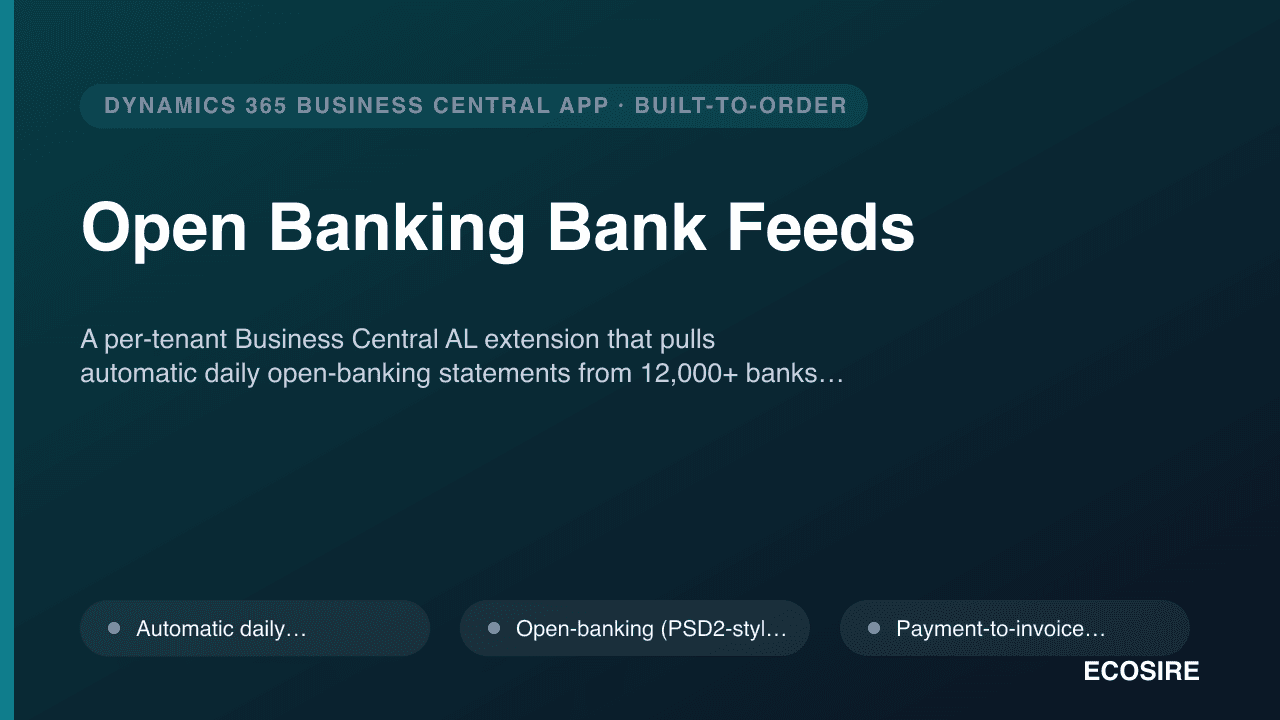
 Aperçu illustratif
A per-tenant Business Central AL extension that pulls automatic daily open-banking statements from 12,000+ banks
and matches them to invoices for live reconciliation. Built, installed and supported by
ECOSIRE on your tenant.
Qu'est-ce que Open Banking Bank Feeds ?
A per-tenant Business Central AL extension that pulls automatic daily open-banking statements from 12,000+ banks and matches them to invoices for live reconciliation. Built, installed and supported by ECOSIRE on your tenant. Built to order by ECOSIRE for Dynamics 365 BC (build-to-order) — indicative price from $999.00 USD; request a quote for a scoped proposal.
Fonctionnalités clés
Fait sur commande, clé en main
Aucune configuration à faire vous-même — une app fonctionnelle conçue, installée et prise en charge par ECOSIRE.
- 1
Vous commandez
Commencez par un prix de développement unique. Nous cadrons le projet avec vous au lancement.
- 2
Nous développons et installons
ECOSIRE la développe, la configure et l'installe sur votre Dynamics 365 Business Central.
- 3
Mise en ligne + assistance
Vous êtes en ligne en une semaine ouvrée environ, avec deux semaines d’assistance après la mise en production. Les défauts du code que nous livrons sont corrigés gratuitement.
À propos de ce produit
Hands-off bank connectivity, built for your tenant
Open Banking Bank Feeds is a Microsoft Dynamics 365 Business Central extension that ECOSIRE builds, installs and supports specifically for your environment. It connects your Business Central company to a regulated open-banking aggregation gateway (PSD2 / open-banking APIs) so that bank statements flow into the Bank Account Reconciliation worklist automatically every day — no CSV exports, no manual imports, no portal logins.
This is not an instant AppSource download. We deliver it as a per-tenant extension (a signed .app published with Extension Management) wired into your chart of bank accounts, currencies and posting setup. Because it is built to order, we tailor the statement-import format, the matching rules and the currency handling to how your finance team actually closes the books.
How it works technically
The extension adds a table extension to Bank Account (storing the open-banking consent token reference and account identifier) and a page extension exposing connection and sync status. A Job Queue Entry runs a codeunit on your chosen cadence (default daily) that calls the aggregation provider over HTTPS, normalizes the returned transactions, and writes them to the Bank Account Statement / Bank Acc. Reconciliation Line tables. Event subscribers on reconciliation posting trigger payment-to-invoice matching against open customer and vendor ledger entries.
Consent and credentials are never stored in plain AL variables — tokens live in Isolated Storage scoped to the extension, and all calls require your granted open-banking consent. We ship a dedicated permission set so you control which roles can connect accounts or run a manual sync.
Multi-account and multi-currency are first-class: each feed maps to one Bank Account card with its own currency code, and exchange-rate handling follows your existing G/L setup.
Ce que vous obtenez
- A signed per-tenant Business Central extension (.app) published to your tenant via Extension Management
- AL source: table/page extensions on Bank Account, sync codeunit, event subscribers and matching logic
- Configured Job Queue Entry for daily (or your chosen cadence) automatic statement pulls
- Dedicated permission set assigned to the finance roles you specify
- Open-banking gateway connection set up and consent flow completed for each bank account you nominate
- Tailored payment-to-invoice matching rules mapped to your customer/vendor ledger conventions
- Configuration and operations runbook plus a live handover session for your finance team
- Post-go-live support window with a named ECOSIRE contact for fixes and adjustments
Pour qui c'est
Finance Manager / Controller
Wants daily bank balances in Business Central without staff downloading statements from each bank portal, so reconciliation and cash visibility are always current.
Accounts / AR-AP Clerk
Spends hours each week importing CSVs and hand-matching payments to invoices; needs feeds and auto-matching that cut manual keying and reduce mismatches.
IT / Business Central Administrator
Needs bank connectivity delivered as a governed per-tenant extension with a clear permission set, Isolated Storage for credentials, and telemetry — not a fragile manual integration.
Comment Open Banking Bank Feeds se compare
| Critère | ÉCOSIRE | Construction personnalisée | Concurrent | Natif Dynamics 365 Business Central |
|---|---|---|---|---|
| Daily automatic feeds from 12,000+ banks (no manual import) | Inclus | Prise en charge partielle | Inclus | Non inclus |
| Tailored payment-to-invoice matching rules for your ledger conventions | Inclus | Prise en charge partielle | Prise en charge partielle | Non inclus |
| Built, installed per-tenant and supported for you (no DIY build effort) | Inclus | Non inclus | Prise en charge partielle | Non inclus |
| Credentials in extension-scoped Isolated Storage + dedicated permission set | Inclus | Prise en charge partielle | Prise en charge partielle | Prise en charge partielle |
| Multi-account and multi-currency feeds following your G/L setup | Inclus | Prise en charge partielle | Prise en charge partielle | Non inclus |
| Ongoing fixes + re-testing against Business Central release waves | Inclus | Non inclus | Inclus | Inclus |
| Sync telemetry via Application Insights for monitoring | Inclus | Prise en charge partielle | Prise en charge partielle | Non inclus |
Foire aux questions sur Open Banking Bank Feeds
Is this an instant download from Microsoft AppSource?
No. This is a build-to-order extension. ECOSIRE builds it for your specific bank accounts, currencies and matching rules, then installs it as a signed per-tenant extension on your Business Central environment. There is no instant self-service AppSource install.
How long does delivery take?
Typical lead time is one working week from kickoff, depending on how many bank accounts and currencies you connect and how quickly each bank's open-banking consent is granted. We confirm a firm schedule after a short scoping call and keep you updated through build, install and go-live.
How are ongoing support and updates handled?
Every build includes a post-go-live support window with a named ECOSIRE contact. We monitor sync health via Application Insights telemetry, fix issues, and re-test the extension against Business Central major updates so feeds keep working after Microsoft's release waves. Extended support and enhancement retainers are available.
Which banks are supported and how is the connection secured?
Connectivity is provided through a regulated open-banking aggregation gateway reaching 12,000+ banks across supported regions. Connections use your granted open-banking (PSD2-style) consent over HTTPS; consent tokens are held in extension-scoped Isolated Storage and never stored in clear text. Coverage for a specific bank is confirmed during scoping.
Will it disrupt our existing reconciliation process or chart of accounts?
No. The extension writes into native Bank Account Reconciliation tables, so your team reconciles exactly as they do today — just with statements that arrive automatically. It adds table and page extensions rather than modifying base tables, and respects your existing posting setup and currency configuration.
Modules associés
Omnichannel Live Chat for Dynamics 365
A website live-chat widget with an in-CRM agent console for Dynamics 365 CE / Dataverse — auto-creating leads and cases, routing to queues, and logging full transcripts to the timeline. Built, installed, and supported by ECOSIRE as a per-tenant extension.
Online Ordering & Pickup Website
A branded, commission-free online ordering storefront for restaurants — built as a per-tenant Business Central extension that pushes pickup, delivery and dine-in QR orders straight into BC and the kitchen.
Pakistan Localization & FBR Compliance Pack for Business Central
A build-to-order AL extension that makes Dynamics 365 Business Central FBR-ready: federal and provincial sales tax, withholding tax statements, SRO-compliant invoice formats, annexure exports, and NTN/STRN validation — installed and supported on your tenant by ECOSIRE.
Pakistan Payroll & HR for Business Central (EOBI/PESSI/Tax)
A Pakistan-localized payroll and HR extension for Microsoft Dynamics 365 Business Central — FBR income-tax slabs, EOBI, provincial social security (PESSI/SESSI), provident fund and gratuity — built, installed and supported by ECOSIRE on your tenant.
Open Banking Bank Feeds
A per-tenant Business Central AL extension that pulls automatic daily open-banking statements from 12,000+ banks and matches them to invoices for live reconciliation. Built, installed and supported by ECOSIRE on your tenant.
- Automatic daily statement pull via a Job Queue Entry running a custom AL codeunit — no manual CSV import
- Open-banking (PSD2-style) connections to 12,000+ banks through a regulated aggregation gateway over HTTPS
- Payment-to-invoice matching: event subscribers reconcile feed lines against open customer and vendor ledger entries
- Writes directly into native Bank Acc. Reconciliation Lines so your existing reconciliation workflow is unchanged