 示意预览
示意预览A custom WooCommerce plugin that connects your store to Zoho Books, Zoho Inventory and Zoho CRM
— built, installed and supported by
ECOSIRE on your WordPress site.
什么是 Zoho Books & Inventory Sync for WooCommerce?
A custom WooCommerce plugin that connects your store to Zoho Books, Zoho Inventory and Zoho CRM — built, installed and supported by ECOSIRE on your WordPress site. Built to order by ECOSIRE for WooCommerce (build-to-order) — indicative price from $999.00 USD; request a quote for a scoped proposal.
核心功能
按需定制,全程代劳
无需自行搭建——由 ECOSIRE 构建、安装并提供支持的可用应用。
- 1
您下单
以一次性构建价格开始。我们在启动时与您共同确定范围。
- 2
我们构建与安装
ECOSIRE 在您的 WooCommerce 上构建、配置并安装。
- 3
上线 + 支持
约一个工作周内上线,并包含两周上线支持。我们交付的代码中的缺陷免费修复。
关于此产品
Zoho Books & Inventory Sync for WooCommerce is a build-to-order integration plugin that wires your WooCommerce store directly into the Zoho Finance and CRM suite — Zoho Books, Zoho Inventory, Zoho Invoice and Zoho CRM — so your orders, customers, products and stock levels stay in lockstep without manual re-keying.
This is not an instant download from WooCommerce.com or WordPress.org. ECOSIRE builds the plugin to your exact Zoho configuration, installs it on your WordPress site, and supports it after launch. We hook into WooCommerce order lifecycle actions (woocommerce_order_status_processing, woocommerce_checkout_order_processed, woocommerce_payment_complete) so that when an order is placed, a matching Zoho Books invoice or sales order is created, the customer is upserted as a Zoho CRM contact/deal, and Zoho Inventory stock is decremented against the correct warehouse.
Because every Zoho org models items, taxes and organizations differently, we map your fields explicitly: WooCommerce SKUs to Zoho Item IDs, WooCommerce tax classes to Zoho VAT/GST tax rates, customer billing addresses to Zoho contact persons, and order line items to invoice line items. The integration authenticates through the Zoho OAuth 2.0 self-client flow with token refresh handled server-side, and is built to be HPOS-compatible (WooCommerce High-Performance Order Storage / custom order tables).
Sync runs reliably in the background via WP-Cron (or a real system cron we configure) with a retry queue and an admin log under wp-admin so failed pushes are visible and re-runnable. We test against your live Zoho org in a staging environment first, then cut over. The result: your finance team works in Zoho, your storefront stays in WooCommerce, and the two never drift apart.
你得到什么
- A custom WooCommerce plugin packaged as an installable ZIP, built to your specific Zoho org and field configuration
- Installation and activation on your live (and, where available, staging) WordPress site by ECOSIRE
- Zoho OAuth 2.0 connection setup, including self-client/API console registration guidance and token configuration
- A documented field-mapping sheet covering SKUs, tax classes, customers and warehouses as configured for your store
- A configured wp-admin settings and sync-log screen, with WP-Cron or system-cron scheduling in place
- Handover documentation plus a post-launch support and bug-fix window for the delivered integration
这是给谁的
Zoho-native WooCommerce merchant
A store owner already running Zoho Books and Zoho Inventory for accounting and stock who is tired of manually re-entering WooCommerce orders into Zoho and wants invoices and stock to update automatically.
Finance / operations manager
Responsible for VAT/GST-compliant invoicing and accurate inventory across channels; needs WooCommerce sales to land in Zoho Books with the correct tax lines and warehouse stock without spreadsheet reconciliation.
Agency or developer serving a Zoho client
A WordPress agency whose client uses the Zoho suite and who wants a properly built, HPOS-compatible integration delivered and supported rather than stitching together brittle Zapier zaps or writing it from scratch.
Zoho Books & Inventory Sync for WooCommerce 如何比较
| 标准 | 伊科西尔 | 定制建造 | 竞争对手 | WooCommerce 原生 |
|---|---|---|---|---|
| Built specifically for your Zoho org, tax classes and warehouses | 包含 | 包含 | 部分支持 | 不包括在内 |
| Installed and configured for you (no DIY setup) | 包含 | 部分支持 | 不包括在内 | 不包括在内 |
| Syncs orders, customers, products and stock to the full Zoho suite (Books, Inventory, CRM) | 包含 | 部分支持 | 部分支持 | 不包括在内 |
| HPOS / custom-order-table compatible out of the box | 包含 | 部分支持 | 部分支持 | 包含 |
| WooCommerce tax-class to Zoho VAT/GST mapping configured for compliance | 包含 | 部分支持 | 部分支持 | 不包括在内 |
| Ongoing support across WooCommerce / WordPress / Zoho API updates | 包含 | 不包括在内 | 部分支持 | 部分支持 |
| Instant self-service download and activation | 不包括在内 | 不包括在内 | 包含 | 包含 |
| One-time price with no per-order or SaaS subscription fee | 包含 | 不包括在内 | 部分支持 | 包含 |
关于Zoho Books & Inventory Sync的常见问题
How long does delivery take, since this is built to order?
Typical turnaround is one working week from the time we receive your Zoho org access and field requirements, depending on how many Zoho modules (Books, Inventory, CRM) you need and the complexity of your tax and warehouse setup. We confirm a firm timeline after a short scoping call. This is a custom build installed by ECOSIRE — not an instant marketplace download.
What ongoing support and updates do I get after launch?
The build includes a post-launch support window for bug fixes on the delivered integration. Because Zoho periodically updates its API versions and WooCommerce ships breaking changes (for example the HPOS migration), we also offer ongoing maintenance so the connector keeps working across WooCommerce, WordPress and Zoho API updates. We scope maintenance separately based on your release cadence.
Do I need to give ECOSIRE access to my WordPress site and Zoho account?
Yes. To build, install and test the integration we need WordPress admin access (or staging access) and a Zoho user with API permissions to create the OAuth self-client. Credentials are stored encrypted, and we set up the Zoho OAuth 2.0 connection so tokens refresh automatically rather than expiring.
Is this compatible with HPOS (High-Performance Order Storage)?
Yes. The plugin reads and writes orders through the WooCommerce CRUD/data-store layer rather than legacy post meta, so it works whether your store uses the classic posts table or HPOS custom order tables. We declare HPOS compatibility in the plugin header.
Can it handle VAT/GST and multiple warehouses correctly?
Yes. We map each WooCommerce tax class to the matching Zoho VAT/GST tax rate so invoices in Zoho Books carry compliant tax lines, and we configure which Zoho Inventory warehouse stock is drawn from per order. Multi-currency aligned to your Zoho Books base currency can be included when your store sells in more than one currency.
What happens if a sync fails — will I get duplicate invoices?
No. Every push runs through a retry queue with idempotency guards keyed on the WooCommerce order ID, so a retried order updates the existing Zoho record instead of creating a duplicate. Failures are recorded in the wp-admin sync log with the error and a one-click re-run, so nothing is silently lost.
相关模块
WooCommerce WMS (Warehouse Management)
A lightweight warehouse management system built directly into your WooCommerce store — bin locations, optimized pick paths, barcode-verified fulfillment and picker performance tracking, with no separate WMS platform to license or sync.
AI Bulk Product Description Generator
A build-to-order WooCommerce plugin that uses AI to generate SEO-optimized product titles, long descriptions, short descriptions and meta tags in bulk across your entire catalog. Built, installed and supported by ECOSIRE on your site.
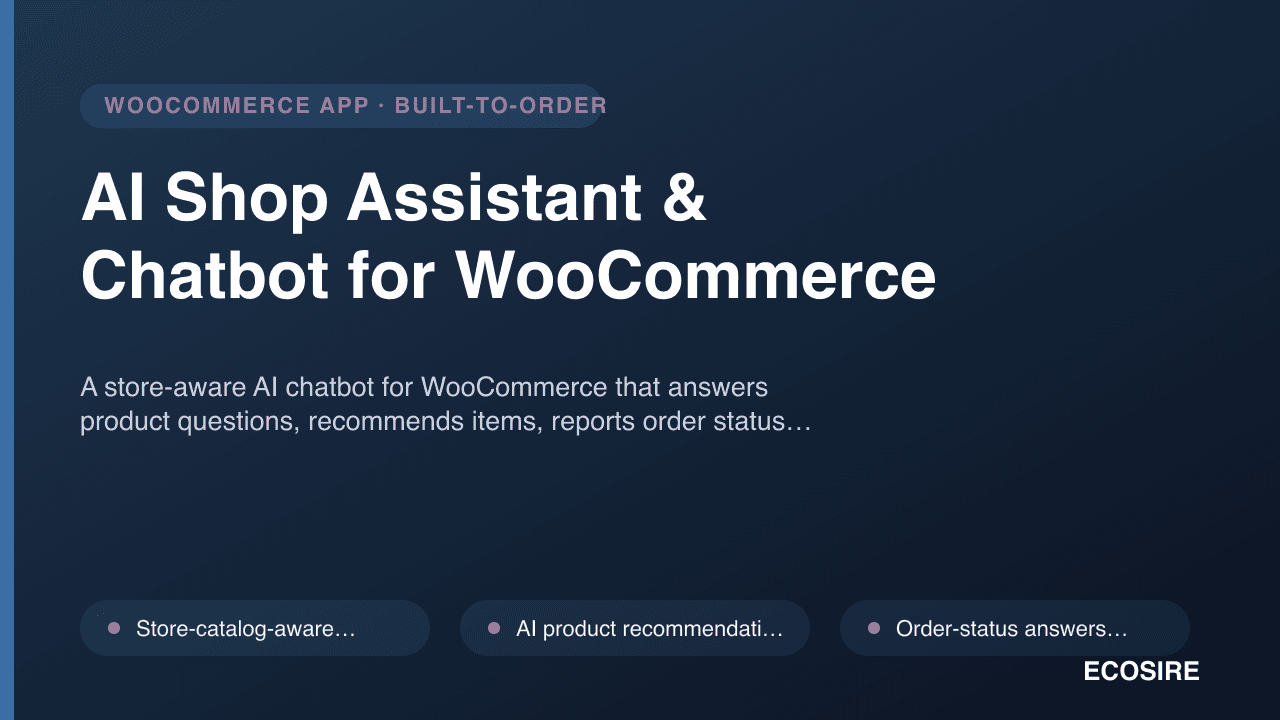
AI Shop Assistant & Chatbot for WooCommerce
A store-aware AI chatbot for WooCommerce that answers product questions, recommends items, reports order status and adds products to the cart from chat. Custom-built, installed and supported on your WordPress site by ECOSIRE.
Zoho Books & Inventory Sync
A custom WooCommerce plugin that connects your store to Zoho Books, Zoho Inventory and Zoho CRM — built, installed and supported by ECOSIRE on your WordPress site.
- Pushes WooCommerce orders to Zoho Books as invoices or sales orders, triggered on configurable order-status hooks (processing, completed, payment complete)
- Upserts WooCommerce customers into Zoho CRM as contacts, with optional deal/potential creation per order
- Two-way-capable product mapping: WooCommerce SKUs matched to Zoho Item IDs, with new-item creation in Zoho Inventory when a match is missing
- Zoho Inventory stock-level sync — decrements on sale and can pull warehouse quantities back into WooCommerce stock on a schedule