 示意预览
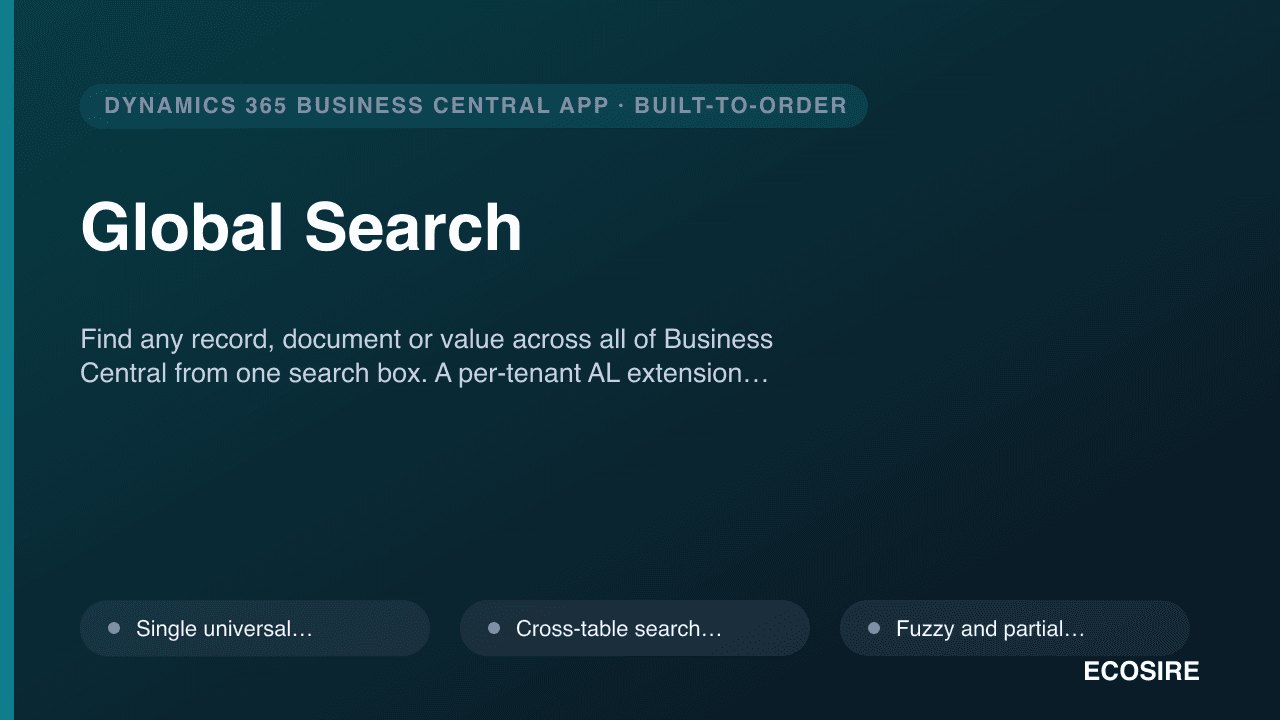
示意预览Find any record, document or value across all of Business Central from one search box.
A per-tenant AL extension built, installed and supported by
ECOSIRE — fuzzy matching, scope controls, search history and one-click navigation to the source record.
什么是 Global Search?
Find any record, document or value across all of Business Central from one search box. A per-tenant AL extension built, installed and supported by ECOSIRE — fuzzy matching, scope controls, search history and one-click navigation to the source record. Built to order by ECOSIRE for Dynamics 365 BC (build-to-order) — indicative price from $999.00 USD; request a quote for a scoped proposal.
核心功能
按需定制,全程代劳
无需自行搭建——由 ECOSIRE 构建、安装并提供支持的可用应用。
- 1
您下单
以一次性构建价格开始。我们在启动时与您共同确定范围。
- 2
我们构建与安装
ECOSIRE 在您的 Dynamics 365 Business Central 上构建、配置并安装。
- 3
上线 + 支持
约一个工作周内上线,并包含两周上线支持。我们交付的代码中的缺陷免费修复。
关于此产品
One search box for the entire ledger
Business Central ships powerful filtering, but it is page-bound: you have to already be on the right list before you can search it. Power users who live in large datasets pay for that every day — hopping between Customers, Items, Sales Orders, Vendor Ledger Entries and Posted Invoices just to confirm one value.
Global Search is a custom AL extension that adds a single, always-available search box. Type a name, document number, item reference, posting amount or partial string, and it queries across the table scopes you configure — returning grouped, ranked hits that link straight to the source record (Card or Document page) via the standard Page.Run navigation.
How it is built
This is a per-tenant extension authored in AL and deployed to your environment — not an instant AppSource download. ECOSIRE builds it against your object model: a search engine codeunit that runs SetFilter / FindSet passes across registered tables, a Role Center part and page action for the search box, table-metadata–driven field discovery, and event subscribers so new records are indexed on insert/modify. Fuzzy and partial matching are handled with normalized token comparison so "Acme Trdng" still finds "Acme Trading Co." Search history and per-user favorites persist in a dedicated table, gated by a custom permission set so each user only searches data they are licensed to see.
Honest delivery
ECOSIRE scopes the searchable tables and fields with you, builds the extension, installs it on your sandbox for UAT, then publishes to production. You get the source .app and AL project, documentation, and ongoing support. It runs entirely inside Business Central (cloud SaaS or on-prem), with optional OData/REST exposure if you want the same search surfaced in Power Platform.
你得到什么
- Per-tenant AL extension (.app package) installed on your Business Central sandbox and production environments
- Full AL source project (codeunits, page/part objects, tables, permission sets, event subscribers) handed to you
- Configured table-and-field scope map tailored to your data model, including any custom tables
- Custom permission set wired into your existing BC permission structure
- UAT walkthrough on your sandbox plus a deployment runbook for the production publish
- End-user and administrator documentation, including how to register additional tables later
- Post-go-live support window with bug fixes and a BC version-compatibility check
这是给谁的
BC Power User / Operations Lead
Spends the day jumping between customer, item, vendor and document lists. Wants to type one string and land on the right record without remembering which page to open first.
Finance & AR/AP Clerk
Needs to locate a posted invoice, payment amount or ledger entry by partial document number or value across multiple posted tables, fast, several times an hour.
Business Central Administrator
Owns the tenant and wants any search add-on installed as a clean per-tenant extension with a proper permission set, no AppSource lock-in, and source code they control.
Global Search 如何比较
| 标准 | 伊科西尔 | 定制建造 | 竞争对手 | Dynamics 365 Business Central 原生 |
|---|---|---|---|---|
| Search spans multiple tables from one box | 包含 | 包含 | 部分支持 | 不包括在内 |
| Fuzzy / partial-match resolution | 包含 | 部分支持 | 部分支持 | 不包括在内 |
| Tailored to your custom tables and fields | 包含 | 包含 | 不包括在内 | 部分支持 |
| Source code handed to you (no vendor lock-in) | 包含 | 包含 | 不包括在内 | 部分支持 |
| Built, installed and supported for you | 包含 | 不包括在内 | 部分支持 | 不包括在内 |
| Respects BC permission sets and license filters | 包含 | 部分支持 | 包含 | 包含 |
| Per-user search history and favorites | 包含 | 部分支持 | 部分支持 | 不包括在内 |
| Optional OData/REST exposure to Power Platform | 包含 | 部分支持 | 不包括在内 | 部分支持 |
| Fixed one-time cost with no in-house AL effort | 包含 | 不包括在内 | 部分支持 | 包含 |
关于Global Search的常见问题
How long until Global Search is live in our environment?
Typical delivery is one working week. We start with a short scoping call to agree which tables and fields are searchable, build the AL extension against that scope, install it on your sandbox for UAT, then publish to production once you sign off. Larger or heavily customized object models add a few days; we give you a firm date after scoping.
Is this an instant AppSource download?
No. Global Search is built to order and installed by ECOSIRE as a per-tenant extension directly on your Business Central environment. That is deliberate — it lets us tailor the searchable tables and fields to your exact data model (including custom tables) and hand you the source code, rather than ship a fixed AppSource binary.
What does ongoing support and updates include?
Every build includes a post-go-live support window for bug fixes and a Business Central version-compatibility check so the extension keeps working across BC update waves. We can also add new searchable tables or fields later as your model grows, and offer an optional support retainer for continuous maintenance.
Does it work with Business Central cloud (SaaS) and on-premises?
Yes. The extension is standard AL and runs on both BC online (SaaS) and on-premises deployments. For SaaS it is published as a per-tenant extension; for on-prem we deploy the same .app to your service tier.
Will users be able to search records they are not allowed to see?
No. Global Search ships with a custom permission set and respects Business Central's existing permissions. Each search runs under the user's own license and security filters, so results and the records they open are limited to what that user is already entitled to access.
相关模块
Germany XRechnung / B2B E-Invoice for Business Central
A per-tenant AL extension that generates and receives EN 16931-compliant XRechnung and ZUGFeRD invoices inside Business Central, with Leitweg-ID B2G routing and an optional Peppol delivery path. Built, installed and supported by ECOSIRE on your environment ahead of Germany's phased 2025-2028 B2B e-invoicing mandate.
Ghana E-VAT Compliance for Business Central
A build-to-order AL extension that issues GRA E-VAT compliant invoices directly from Dynamics 365 Business Central, with tax mapping driven by your existing master data. ECOSIRE builds, installs and supports it after you request a quotation.
Hotel PMS for Business Central
An ERP-native PMS built into Business Central as a per-tenant AL extension — unifying reservations, front desk, housekeeping, guest folios, POS and F&B charge routing on a single Business Central ledger, with night audit posting straight to your GL.
HR Analytics & Workforce Dashboard for Business Central
A build-to-order, Power BI-style HR analytics extension for Microsoft Dynamics 365 Business Central — surfacing headcount, turnover, payroll cost, attendance and diversity KPIs directly from your BC employee and payroll data, with drill-down by department and location. Built, installed as a per-tenant AL extension, and supported by ECOSIRE.
Global Search
Find any record, document or value across all of Business Central from one search box. A per-tenant AL extension built, installed and supported by ECOSIRE — fuzzy matching, scope controls, search history and one-click navigation to the source record.
- Single universal search box rendered as a Role Center part and a page action, available from any workspace
- Cross-table search across the Customer, Vendor, Item, G/L Account, posted and open document tables you register — extensible to custom tables
- Fuzzy and partial matching via normalized token comparison so misspellings and abbreviations still resolve
- Field-type aware querying: text, code, decimal/amount and date columns searched with appropriate AL filter expressions