 イメージプレビュー
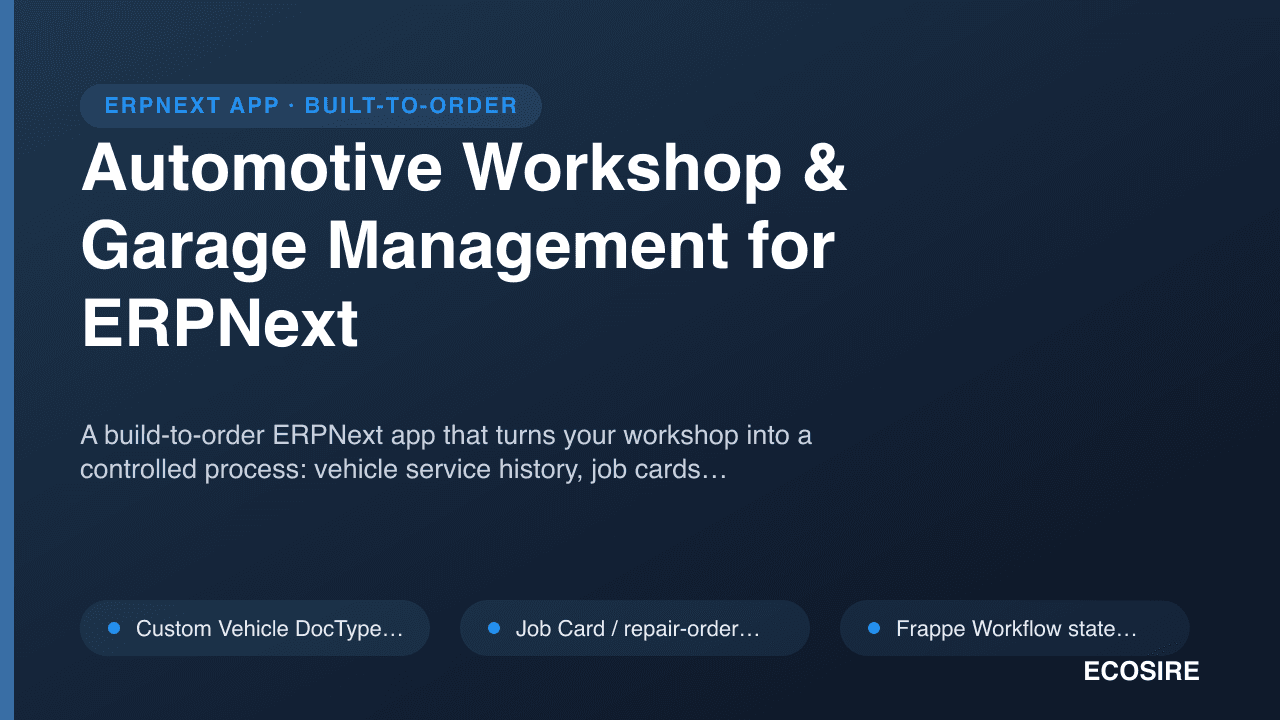
A build-to-order ERPNext app that turns your workshop into a controlled process:
vehicle service history, job cards, mechanic labor tracking, and barcode spare-parts management.
ECOSIRE scopes, builds, installs, and supports it on your Frappe/ERPNext v15/v16 instance.
Automotive Workshop & Garage Management for ERPNextとは?
A build-to-order ERPNext app that turns your workshop into a controlled process: vehicle service history, job cards, mechanic labor tracking, and barcode spare-parts management. ECOSIRE scopes, builds, installs, and supports it on your Frappe/ERPNext v15/v16 instance. Built to order by ECOSIRE for ERPNext v15, v16 — indicative price from $999.00 USD; request a quote for a scoped proposal.
主な機能
受注生産、すべておまかせ
自分での設定は不要 — ECOSIRE が構築・インストール・サポートする実働アプリです。
- 1
ご注文
一回限りの構築料金から始めます。キックオフで一緒に範囲を決めます。
- 2
構築とインストール
ECOSIRE がお客様の ERPNext 上で構築・設定・インストールします。
- 3
本番稼働 + サポート
約1週間(営業日ベース)で稼働し、本番稼働後2週間のサポートが付きます。納品したコードの不具合は無償で修正します。
技術仕様
- ERPNext互換性
- —
- ライセンス
- ライセンスの確認が必要です
- Python要件
- Python 3.10+
- データベース
- MariaDB 10.6+
この製品について
Auto workshops run on details that ERPNext core was never shaped to hold. A vehicle is not just a customer and not a serial number in the way a garage thinks about it — it has a registration plate, VIN, make/model/year, and an odometer that climbs across dozens of visits and sometimes multiple owners. ERPNext gives you Sales Order, Delivery Note, Stock Entry, and Timesheet, but nothing that models "this Corolla came in for brakes, here is who inspected it, what we quoted, which mechanic did the labor, and which parts we consumed." Teams end up tracking that in a spreadsheet or a WhatsApp thread, and the workshop quietly loses money on parts that were fitted but never billed and labor hours that were never captured.
We build a proper Frappe app — its own installable module, not a pile of ad-hoc customizations bolted onto stock DocTypes — that adds the automotive layer ERPNext is missing. The core is a Vehicle DocType (plate, VIN, make, model, year, engine, customer link, odometer log) and a Job Card / repair-order DocType that ties a vehicle to the incoming complaint, an inspection checklist, a service estimate, assigned mechanics, labor lines, and consumed spare parts. Job cards move through a defined state machine (Received → Inspection → Estimate Approved → In Progress → QC → Ready → Invoiced) using Frappe's Workflow engine, so nothing skips a step and every transition is permission-gated by role.
Under the hood, the automation lives where Frappe intends it to. hooks.py doc events (on_submit, validate, on_update) drive the money-and-stock side: approving an estimate reserves parts, closing a job card posts a Stock Entry for consumed inventory and creates a draft Sales Invoice that already carries the labor lines plus parts at your markup, so nothing gets fitted and forgotten. Server scripts and scheduler events handle the background work — service-due reminders based on odometer or elapsed time, aging alerts on open job cards, and daily technician-utilization rollups. Spare parts use ERPNext's native Item, Batch, and Stock Ledger, extended with barcode scanning on the parts-issue screen via a client script so the counter fits the exact part off the shelf. Everything is reachable over the Frappe REST API and purpose-built whitelisted methods, so a reception tablet, a mechanic's phone, or a future customer portal can read and write job cards without touching the database directly.
Because this is build-to-order, we start from your actual workflow, not a generic template. After a short scoping call we confirm the DocType fields, the exact job-card states your shop uses, your labor-rate and parts-markup rules, role profiles (Service Advisor, Mechanic, Parts Counter, Manager), and print formats for estimates, gate passes, and invoices. We build against Frappe/ERPNext v15 or v16, test on a staging copy of your data, run UAT with your team, and only then deploy to production — with a rollback plan ready the whole time. Typical delivery is one working week from confirmed scope, and you receive the full app source in a git repository you own.
得られるもの
- Installable Frappe app source code for your build, tagged for your Frappe/ERPNext v15 or v16 version
- Installation and configuration on your instance (workflow states, role profiles, print formats, rate rules)
- Technical documentation — DocType reference, hooks and server-script behavior, whitelisted API endpoints
- End-user guide plus a live training session for service advisors, mechanics, and parts staff
- Post-go-live support window for bug fixes and adjustments after deployment
- UAT on a staging copy of your data with a documented rollback plan before production cutover
- Git repository handover so you fully own the source and its history
これは誰のためのものですか
Independent car & bike service center
Owner-operated garages that juggle 10–40 jobs a day on spreadsheets and want every job card, mechanic hour, and fitted part captured and billed without hiring an office admin to chase paperwork.
Multi-bay workshop / service manager
Managers running several bays and a parts counter who need role-based job-card workflow, technician utilization visibility, and estimates that turn into invoices without leakage between the workshop floor and accounts.
Automobile spare-parts dealer with a service arm
Parts businesses that also fit and repair, needing barcode-driven inventory tied to job cards so counter sales and workshop consumption both draw from one accurate ERPNext stock ledger.
ERPNext workshop already outgrowing core
Businesses live on ERPNext that have hit the wall trying to fake vehicle history and repair orders with Sales Orders and Timesheets, and want a clean, maintainable app instead of brittle customizations.
Automotive Workshop & Garage Management for ERPNext の比較方法
| 基準 | エコシエール | カスタムビルド | 競合他社 | ERPNext 標準機能 |
|---|---|---|---|---|
| Fit to your workshop process | Built to your job-card states, roles, and rate rules | Whatever you spec and can maintain | Fixed to the vendor's assumptions | No vehicle or repair-order concept at all |
| Vehicle & service history | Dedicated Vehicle DocType with odometer log across visits | Possible, but you design and build it | Usually present but rigid | Faked via Customer/Serial No, loses history |
| Job-card workflow | Role-gated Frappe Workflow state machine | Depends on developer discipline | Often a single status field | Sales Order + Timesheet, no repair flow |
| Parts & labor billing | Auto Stock Entry + pre-filled Sales Invoice on close | Must be wired by hand | Varies; often manual re-keying | Separate manual documents, leakage-prone |
| Barcode spare parts | Scan-to-issue tied to ERPNext Item/Batch ledger | Buildable at extra cost | Sometimes, often add-on | Manual item selection only |
| Maintainability & updates | Separate app, hooks not core edits — stays upgradable | Risk of core edits and drift | Tied to vendor release cycle | N/A |
| Ownership | Full git repo handover, no lock-in | You own it if built in-house | Licensed, source rarely shared | You own ERPNext, but no workshop features |
| Support | Post-go-live window + optional retainer | Your team or contractor | Vendor support tiers | Community / your own admin |
Automotive Workshop & Garage Management に関するよくある質問
How long until it's live in my workshop?
This is build-to-order, not an instant download. Typical delivery is one working week from confirmed scope — the range depends on how many job-card states, print formats, and integrations you need. After a short scoping call we agree the fields, workflow, and rate rules, then build, test on staging, run UAT with your team, and deploy to production.
Is this a ready-made Frappe Marketplace app I can just install?
No. ECOSIRE designs, builds, installs, and supports it for you. We start from your actual workshop process and ship a proper Frappe app tailored to your DocTypes, roles, and print formats — then hand over the source in a git repository you own.
Which ERPNext versions do you support?
We build and test against Frappe/ERPNext v15 and v16. We deploy on your existing instance (self-hosted or Frappe Cloud); if you're on an older version we'll flag that during scoping and recommend an upgrade path before install.
How do you handle support and future updates?
Every build includes a post-go-live support window for bug fixes and adjustments. Because you receive the full source in a git repo, you can maintain it yourself or keep us on for version upgrades, new features, and compatibility work as ERPNext evolves. We can quote an ongoing support retainer separately.
Will it conflict with my existing ERPNext customizations or updates?
No. We ship it as a separate installable app with its own module, using `hooks.py` doc events, server scripts, and client scripts rather than editing core files. That keeps your ERPNext updatable and lets the workshop app be upgraded or removed cleanly without breaking standard functionality.
Can it integrate with accounting, barcode scanners, or a customer portal?
Yes. Invoicing flows straight into ERPNext Accounts, parts consumption posts to the native Stock Ledger, and barcode scanning works at the parts-issue screen. Whitelisted REST API methods let reception tablets, mechanic phones, or a future customer-facing portal read and write job cards. Additional integrations are scoped as part of your build.
Do I own the code, and what if I want changes later?
You own it. At handover you get the complete git repository — source and history. You can modify it in-house, bring in another developer, or commission further work from us. There's no lock-in and no per-seat license on the app itself.
関連モジュール
Andon & Real-Time Production Display Boards
Large-screen Andon dashboards and call-for-help signaling that surface line status, takt vs actual pace, and stoppage alerts directly from ERPNext. Build-to-order: ECOSIRE designs, builds, installs, and supports it against your Work Orders and Job Cards.
Aquaculture & Fish Farm Management
An ERPNext application that manages ponds and cages as living production units — stocking, feeding, biomass sampling, mortality, harvest grading and batch traceability. ECOSIRE builds, installs and supports it for your farm after a scoping call.
Bank Reconciliation & Open Banking
A build-to-order ERPNext app that pulls bank statements via CSV/MT940/open-banking APIs and auto-matches them against Payment Entries, Journal Entries and invoices using a configurable rules engine. ECOSIRE scopes, builds, installs and supports it for your Frappe/ERPNext v15/v16 site.
Automotive Workshop & Garage Management
A build-to-order ERPNext app that turns your workshop into a controlled process: vehicle service history, job cards, mechanic labor tracking, and barcode spare-parts management. ECOSIRE scopes, builds, installs, and supports it on your Frappe/ERPNext v15/v16 instance.
- Custom `Vehicle` DocType — plate, VIN, make/model/year, engine, customer link, and a running odometer log that persists across every visit
- `Job Card` / repair-order DocType linking vehicle, reported complaint, inspection checklist, estimate, assigned mechanics, labor lines, and consumed parts on one record
- Frappe Workflow state machine (Received → Inspection → Estimate Approved → In Progress → QC → Ready → Invoiced) with role-gated, audit-logged transitions
- Service estimate builder that converts an approved quote into reserved parts and a pre-filled draft Sales Invoice on job-card close