商品詳細は英語で表示されます。翻訳は近日公開予定です。
簡単な事実
- 価格
- $399.00 USD
- dynamics_365_business_central のバージョン
- —
- セットアップ時間
- 30分
- ライセンス
- ワンタイム永続
- 言語
- 11 言語
一回購入
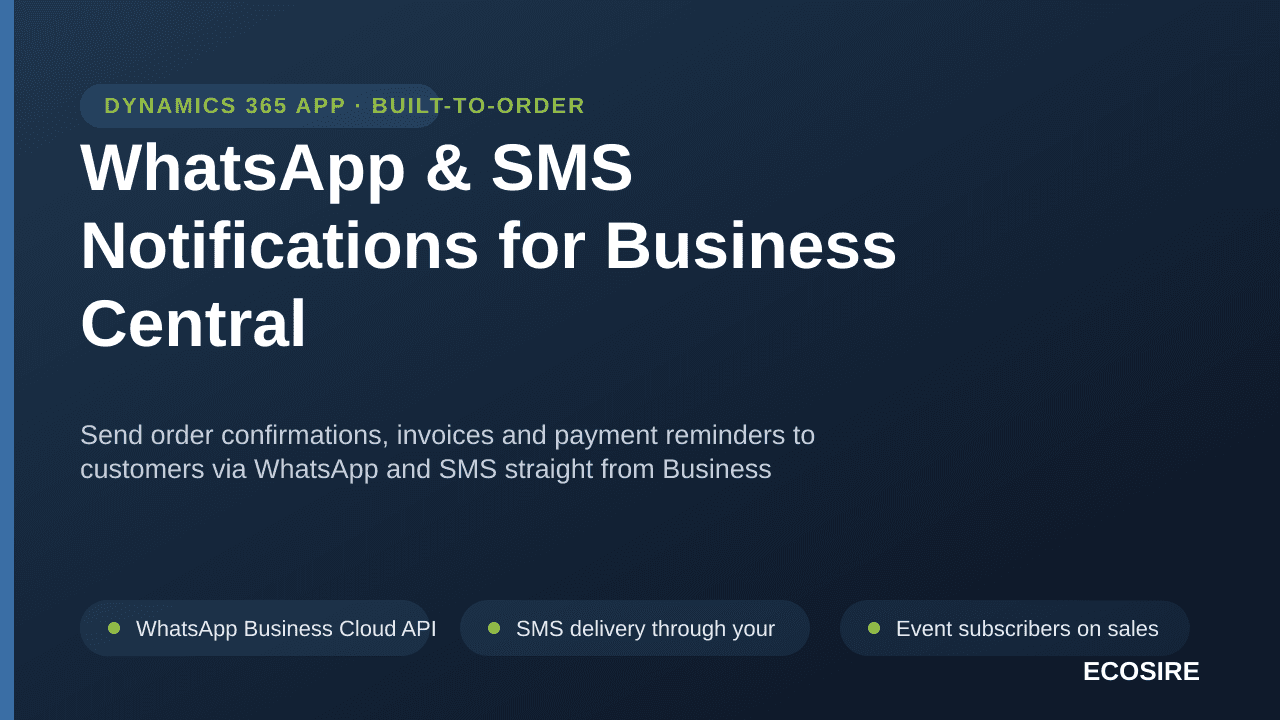
WhatsApp & SMS Notifications for Business Central
Send order confirmations, invoices and payment reminders to customers via WhatsApp and SMS straight from Business Central — built, installed per-tenant and supported by ECOSIRE.
$399.00USD
今すぐのお支払いはありません。これはチームへの見積もり依頼を送信します。価格と次のステップをメールでご案内します。
主な機能
WhatsApp Business Cloud API (Meta) integration with approved message templates and media (PDF) delivery
SMS delivery through your chosen gateway (Twilio, Vonage or a regional provider) configured per environment
Event subscribers on sales posting publishers (OnAfterPostSalesDoc) so confirmations and invoices fire automatically
Invoice, quote and order PDFs rendered from your existing Business Central report layouts and attached or linked
Automated payment reminders driven by a Job Queue Entry that scans overdue Customer Ledger Entries by due date
Order and shipment status alerts triggered on posted shipments and document state changes
Admin-editable Message Template table with field placeholders (name, document no., amount, due date) and per-language variants
Customer card extension for mobile number, channel preference and an explicit opt-in/opt-out consent flag
Delivery log with status, gateway response, error detail and automatic retry on transient failures
Dedicated Setup page and permission sets for messaging admins, with API credentials stored as encrypted setup secrets
Outbound HTTP from AL with timeout and rate-limit handling; no third-party middleware required
Optional Power Automate / Dataverse hand-off for teams already standardized on the Power Platform
この製品について
Most Business Central messaging stops at email. Your customers, however, read WhatsApp and SMS far faster than an inbox — which is exactly where order confirmations, invoice copies and overdue-payment reminders belong.
WhatsApp & SMS Notifications for Business Centralを選ぶ理由
WhatsApp Business Cloud API (Meta) integration with approved message templates and media (PDF) delivery
SMS delivery through your chosen gateway (Twilio, Vonage or a regional provider) configured per environment
Event subscribers on sales posting publishers (OnAfterPostSalesDoc) so confirmations and invoices fire automatically
Invoice, quote and order PDFs rendered from your existing Business Central report layouts and attached or linked
Automated payment reminders driven by a Job Queue Entry that scans overdue Customer Ledger Entries by due date
Order and shipment status alerts triggered on posted shipments and document state changes
WhatsApp & SMS Notifications for Business Central is a per-tenant AL extension that ECOSIRE builds, installs and supports on your Business Central environment (Online or on-prem). It hooks Business Central's own posting and document events so a message goes out the moment something real happens: a Sales Order is confirmed, a Posted Sales Invoice is generated, a shipment is posted, or a customer ledger entry crosses its due date.
Technically, we add table and page extensions to Customer and the sales documents (mobile number, channel preference, opt-in flag, message log), event subscribers on OnAfterPostSalesDoc and related publishers, and a Job Queue Entry that scans overdue ledger entries for automated reminders. Messages route through the official WhatsApp Business Cloud API (Meta) and an SMS gateway of your choice (Twilio, Vonage, or a regional provider) via outbound HTTP from AL. Invoice and quote PDFs are rendered from your existing report layouts and delivered as WhatsApp media or as a secure link in SMS.
Everything is template-driven: an admin-editable Message Template table with field placeholders (customer name, document no., amount, due date) and per-template language. Permission sets, a setup page, and a delivery log with retry are included.
Because it is build-to-order, we scope it to your documents, your gateway accounts and your number formats — no generic AppSource compromise. We deliver, install the extension on your tenant, train your team, and support it. Honest lead time below.
得られるもの
- A per-tenant Business Central extension (.app) built in AL, installed on your Online or on-prem environment
- Configured WhatsApp Business Cloud API and SMS gateway connection, validated end-to-end with live test sends
- Table/page extensions on Customer and sales documents plus the Message Template, Setup and delivery-log objects
- Job Queue Entry configured for automated payment reminders against your reminder/due-date rules
- Pre-loaded message templates (confirmation, invoice, shipment, reminder) in your languages, ready to edit
- Permission sets assigned, plus a short admin runbook and a recorded handover/training session
これは誰のためのものですか
Accounts Receivable Lead
Wants overdue invoices chased automatically over the channel customers actually read, cutting DSO without a person manually copying numbers into WhatsApp every morning.
Sales Operations Manager
Needs every confirmed order and posted invoice acknowledged to the customer instantly, with the document PDF attached, so support stops fielding 'did you get my order?' calls.
Business Central Administrator
Owns the tenant and wants messaging delivered as a clean, supported per-tenant extension with proper permission sets, encrypted credentials and a delivery log — not a fragile manual customization they have to maintain alone.
インストールの概要
ECOSIREからダウンロード
ecosire.com でライセンスを購入し、アカウント ダッシュボードから WhatsApp & SMS Notifications for Business Central モジュールの ZIP をダウンロードします。
Odoo にアップロードする
ZIP をサーバー上の Odoo カスタム アドオン フォルダーに抽出します (または、[アプリ] > [Odoo.sh / runbot のファイルからインストール] を介してアップロードします)。
モジュールをインストールする
開発者モードをアクティブにし、アプリを開き、「アプリリストの更新」をクリックして、「WhatsApp & SMS Notifications for Business Central」を検索し、「インストール」を押します。
設定を構成する
新しいメニューを開き、ECOSIRE ライセンス キーを貼り付け、外部認証情報 (Shopify、Amazon、Stripe など) を接続して保存します。
検証して公開する
組み込みの接続テストを実行し、最初の 10 レコードを同期し、定期的な cron をスケジュールします。何か問題が発生した場合はサポートにお問い合わせください。
WhatsApp & SMS Notifications for Business Central の比較方法
| 基準 | エコシエール | カスタムビルド | 競合他社 | オドゥー ネイティブ |
|---|---|---|---|---|
| Sends WhatsApp + SMS triggered by BC posting events | ||||
| Delivered as a supported per-tenant AL extension | ||||
| Invoice/quote PDF from your own report layouts attached | ||||
| Automated overdue-payment reminders via Job Queue | ||||
| Scoped to your documents, gateway and number formats | ||||
| Use your own WhatsApp/SMS provider accounts (no markup) | ||||
| Admin-editable, multi-language message templates | ||||
| Built, installed and supported for you |
WhatsApp & SMS Notifications for Business Central に関するよくある質問
+How long until it is live on our Business Central environment?
Typical lead time is 2 to 4 weeks from a confirmed scope and gateway-account access. The variables are WhatsApp Business API onboarding and template approval by Meta (which is on Meta's side and can take a few days), plus how many of your documents and languages you want covered. We give you a firm date after the scoping call. This is a build-to-order engagement — there is no instant AppSource download.
+Who handles support, updates and Business Central upgrade compatibility?
ECOSIRE does. We install the extension per-tenant and provide a support window after go-live for fixes and adjustments. Because it is an AL extension, it survives Business Central's regular Online updates in the vast majority of cases; when Microsoft makes a breaking platform change we recompile and re-deploy against the new runtime. Ongoing maintenance and feature changes are available on a support agreement — we quote that with the build.
+Does this work with Business Central Online (SaaS) and on-premises?
Yes. The extension is standard AL with outbound HTTP callouts, so it installs on both Business Central Online and supported on-prem versions. On Online it deploys as a per-tenant extension to your environment; on-prem we install the published .app and configure the same setup. We confirm your exact version during scoping.
+What does a customer need, and is consent handled?
For WhatsApp the customer needs a WhatsApp number and must have opted in, per Meta's policy — we add an explicit opt-in/opt-out consent flag on the Customer card and only send to consented numbers. SMS needs a valid mobile number in the formats your gateway accepts; we normalize numbers and log every send. Customers do not need any app beyond WhatsApp or a phone that receives SMS.
+Can we keep using our own WhatsApp and SMS provider accounts?
Yes — that is the point of build-to-order. You bring (or we help you set up) your own WhatsApp Business Cloud API access and your SMS gateway account (Twilio, Vonage, or a regional provider). Credentials are stored as encrypted setup values in your tenant, and message costs are billed by those providers directly to you, not marked up through us.
お客様が ECOSIRE を信頼する理由
SOC 2 調整済み
GDPR準拠
安全なストライプ支払い
30日間の返金
生涯アップデート
LGPL-3.0ライセンス
関連モジュール
見積もりを依頼
WhatsApp & SMS Notifications for Business Central
Send order confirmations, invoices and payment reminders to customers via WhatsApp and SMS straight from Business Central — built, installed per-tenant and supported by ECOSIRE.
- WhatsApp Business Cloud API (Meta) integration with approved message templates and media (PDF) delivery
- SMS delivery through your chosen gateway (Twilio, Vonage or a regional provider) configured per environment
- Event subscribers on sales posting publishers (OnAfterPostSalesDoc) so confirmations and invoices fire automatically
- Invoice, quote and order PDFs rendered from your existing Business Central report layouts and attached or linked