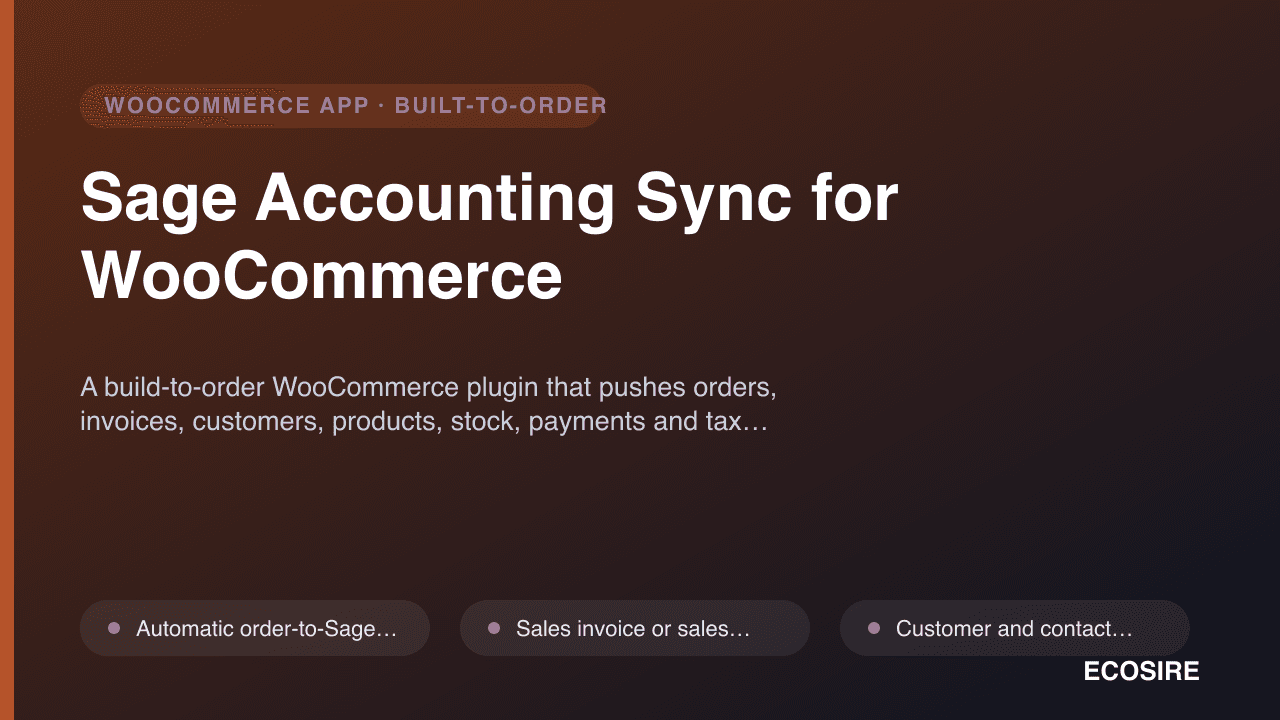
 Beispielhafte Vorschau
A build-to-order WooCommerce plugin that pushes orders,
invoices, customers, products, stock, payments and tax into Sage 50 or Sage Business Cloud Accounting automatically — built, installed and supported by
ECOSIRE on your own WordPress site.
Was ist Sage Accounting Sync for WooCommerce?
A build-to-order WooCommerce plugin that pushes orders, invoices, customers, products, stock, payments and tax into Sage 50 or Sage Business Cloud Accounting automatically — built, installed and supported by ECOSIRE on your own WordPress site. Built to order by ECOSIRE for WooCommerce (build-to-order) — indicative price from $999.00 USD; request a quote for a scoped proposal.
Hauptfunktionen
Auf Bestellung gebaut, komplett für Sie erledigt
Keine Selbsteinrichtung — eine funktionierende App, die von ECOSIRE erstellt, installiert und betreut wird.
- 1
Sie bestellen
Starten Sie mit einem einmaligen Entwicklungspreis. Den Umfang legen wir beim Kickoff gemeinsam fest.
- 2
Wir bauen & installieren
ECOSIRE erstellt, konfiguriert und installiert sie auf Ihrem WooCommerce.
- 3
Go-live + Support
Sie gehen in etwa einer Arbeitswoche live, mit zwei Wochen Go-live-Support. Fehler im von uns gelieferten Code beheben wir kostenlos.
Über dieses Produkt
Stop re-keying WooCommerce orders into Sage by hand. Every order your store takes already holds the line items, taxes, customer details and payment that your accountant needs in Sage — yet most UK and EU merchants still export CSVs or copy figures across one invoice at a time. Sage Accounting Sync for WooCommerce closes that gap with a purpose-built bridge between your WooCommerce store and Sage 50 or Sage Business Cloud Accounting.
This is a build-to-order plugin, not an instant marketplace download. After purchase, ECOSIRE builds the connector against your exact Sage edition, chart of accounts and tax setup, then installs and configures it on your live WordPress site and hands it over working. There is no generic one-size plugin to wrestle with.
Under the hood it hooks WooCommerce order lifecycle events (woocommerce_order_status_completed, woocommerce_payment_complete, woocommerce_new_order) and posts the data to Sage — either the Sage Business Cloud Accounting REST API or, for desktop Sage 50, a supported import/connector path. New customers become Sage contacts, products map to Sage stock items, and each sale is written as an invoice or sales receipt against the nominal / ledger codes you choose in a wp-admin settings screen. Failed posts are queued and retried via WP-Cron, so a momentary Sage outage never loses an order.
It is built for the HPOS (High-Performance Order Storage) custom order tables, respects WPML / multi-currency stores, and logs every sync so you can reconcile with confidence. VAT and tax lines post to the correct Sage tax codes — critical for accurate MTD for VAT returns. You keep WooCommerce as your source of truth and let Sage stay perfectly in step, automatically.
Was Sie bekommen
- A custom-built WooCommerce plugin packaged for your site, compiled against your Sage edition (Sage 50 or Sage Business Cloud Accounting)
- Installation and activation on your live WordPress / WooCommerce environment by an ECOSIRE engineer
- Configured nominal/ledger code, tax-code and payment-account mapping matched to your chart of accounts
- Connection and authentication set up against your Sage account (REST API or supported Sage 50 connector path)
- A test sync run with sample orders verified inside Sage before go-live
- A short handover document covering settings, the sync log, and how to re-run failed posts
- Two weeks of go-live support to resolve any issues found in real trading conditions
Für wen das ist
UK e-commerce owner on Sage
Runs a WooCommerce store and keeps the books in Sage 50 or Sage Business Cloud. Tired of exporting CSVs each week and wants orders to land in Sage automatically with the right VAT codes for MTD.
Outsourced bookkeeper / accountant
Manages Sage for several SMB clients and needs WooCommerce sales, customers and payments to post into the correct nominal codes without chasing the client for spreadsheets at month-end.
Operations lead at a growing online retailer
Order volume has outgrown manual entry. Needs a reliable, HPOS-compatible bridge that handles refunds, multi-currency EU sales and stock without a fragile DIY integration to babysit.
Wie Sage Accounting Sync for WooCommerce im Vergleich abschneidet
| Kriterium | ECOSIRE | Benutzerdefinierter Build | Konkurrent | WooCommerce nativ |
|---|---|---|---|---|
| Built specifically for your Sage edition and chart of accounts | Im Lieferumfang enthalten | Im Lieferumfang enthalten | Nicht im Lieferumfang enthalten | Nicht im Lieferumfang enthalten |
| Installed and configured for you on your live site | Im Lieferumfang enthalten | Teilweise Unterstützung | Nicht im Lieferumfang enthalten | Nicht im Lieferumfang enthalten |
| Available as an instant self-serve download | Nicht im Lieferumfang enthalten | Nicht im Lieferumfang enthalten | Im Lieferumfang enthalten | Im Lieferumfang enthalten |
| Nominal/ledger and tax-code mapping done to your accounts | Im Lieferumfang enthalten | Im Lieferumfang enthalten | Teilweise Unterstützung | Nicht im Lieferumfang enthalten |
| HPOS (custom order tables) compatibility verified | Im Lieferumfang enthalten | Teilweise Unterstützung | Teilweise Unterstützung | Im Lieferumfang enthalten |
| WP-Cron retry queue for failed Sage posts | Im Lieferumfang enthalten | Teilweise Unterstützung | Teilweise Unterstützung | Nicht im Lieferumfang enthalten |
| No per-order or monthly SaaS fee (you own the code) | Im Lieferumfang enthalten | Im Lieferumfang enthalten | Nicht im Lieferumfang enthalten | Im Lieferumfang enthalten |
| Ongoing maintenance as WooCommerce/Sage APIs change | Teilweise Unterstützung | Nicht im Lieferumfang enthalten | Teilweise Unterstützung | Nicht im Lieferumfang enthalten |
Häufig gestellte Fragen zu Sage Accounting Sync
How long does delivery take, since this isn't an instant download?
This is a build-to-order plugin. Typical turnaround is around one working week from the point we confirm your Sage edition, chart of accounts and tax setup. We scope first, build the connector against your exact configuration, then install and verify it on your live site — so what you get is working on day one rather than a generic plugin you have to make fit.
What do I get for ongoing support and updates?
Your build includes two weeks of go-live support to fix anything that surfaces in real trading. Beyond that we offer optional maintenance covering WooCommerce/WordPress and Sage API version changes, new requirements (extra mappings, refund logic, additional gateways) and priority fixes. Because the plugin lives on your own server, you own it — there is no per-order SaaS fee.
Does it work with both Sage 50 and Sage Business Cloud Accounting?
Yes, but they connect differently. Sage Business Cloud Accounting is synced live through its REST API. Sage 50 (desktop) is handled via a supported import/connector path because it isn't a cloud-native API product. We confirm which path applies to your edition during scoping and build accordingly.
Will it handle our VAT codes correctly for MTD?
Yes. Tax lines from each WooCommerce order are mapped to the matching Sage tax codes during setup, so standard, reduced, zero-rated and exempt sales post correctly. That keeps your Sage VAT return accurate and Making Tax Digital ready. We verify the mapping with test orders before go-live.
Is it compatible with HPOS and our existing plugins?
Yes. The connector reads from WooCommerce High-Performance Order Storage (custom order tables) as well as legacy storage, and we test it against your active theme and key extensions during installation. If you run WPML or sell in multiple currencies, we account for that in the build.
What happens if Sage is unreachable when an order comes in?
Failed posts are not lost. They are queued and retried automatically on a WP-Cron schedule, and each order shows its sync status in the WooCommerce order screen. You can also re-run any failed post manually from the admin, so you always have a clear, reconcilable record.
Verwandte Module
Restaurant Reservations & Booking
A custom WooCommerce table-reservation plugin built, installed and supported by ECOSIRE on your WordPress site — front-end booking with party-size rules, service hours, deposits and automated email/SMS confirmations.
Restaurant Table Management & Floor Plan
A custom-built WooCommerce plugin that gives full-service restaurants a visual, drag-and-drop floor plan with live table status, seat-by-seat assignment, and turn-time tracking — wired to your existing WooCommerce orders and reservations.
Salesforce CRM Sync for WooCommerce
A custom WooCommerce plugin that syncs your customers and orders into Salesforce in real time, with a visual field-mapping builder. Built, installed, and supported by ECOSIRE on your WordPress site.
Sales Funnel, Order Bumps & One-Click Upsells for WooCommerce
A custom-built WooCommerce funnel plugin that adds pre-checkout order bumps, post-purchase one-click upsells, and conversion analytics. ECOSIRE builds, installs and supports it on your WordPress site.
Sage Accounting Sync
A build-to-order WooCommerce plugin that pushes orders, invoices, customers, products, stock, payments and tax into Sage 50 or Sage Business Cloud Accounting automatically — built, installed and supported by ECOSIRE on your own WordPress site.
- Automatic order-to-Sage posting on configurable WooCommerce status triggers (e.g. completed, processing, or payment complete) via woocommerce_order_status_* hooks
- Sales invoice or sales receipt creation in Sage 50 / Sage Business Cloud, with full line-item, discount and shipping breakdown preserved
- Customer and contact sync: new WooCommerce billing/shipping details create or update matching Sage contacts, de-duplicated by email
- Product and stock-item sync, with optional inventory level reconciliation between WooCommerce and Sage