 Beispielhafte Vorschau
A custom AL extension built, installed and supported by
ECOSIRE that connects Square POS and the Square API to Business Central — pay-by-link on invoices, card and tap-to-pay acceptance, automatic payout-to-invoice reconciliation, refund sync and customer card-on-file.
Was ist Square Payments Connector for Business Central?
A custom AL extension built, installed and supported by ECOSIRE that connects Square POS and the Square API to Business Central — pay-by-link on invoices, card and tap-to-pay acceptance, automatic payout-to-invoice reconciliation, refund sync and customer card-on-file. Built to order by ECOSIRE for Dynamics 365 BC (build-to-order) — indicative price from $999.00 USD; request a quote for a scoped proposal.
Hauptfunktionen
Auf Bestellung gebaut, komplett für Sie erledigt
Keine Selbsteinrichtung — eine funktionierende App, die von ECOSIRE erstellt, installiert und betreut wird.
- 1
Sie bestellen
Starten Sie mit einem einmaligen Entwicklungspreis. Den Umfang legen wir beim Kickoff gemeinsam fest.
- 2
Wir bauen & installieren
ECOSIRE erstellt, konfiguriert und installiert sie auf Ihrem Dynamics 365 Business Central.
- 3
Go-live + Support
Sie gehen in etwa einer Arbeitswoche live, mit zwei Wochen Go-live-Support. Fehler im von uns gelieferten Code beheben wir kostenlos.
Über dieses Produkt
Square Payments Connector for Business Central is a build-to-order AL extension, not an instant AppSource download. ECOSIRE develops it against your Square account and your Business Central environment, then installs it as a per-tenant extension and supports it on an ongoing basis.
If you take card payments through Square POS and keep your books in Business Central, you live with a daily disconnect: Square holds the transactions, fees and payouts, while BC holds the customer ledger and unpaid invoices. This connector closes that gap.
On the AL side we ship a focused extension: page extensions on the Sales Invoice and Customer Card surface a "Send Square Pay Link" action, table extensions persist Square payment, payout and card-on-file references against your documents, and event subscribers on posting and on the Square webhook react in real time. A dedicated job queue entry polls the Square Payments and Payouts API to catch anything a webhook missed.
When a payout lands in your bank, the connector matches the constituent Square payments back to the originating BC invoices and prepares the cash receipt and the Square processing-fee line, so a Square deposit reconciles to the customer ledger instead of sitting as a lump sum. Refunds issued in Square flow back as credit memos or applied refunds. Customer card-on-file uses the Square Cards API so repeat customers can be charged without re-keying details.
Authentication uses your own Square OAuth credentials stored in Isolated Storage, scoped by a custom permission set. Because it is built to order, we map it to your number series, dimensions, payment methods and bank accounts — and can extend it toward Dataverse / Power Platform if you later want Square data in Power BI or a flow.
Was Sie bekommen
- A per-tenant Business Central AL extension (.app) built for your Square account and BC environment, installed in your sandbox then production
- Square OAuth application setup guidance and secure credential configuration in Isolated Storage
- A dedicated permission set and assignment so only authorized roles can run Square actions
- Configured job queue entry and webhook endpoint for real-time and fallback payment/payout sync
- Mapping configuration to your number series, payment methods, bank accounts, dimensions and processing-fee G/L account
- A short admin runbook covering pay-link usage, reconciliation review, refund handling and webhook re-sync
- UAT in your sandbox with sample payments, a payout and a refund verified end to end before go-live
- A post-go-live support and update window with a named ECOSIRE contact
Für wen das ist
Square-first SMB owner
Runs day-to-day sales through Square POS and Square Online but keeps the books in Business Central. Wants card takings, fees and bank payouts to land in the customer ledger automatically instead of being re-keyed each week.
Bookkeeper / AR clerk
Spends hours every month matching a single Square bank deposit back to dozens of individual sales and chasing where the processing fees went. Needs the payout split and reconciled against open invoices with the fee posted correctly.
BC administrator / outsourced IT
Owns the Business Central tenant and is wary of unsupported customizations. Wants a clean per-tenant extension that touches no base objects, uses a proper permission set, and comes with someone to call when Square changes its API.
Wie Square Payments Connector for Business Central im Vergleich abschneidet
| Kriterium | ECOSIRE | Benutzerdefinierter Build | Konkurrent | Dynamics 365 Business Central nativ |
|---|---|---|---|---|
| Square pay-by-link generated directly on BC sales invoices | Im Lieferumfang enthalten | Teilweise Unterstützung | Teilweise Unterstützung | Nicht im Lieferumfang enthalten |
| Automatic Square payout split and reconciliation to originating invoices | Im Lieferumfang enthalten | Teilweise Unterstützung | Teilweise Unterstützung | Nicht im Lieferumfang enthalten |
| Square processing-fee posted to the correct G/L account | Im Lieferumfang enthalten | Teilweise Unterstützung | Teilweise Unterstützung | Nicht im Lieferumfang enthalten |
| Refund sync and customer card-on-file via Square Cards API | Im Lieferumfang enthalten | Teilweise Unterstützung | Teilweise Unterstützung | Nicht im Lieferumfang enthalten |
| Delivered as an upgrade-safe per-tenant AL extension (no base-object changes) | Im Lieferumfang enthalten | Teilweise Unterstützung | Im Lieferumfang enthalten | Nicht im Lieferumfang enthalten |
| Mapped to your number series, dimensions, bank accounts and payment methods | Im Lieferumfang enthalten | Im Lieferumfang enthalten | Nicht im Lieferumfang enthalten | Nicht im Lieferumfang enthalten |
| Ongoing support and updates for Square API and BC release changes | Im Lieferumfang enthalten | Nicht im Lieferumfang enthalten | Teilweise Unterstützung | Teilweise Unterstützung |
| Instant self-service install with no build lead time | Nicht im Lieferumfang enthalten | Nicht im Lieferumfang enthalten | Im Lieferumfang enthalten | Im Lieferumfang enthalten |
Häufig gestellte Fragen zu Square Payments Connector for Business Central
Is this a download from Microsoft AppSource?
No. This is a build-to-order extension. ECOSIRE develops it against your specific Square account and Business Central environment, then installs it as a per-tenant extension directly into your tenant. There is no instant AppSource listing to click and install — you get a connector configured for your number series, bank accounts and Square credentials.
How long does delivery take?
Typical lead time is about one working week from when we receive your Square API access and a sandbox login. The schedule depends on how custom your reconciliation and dimension mapping needs are. We build and test in your sandbox first, run UAT with sample payments, a payout and a refund, and only then install to production.
What happens with ongoing support and updates?
Every build includes a post-go-live support window with a named ECOSIRE contact. We monitor for Square API changes and Business Central platform upgrades (BC ships major releases twice a year) and update the extension so it keeps working. Longer-term support and enhancement plans are available; because it is a per-tenant extension, we can patch and redeploy without disrupting your base application.
Does it change my standard Business Central objects?
No. It is delivered as a separate AL extension using table extensions, page extensions and event subscribers. Your base application is untouched, which keeps your tenant upgrade-safe and lets the connector be updated or removed cleanly.
Can it feed Square data into Power BI or Power Automate?
Yes, as an option. Because the connector stores Square payment and payout references on your BC documents, we can surface that data through the BC API/OData or push it into Dataverse so Power BI dashboards and Power Automate flows can use it. This is scoped as an add-on during the build.
Verwandte Module
SMS & Notifications for Business Central
A per-tenant AL extension that fires transactional SMS (order confirmations, payment reminders, delivery alerts) directly from Business Central posting and workflow events. Built, installed and supported by ECOSIRE on your environment.
South Korea e-Tax Invoice (Hometax)
A build-to-order AL extension that issues Korean electronic tax invoices (세금계산서) from Business Central postings and transmits them through your Hometax or certified ASP channel. ECOSIRE scopes, builds, installs, and supports it for your tenant and release wave.
Stripe Payments Connector
A custom AL extension that adds a Pay-with-Stripe link to Business Central sales documents, accepts card and ACH payments, and auto-reconciles them against open customer ledger entries via Stripe webhooks. Built, installed per-tenant, and supported by ECOSIRE.
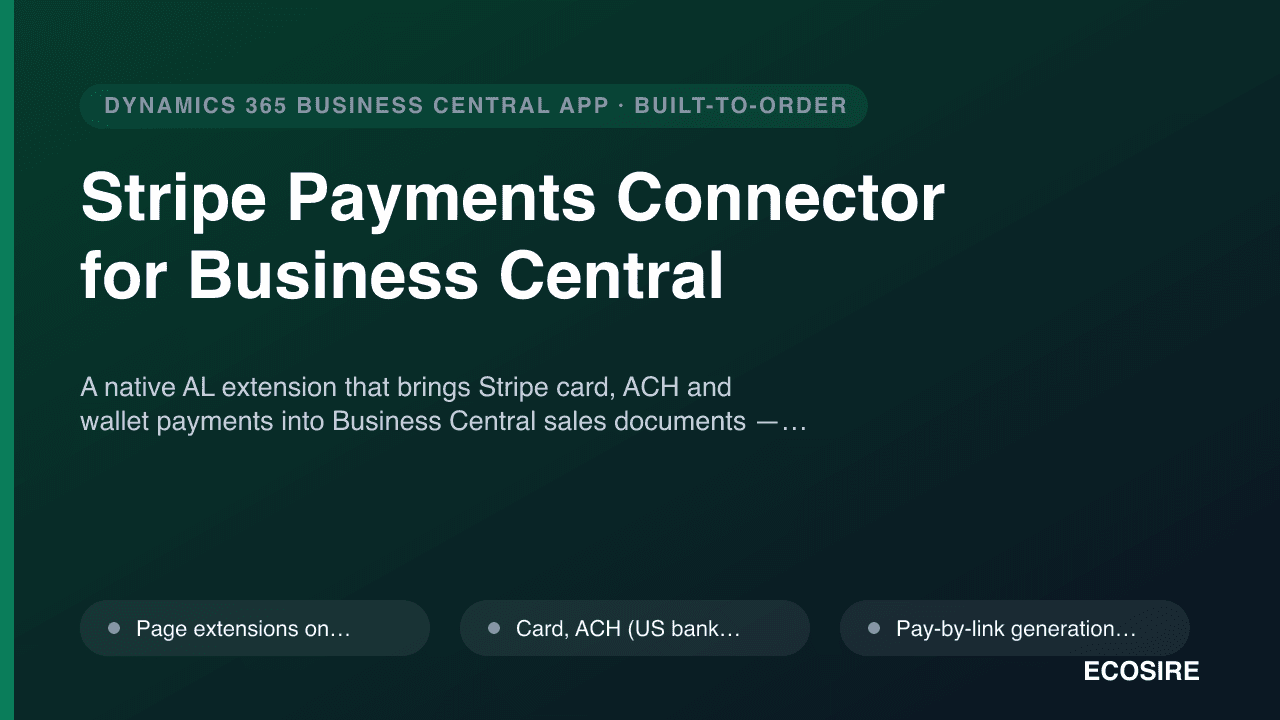
Stripe Payments Connector for Business Central
A native AL extension that brings Stripe card, ACH and wallet payments into Business Central sales documents — pay-by-link, capture, refunds and automatic payout reconciliation, built and installed for your tenant by ECOSIRE.
Square Payments Connector for Business Central
A custom AL extension built, installed and supported by ECOSIRE that connects Square POS and the Square API to Business Central — pay-by-link on invoices, card and tap-to-pay acceptance, automatic payout-to-invoice reconciliation, refund sync and customer card-on-file.
- Square Pay-by-Link action on Sales Invoices — generates a Square checkout link from BC and tracks paid status back against the document
- Card and tap-to-pay acceptance reconciled against the BC customer ledger so POS sales and AR stay in sync
- Automatic payout-to-invoice reconciliation: a Square deposit is split back to its constituent payments and matched to originating invoices
- Square processing-fee handling — the fee deducted from each payout is posted to a configurable expense/bank G/L account