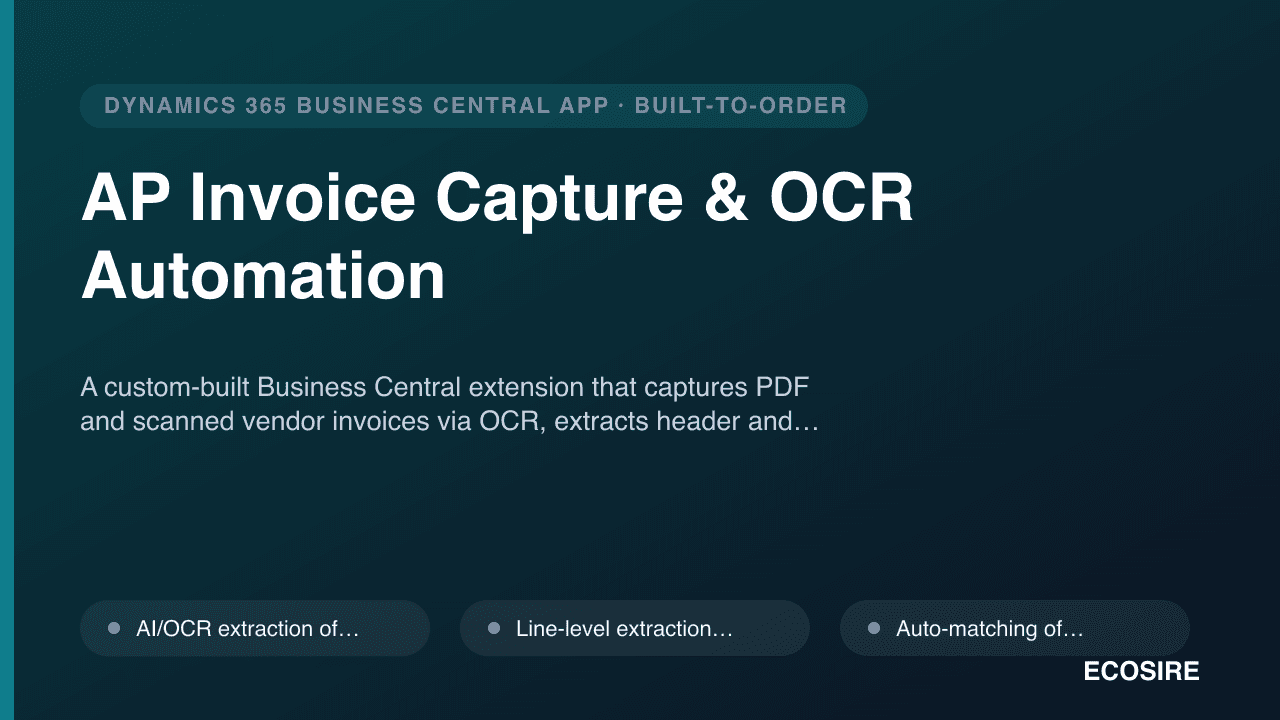
 Beispielhafte Vorschau
A custom-built Business Central extension that captures PDF and scanned vendor invoices via OCR,
extracts header and line data, matches lines to existing purchase order lines, and creates draft purchase invoices ready for approval — built, installed per-tenant, and supported by ECOSIRE.
Was ist AP Invoice Capture & OCR Automation?
A custom-built Business Central extension that captures PDF and scanned vendor invoices via OCR, extracts header and line data, matches lines to existing purchase order lines, and creates draft purchase invoices ready for approval — built, installed per-tenant, and supported by ECOSIRE. Built to order by ECOSIRE for Dynamics 365 BC (build-to-order) — indicative price from $999.00 USD; request a quote for a scoped proposal.
Hauptfunktionen
Auf Bestellung gebaut, komplett für Sie erledigt
Keine Selbsteinrichtung — eine funktionierende App, die von ECOSIRE erstellt, installiert und betreut wird.
- 1
Sie bestellen
Starten Sie mit einem einmaligen Entwicklungspreis. Den Umfang legen wir beim Kickoff gemeinsam fest.
- 2
Wir bauen & installieren
ECOSIRE erstellt, konfiguriert und installiert sie auf Ihrem Dynamics 365 Business Central.
- 3
Go-live + Support
Sie gehen in etwa einer Arbeitswoche live, mit zwei Wochen Go-live-Support. Fehler im von uns gelieferten Code beheben wir kostenlos.
Über dieses Produkt
Stop keying vendor invoices into Business Central by hand
Your AP team receives PDFs and scanned paper invoices from dozens of vendors, then retypes every header field and line into Business Central. It is slow, error-prone, and it does not scale. AP Invoice Capture & OCR Automation is a per-tenant AL extension that ECOSIRE builds, installs, and supports on your own Business Central environment to remove that manual step.
The extension watches a monitored email inbox (via a Microsoft 365 mailbox / Power Automate flow into Dataverse), pulls incoming invoice attachments, and runs them through an AI OCR pipeline that extracts the vendor, invoice number, dates, totals, tax, and individual invoice lines. It recognizes vendors automatically and improves on your document mix without per-vendor template setup.
Captured documents are turned into draft Purchase Invoices in Business Central through standard AL table and page extensions on Purchase Header / Purchase Line. Where a vendor invoice relates to an open purchase order, the extension auto-matches captured lines to existing PO lines so receiving and three-way matching stay clean. Each captured document flows into an approval routing step before it ever posts.
Because this is build-to-order, we tailor the field mapping, tolerance rules, approver hierarchy, and number-series behavior to your chart of accounts, dimensions, and vendor base — not a generic AppSource default. It is installed as a per-tenant extension (not a public AppSource listing), wired with its own permission sets, and the heavy capture work runs on a job queue entry so your users are never blocked.
This is an honest engagement: ECOSIRE scopes, builds, deploys to your sandbox, validates with your real invoices, promotes to production, and supports it. There is no instant download — there is a working, owned solution at the end.
Was Sie bekommen
- A per-tenant Business Central AL extension (.app) built to your specification, deployed to your sandbox then production
- Email-inbox monitoring + Dataverse staging configured via Power Automate against your Microsoft 365 mailbox
- Configured field mapping, PO line-matching, and tolerance rules validated against a sample of your real vendor invoices
- Custom permission sets and approval-routing configuration for your AP and finance roles
- Job queue setup for unattended background capture and processing
- Source code and the signed extension package handed over to you (you own the build)
- Admin and AP-user documentation plus a screen-share handover/training session
- A defined post-launch support and bug-fix window with optional ongoing maintenance
Für wen das ist
AP Manager
Owns the vendor-invoice queue and is drowning in manual data entry. Wants invoices to arrive, get read automatically, and land as reviewable drafts so the team approves instead of retypes.
Finance Controller
Cares about accuracy, three-way matching, audit trail, and segregation of duties. Wants captured data matched to POs, low-confidence fields flagged, and approval enforced before anything posts.
Business Central / IT Administrator
Responsible for the tenant, extensions, and permissions. Wants a clean per-tenant AL extension with its own permission sets, job queue, and Power Platform wiring rather than fragile manual customizations.
Wie AP Invoice Capture & OCR Automation im Vergleich abschneidet
| Kriterium | ECOSIRE | Benutzerdefinierter Build | Konkurrent | Dynamics 365 Business Central nativ |
|---|---|---|---|---|
| Line-level OCR extraction into draft purchase invoices | Im Lieferumfang enthalten | Teilweise Unterstützung | Im Lieferumfang enthalten | Nicht im Lieferumfang enthalten |
| Auto-match captured lines to existing PO lines with tolerance rules | Im Lieferumfang enthalten | Teilweise Unterstützung | Teilweise Unterstützung | Nicht im Lieferumfang enthalten |
| Template-free vendor recognition tuned to your vendor base | Im Lieferumfang enthalten | Nicht im Lieferumfang enthalten | Teilweise Unterstützung | Nicht im Lieferumfang enthalten |
| Built, installed per-tenant, and supported for you (no in-house AL effort) | Im Lieferumfang enthalten | Nicht im Lieferumfang enthalten | Nicht im Lieferumfang enthalten | Nicht im Lieferumfang enthalten |
| Tailored field mapping, dimensions, approvals to your chart of accounts | Im Lieferumfang enthalten | Im Lieferumfang enthalten | Nicht im Lieferumfang enthalten | Nicht im Lieferumfang enthalten |
| Email-inbox monitoring via Power Automate / Dataverse | Im Lieferumfang enthalten | Teilweise Unterstützung | Teilweise Unterstützung | Nicht im Lieferumfang enthalten |
| You receive and own the source code | Im Lieferumfang enthalten | Im Lieferumfang enthalten | Nicht im Lieferumfang enthalten | Nicht im Lieferumfang enthalten |
| Instant self-service download with zero setup | Nicht im Lieferumfang enthalten | Nicht im Lieferumfang enthalten | Im Lieferumfang enthalten | Teilweise Unterstützung |
Häufig gestellte Fragen zu AP Invoice Capture & OCR Automation
How long until it's live, and what does delivery look like?
This is a build-to-order engagement, not an instant download. After a short scoping call we typically deliver in around one working week depending on your vendor mix and approval complexity. The flow is: scope and field-mapping workshop, build the AL extension, deploy to your Business Central sandbox, validate against a sample of your real invoices, configure approvals and tolerances, then promote to production with you. Exact lead time is confirmed in writing before we start.
How is the app delivered and installed in Business Central?
It is delivered as a per-tenant extension (a signed .app package), not a public AppSource listing. ECOSIRE installs it directly on your Business Central environment, first in sandbox for validation and then in production, and wires up the dedicated permission sets, job queue entry, and the Power Automate / Dataverse flow for inbox monitoring. You receive the source code and the package, so you own the build.
What about ongoing support and updates when Microsoft releases a new BC version?
Every build includes a defined post-launch support window for bug fixes. Business Central ships major waves twice a year; we offer an optional ongoing maintenance plan that keeps the extension compatible across those updates, adjusts to changes in your vendor invoices or approval rules, and applies improvements. You can also maintain it yourself since you hold the source.
Does it work with scanned paper invoices, or only digital PDFs?
Both. The OCR pipeline handles native digital PDFs as well as scanned images and photographed paper invoices. Scanned and lower-quality documents naturally yield lower extraction confidence, which is exactly why low-confidence fields are flagged into an exception queue for a human to confirm before the draft purchase invoice is approved.
Can it match captured invoice lines to our purchase orders?
Yes. When a captured invoice relates to an open purchase order, the extension auto-matches the extracted lines to the existing PO lines on the Purchase Header / Purchase Line, applying your configured quantity, price, and total tolerance rules. This keeps three-way matching intact. Lines that fall outside tolerance or can't be matched are surfaced for review rather than silently posted.
How does it keep our finance data secure and controlled?
Access is governed by dedicated Business Central permission sets, so capturing documents is separated from the right to post. Every captured document passes through approval routing before posting, the original PDF/image is stored and linked to the resulting purchase document for audit, and the staging/retry logic runs through Dataverse with a full trail. Nothing posts to your ledger automatically without an approver.
Verwandte Module
AI Tax Code & Invoice Coding Assistant for Business Central
An AI copilot, delivered as a per-tenant AL extension, that suggests G/L accounts, dimensions and VAT/tax codes on incoming Business Central invoices — learning from your own posting history, flagging anomalies and duplicates, and letting AP review or bulk-approve before posting.
Amazon Marketplace Connector
A build-to-order Business Central extension that syncs Amazon orders, listings, inventory and settlements (MFN & FBA) across US/EU/MENA marketplaces — built, installed per-tenant and supported by ECOSIRE.
Apple Pay & Google Pay Wallet Checkout for Business Central
A per-tenant AL extension that adds one-tap Apple Pay and Google Pay to your Business Central hosted pay pages and customer portal — built, installed, and supported by ECOSIRE to lift mobile checkout conversion.
Approvals & Workflow with Teams/Outlook Cards for Business Central
A multi-level, conditional approval engine for Dynamics 365 Business Central that pushes approve/reject adaptive cards into Microsoft Teams and Outlook — surpassing native BC workflow with substitute routing, mobile push, and a tamper-evident audit trail. Built and installed by ECOSIRE as a per-tenant AL extension on your tenant.
AP Invoice Capture & OCR Automation
A custom-built Business Central extension that captures PDF and scanned vendor invoices via OCR, extracts header and line data, matches lines to existing purchase order lines, and creates draft purchase invoices ready for approval — built, installed per-tenant, and supported by ECOSIRE.
- AI/OCR extraction of invoice header fields (vendor, invoice no., dates, currency, totals, tax) from PDF and scanned image invoices
- Line-level extraction of item/description, quantity, unit price, and amount into draft purchase invoice lines
- Auto-matching of captured lines to existing open purchase order lines for clean three-way matching
- Template-free vendor recognition that adapts to your vendor mix without per-vendor setup