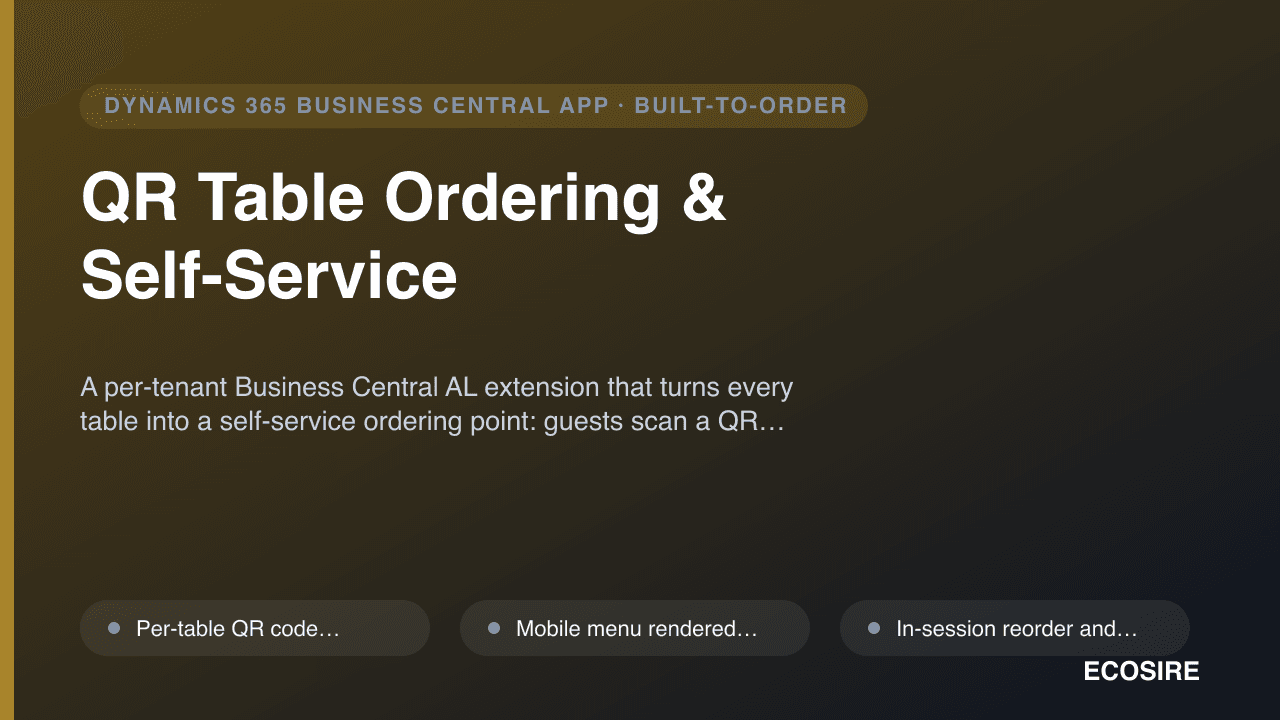
 Beispielhafte Vorschau
A per-tenant Business Central AL extension that turns every table into a self-service ordering point:
guests scan a QR code, browse a mobile menu, order, reorder and pay, with each ticket routed to the KDS and posted into Business Central. Built, installed and supported by
ECOSIRE on your BC environment.
Was ist QR Table Ordering & Self-Service?
A per-tenant Business Central AL extension that turns every table into a self-service ordering point: guests scan a QR code, browse a mobile menu, order, reorder and pay, with each ticket routed to the KDS and posted into Business Central. Built, installed and supported by ECOSIRE on your BC environment. Built to order by ECOSIRE for Dynamics 365 BC (build-to-order) — indicative price from $999.00 USD; request a quote for a scoped proposal.
Hauptfunktionen
Auf Bestellung gebaut, komplett für Sie erledigt
Keine Selbsteinrichtung — eine funktionierende App, die von ECOSIRE erstellt, installiert und betreut wird.
- 1
Sie bestellen
Starten Sie mit einem einmaligen Entwicklungspreis. Den Umfang legen wir beim Kickoff gemeinsam fest.
- 2
Wir bauen & installieren
ECOSIRE erstellt, konfiguriert und installiert sie auf Ihrem Dynamics 365 Business Central.
- 3
Go-live + Support
Sie gehen in etwa einer Arbeitswoche live, mit zwei Wochen Go-live-Support. Fehler im von uns gelieferten Code beheben wir kostenlos.
Über dieses Produkt
What it is
QR Table Ordering & Self-Service is a build-to-order Microsoft Dynamics 365 Business Central extension that lets dine-in guests scan a per-table QR code, browse your menu on their own phone, place and add to orders, and pay — without flagging down a server. Every order is mapped to the correct table and seat, routed instantly to your Kitchen Display System (KDS) or kitchen printer, and recorded as a sales document inside Business Central so revenue, items and payments reconcile in your existing ledger.
This is not an instant AppSource download. ECOSIRE builds the extension in AL against your menu structure, table plan and tax setup, installs it as a per-tenant extension on your Business Central environment (cloud or on-prem), and supports it after go-live.
How it's built
The solution ships as an AL extension package. It adds table extensions to your item and sales tables for menu metadata (photos, modifiers, allergens, upsell links), page extensions for back-office menu and table management, and a lightweight customer-facing web ordering surface that talks to BC through the standard REST / OData v4 API and a custom API page. Event subscribers on order posting create and post the sales documents; a job queue entry handles asynchronous KDS dispatch and tab reconciliation. Mobile payment and tipping are handled through the gateway you nominate (for example Stripe or Adyen) with the captured transaction written back against the BC payment. Dedicated permission sets scope staff and service-account access, and the design leaves room for Dataverse / Power Platform reporting if you want Power BI table-turn dashboards later.
You keep full ownership of the source. ECOSIRE delivers it, documents it, and is on hand for the AL-level changes that POS hardware and menu evolution inevitably require.
Was Sie bekommen
- Per-tenant Business Central AL extension (.app) built against your menu, table plan and tax setup, installed on your environment
- QR code generation utility mapped to your physical table/seat layout, ready to print
- Custom API page and scoped service account configured for the mobile ordering surface
- Configured permission sets for guest-ordering, staff and integration roles
- Payment gateway integration wired to your nominated provider (Stripe/Adyen or equivalent) in test and live mode
- KDS / kitchen-printer routing configured and tested against your hardware, with admin runbook and handover documentation
Für wen das ist
Restaurant Owner / Operator
Wants higher table turns and lower wait-staff cost without losing control of menu, pricing or the books. Values that every order lands cleanly in Business Central instead of a disconnected POS silo.
Front-of-House / Operations Manager
Manages floor flow, 86'd items and split bills at peak. Needs live menu control from the back office and reliable order routing to the kitchen, with split-bill and per-seat tabs handled automatically.
Finance / IT Manager
Owns the BC tenant and reconciliation. Cares that ordering and payments post as proper sales and payment documents with correct tax, scoped permission sets, and an auditable integration rather than CSV imports.
Wie QR Table Ordering & Self-Service im Vergleich abschneidet
| Kriterium | ECOSIRE | Benutzerdefinierter Build | Konkurrent | Dynamics 365 Business Central nativ |
|---|---|---|---|---|
| QR ordering tailored to your exact menu, table plan and tax setup | Im Lieferumfang enthalten | Im Lieferumfang enthalten | Teilweise Unterstützung | Nicht im Lieferumfang enthalten |
| Orders and payments post natively into Business Central as sales/payment documents | Im Lieferumfang enthalten | Teilweise Unterstützung | Teilweise Unterstützung | Nicht im Lieferumfang enthalten |
| Direct KDS / kitchen-printer routing via BC job queue | Im Lieferumfang enthalten | Teilweise Unterstützung | Teilweise Unterstützung | Nicht im Lieferumfang enthalten |
| Built, installed as a per-tenant extension and supported for you | Im Lieferumfang enthalten | Nicht im Lieferumfang enthalten | Teilweise Unterstützung | Nicht im Lieferumfang enthalten |
| You retain ownership of the AL source code | Im Lieferumfang enthalten | Im Lieferumfang enthalten | Nicht im Lieferumfang enthalten | Nicht im Lieferumfang enthalten |
| No in-house AL developer required to deliver or maintain | Im Lieferumfang enthalten | Nicht im Lieferumfang enthalten | Im Lieferumfang enthalten | Im Lieferumfang enthalten |
| Mobile pay and tip with write-back to the BC payment record | Im Lieferumfang enthalten | Teilweise Unterstützung | Teilweise Unterstützung | Nicht im Lieferumfang enthalten |
| Fixed one-time build price with a known delivery lead time | Im Lieferumfang enthalten | Nicht im Lieferumfang enthalten | Teilweise Unterstützung | Nicht im Lieferumfang enthalten |
Häufig gestellte Fragen zu QR Table Ordering & Self-Service
Is this an instant download from Microsoft AppSource?
No. This is a build-to-order extension. ECOSIRE develops it in AL against your specific menu, table plan and tax configuration, then installs it as a per-tenant extension on your Business Central environment. There is no self-service AppSource listing to click — you get a solution tailored to your operation and ownership of the source.
What is the delivery lead time?
Typical delivery is around one working week from kickoff, depending on menu complexity, the payment gateway you choose, and your KDS/printer hardware. We start with a short scoping call to confirm your table layout, menu structure and gateway, then build, test against your environment, and install with a documented handover. Firm timelines are agreed before work begins.
How does ordering get into Business Central without breaking my accounting?
Each order is created through a custom API page over the BC REST/OData v4 endpoint, then event subscribers create and post standard sales documents so items, pricing and VAT/sales tax reconcile in your existing ledger. Payments are written back against the BC payment record. Nothing relies on manual CSV imports.
Can guests pay and tip from their phone?
Yes. Mobile payment and tipping run through the gateway you nominate (for example Stripe or Adyen). The captured transaction is recorded back in Business Central against the order, and split-bill and per-seat tabs are supported for shared tables.
What ongoing support and updates do I get after go-live?
ECOSIRE supports the extension after launch: bug fixes, compatibility with Business Central's twice-yearly major updates, and the AL-level changes that come with new menu items, hardware or gateway changes. Because it is a per-tenant extension you own, you are never locked out of your own customization — support and change requests are handled under an agreed arrangement after handover.
Verwandte Module
Power BI Embedded Analytics & Agentic Insights Pack for Business Central
A per-tenant Business Central extension that embeds curated Power BI finance, sales, inventory and project dashboards directly into your role centers, adds AI anomaly flags on key figures, and drills through from a chart visual straight back to the underlying BC page. Built, installed and supported by ECOSIRE on your own tenant.
Power BI Embedded Analytics Pack
Ready-to-use Power BI dashboards for finance, sales, inventory and projects embedded directly into your Business Central role centers — built, installed and supported by ECOSIRE as a per-tenant extension.
Quote, Proposal & Document Sender for Dynamics 365
Generate branded quotes and proposals from Dynamics 365 Sales / Business Central data and send them by email, WhatsApp, or e-signature link — with view and accept status flowing back to your CRM. Built to order and installed by ECOSIRE as a per-tenant AL extension.
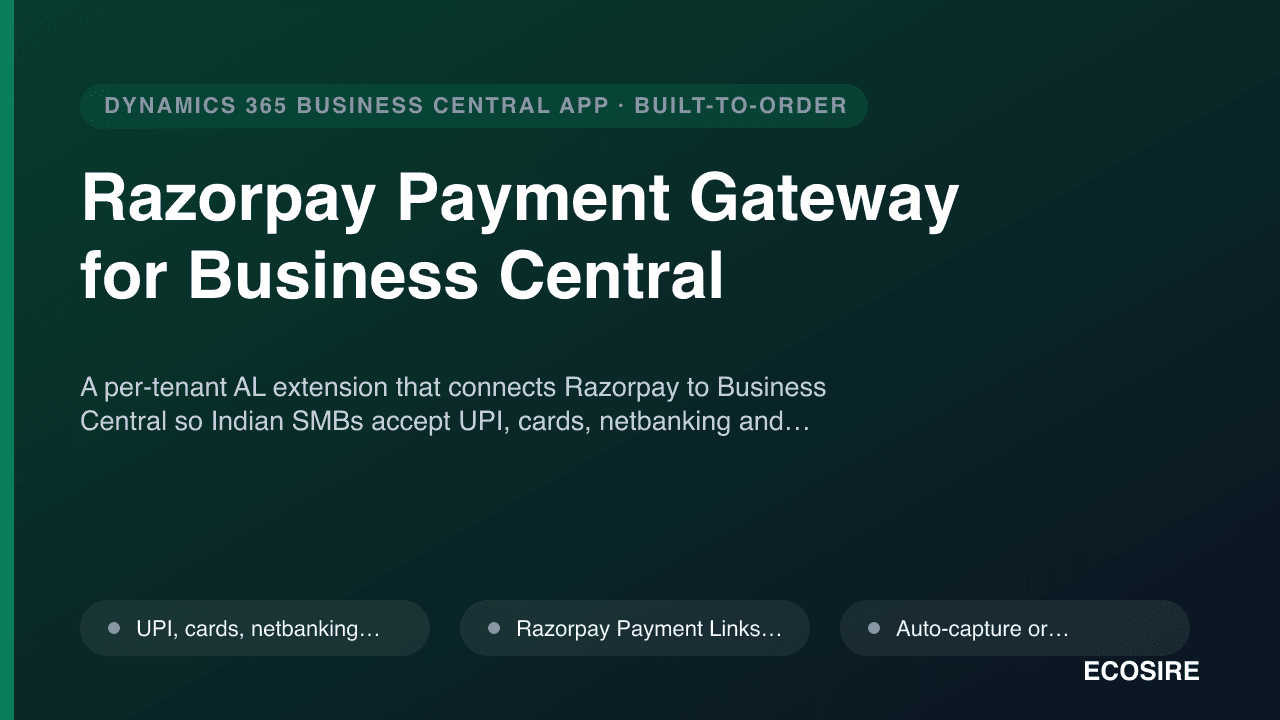
Razorpay Payment Gateway for Business Central
A per-tenant AL extension that connects Razorpay to Business Central so Indian SMBs accept UPI, cards, netbanking and wallets, attach payment links and QR to invoices, and auto-reconcile settlements with fee and GST posting. Built, installed and supported by ECOSIRE.
QR Table Ordering & Self-Service
A per-tenant Business Central AL extension that turns every table into a self-service ordering point: guests scan a QR code, browse a mobile menu, order, reorder and pay, with each ticket routed to the KDS and posted into Business Central. Built, installed and supported by ECOSIRE on your BC environment.
- Per-table QR code generated from your Business Central table/seat plan, so every scan resolves to the exact table and seat
- Mobile menu rendered from BC item data with photos, descriptions, modifiers, allergen flags and configurable upsells
- In-session reorder and a live running tab that guests can view on their phone throughout the visit
- Integrated mobile payment and tip capture through your nominated gateway (e.g. Stripe or Adyen), written back to the BC payment record