 معاينة توضيحية
A build-to-order WooCommerce plugin that keeps customers,
orders, and products in sync with HubSpot CRM, and powers abandoned-cart and lifecycle-stage automation.
ECOSIRE builds, installs, and supports it on your WordPress site.
ما هو HubSpot CRM Sync for WooCommerce؟
A build-to-order WooCommerce plugin that keeps customers, orders, and products in sync with HubSpot CRM, and powers abandoned-cart and lifecycle-stage automation. ECOSIRE builds, installs, and supports it on your WordPress site. Built to order by ECOSIRE for WooCommerce (build-to-order) — indicative price from $999.00 USD; request a quote for a scoped proposal.
الميزات الرئيسية
مبني حسب الطلب، ننجزه بالكامل لك
لا إعداد يدوي — تطبيق جاهز يبنيه ويثبّته ويدعمه ECOSIRE.
- 1
تطلب
ابدأ بسعر بناء لمرة واحدة. نحدّد النطاق معك عند الانطلاق.
- 2
نبني ونثبّت
يقوم ECOSIRE ببنائه وتهيئته وتثبيته على WooCommerce الخاص بك.
- 3
الإطلاق + الدعم
تنطلق خلال أسبوع عمل واحد تقريبًا، مع أسبوعين من الدعم بعد التشغيل. نصلح عيوب الكود الذي نسلّمه مجانًا.
عن هذا المنتج
HubSpot CRM Sync for WooCommerce connects your store's order and customer data to HubSpot so your marketing and sales teams stop copy-pasting between systems. When a customer checks out, their record flows into HubSpot as a contact, the order becomes a deal with line items, and your catalog populates the HubSpot product library — automatically, in near-real-time.
This is not an instant marketplace download. ECOSIRE builds, installs, and supports the plugin on your live WordPress/WooCommerce site, mapped to your exact HubSpot portal, pipelines, and lifecycle stages. Because every HubSpot account uses different deal stages, custom properties, and pipeline structures, a build-to-order approach means the field mapping actually matches your CRM instead of forcing you into a generic schema.
Under the hood it hooks WooCommerce order lifecycle events (woocommerce_checkout_order_processed, woocommerce_order_status_changed, woocommerce_new_order) and pushes them to the HubSpot CRM API v3 using OAuth, with WP-Cron-backed retry queues so a HubSpot rate limit or timeout never loses a record. It is fully HPOS (High-Performance Order Storage) compatible, reads from WooCommerce's custom order tables, and respects WPML/multisite setups.
Two-way sync means contact-property changes and lifecycle-stage updates in HubSpot can flow back to WooCommerce customer meta via HubSpot webhooks. Abandoned carts (captured at the WooCommerce session level) are surfaced into HubSpot so you can trigger workflow-based recovery emails, and customers are automatically bucketed into segments and lifecycle stages (lead → opportunity → customer) based on order history and spend.
You get a tested, documented build on your server — not a black box. ECOSIRE handles the OAuth app connection, property mapping, deduplication strategy, and post-launch support.
ما تحصل عليه
- A custom-built HubSpot CRM Sync plugin packaged for your WordPress site, mapped to your specific HubSpot portal and pipeline
- Installation and activation on your live (or staging) WooCommerce site by ECOSIRE
- HubSpot OAuth app connection and credential configuration, including token-refresh setup
- Field and pipeline mapping workshop: contact properties, deal stages, lifecycle stages, and product library alignment to match your CRM
- A configured wp-admin settings panel with sync toggles, mapping options, and a diagnostic sync log
- Post-deployment verification: test orders synced end-to-end (customer → contact, order → deal, abandoned cart → workflow) with confirmation
- Short admin handover documentation covering settings, the retry queue, and how to read the sync log
- A defined support window with bug fixes and compatibility updates for WooCommerce, HPOS, and HubSpot API changes
لمن هذا
Marketing Ops Manager running HubSpot
Owns HubSpot workflows and wants WooCommerce customers, orders, and abandoned carts flowing in automatically so recovery and nurture sequences fire without manual list imports or CSV uploads.
Ecommerce Founder scaling beyond spreadsheets
Runs a growing WooCommerce store and needs real order and revenue data in HubSpot deals to see pipeline, lifecycle stages, and customer LTV without paying for an enterprise iPaaS connector.
Sales Lead who lives in the HubSpot CRM
Needs each order to appear as a deal with line items and the right pipeline stage so the sales team can follow up, upsell, and track closed-won revenue against actual WooCommerce orders.
كيف يقارن HubSpot CRM Sync for WooCommerce.
| المعيار | ECOSIRE | بناء مخصص | منافس | WooCommerce الأصلي |
|---|---|---|---|---|
| Two-way customer + order sync mapped to your HubSpot pipeline | متضمنة | دعم جزئي | دعم جزئي | غير متضمنة |
| Orders pushed as HubSpot deals with full line items | متضمنة | دعم جزئي | دعم جزئي | غير متضمنة |
| Abandoned-cart capture feeding HubSpot workflows | متضمنة | دعم جزئي | متضمنة | غير متضمنة |
| HPOS / custom order table compatible | متضمنة | دعم جزئي | دعم جزئي | متضمنة |
| Installed, configured, and field-mapped for you on your site | متضمنة | متضمنة | غير متضمنة | غير متضمنة |
| WP-Cron retry queue so no record is lost on API rate limits | متضمنة | دعم جزئي | دعم جزئي | غير متضمنة |
| Ongoing fixes for WooCommerce + HubSpot API changes | متضمنة | غير متضمنة | دعم جزئي | غير متضمنة |
| Instant self-service download from a marketplace | غير متضمنة | غير متضمنة | متضمنة | متضمنة |
الأسئلة المتداولة حول HubSpot CRM Sync
How long until the plugin is live on my site?
Because this is built-to-order, ECOSIRE configures the sync to your exact HubSpot portal, pipelines, and lifecycle stages before installing. A typical build, mapping, and installation runs about 5 to 10 business days depending on how custom your HubSpot property and pipeline setup is. You'll get a confirmed timeline after a short scoping call, and we can install on staging first if you prefer.
What ongoing support and updates are included?
Every build includes a defined support window covering bug fixes and compatibility updates for new WooCommerce releases, HPOS changes, and HubSpot CRM API v3 changes. If WooCommerce or HubSpot ships a breaking change, we patch your build. Extended support and feature additions (new property mappings, extra pipelines, custom workflows) are available as a follow-on engagement.
Does this work with HPOS (High-Performance Order Storage)?
Yes. The plugin is built against WooCommerce's HPOS / custom order tables and reads and writes order data through the supported APIs, so it works whether your store still uses legacy post-based orders or has migrated to HPOS. We confirm HPOS compatibility during installation.
Is the sync really two-way, and won't it create duplicate contacts?
Yes — orders and customers push from WooCommerce into HubSpot, and HubSpot contact-property and lifecycle-stage changes can flow back to WooCommerce customer meta via HubSpot webhooks. Deduplication is by email, matching HubSpot's own contact uniqueness, so an existing contact is updated rather than duplicated. The exact write-back fields are agreed during the mapping workshop.
Do I need a paid HubSpot plan for abandoned-cart and workflow automation?
The sync of customers, orders, products, and abandoned-cart signals works with HubSpot's CRM. However, triggering automated abandoned-cart recovery and lifecycle nurture sequences uses HubSpot Workflows, which require a Marketing Hub Professional (or higher) plan. The plugin surfaces the cart and contact data into HubSpot; you build or we help configure the workflows on your HubSpot tier.
الوحدات ذات الصلة
Google Shopping & Meta Catalog Feed for WooCommerce
A custom-built WooCommerce plugin that generates and auto-syncs optimized product feeds to Google Shopping and Meta (Facebook/Instagram). Built, installed, and supported by ECOSIRE on your WordPress site.
Hotel Booking & Room Reservation
A custom-built WooCommerce plugin that turns your WordPress site into a hotel booking engine — room types, live availability calendars, season and length-of-stay pricing, and native WooCommerce checkout. Built, installed and supported by ECOSIRE on your own site.
HyperPay Payment Gateway for WooCommerce
A build-to-order HyperPay payment gateway for WooCommerce covering KSA, UAE, Egypt and Jordan — mada, major cards, Apple Pay, STC Pay and Tabby/Tamara BNPL through HyperPay's COPYandPAY widget. Built, installed and supported by ECOSIRE on your WordPress site.
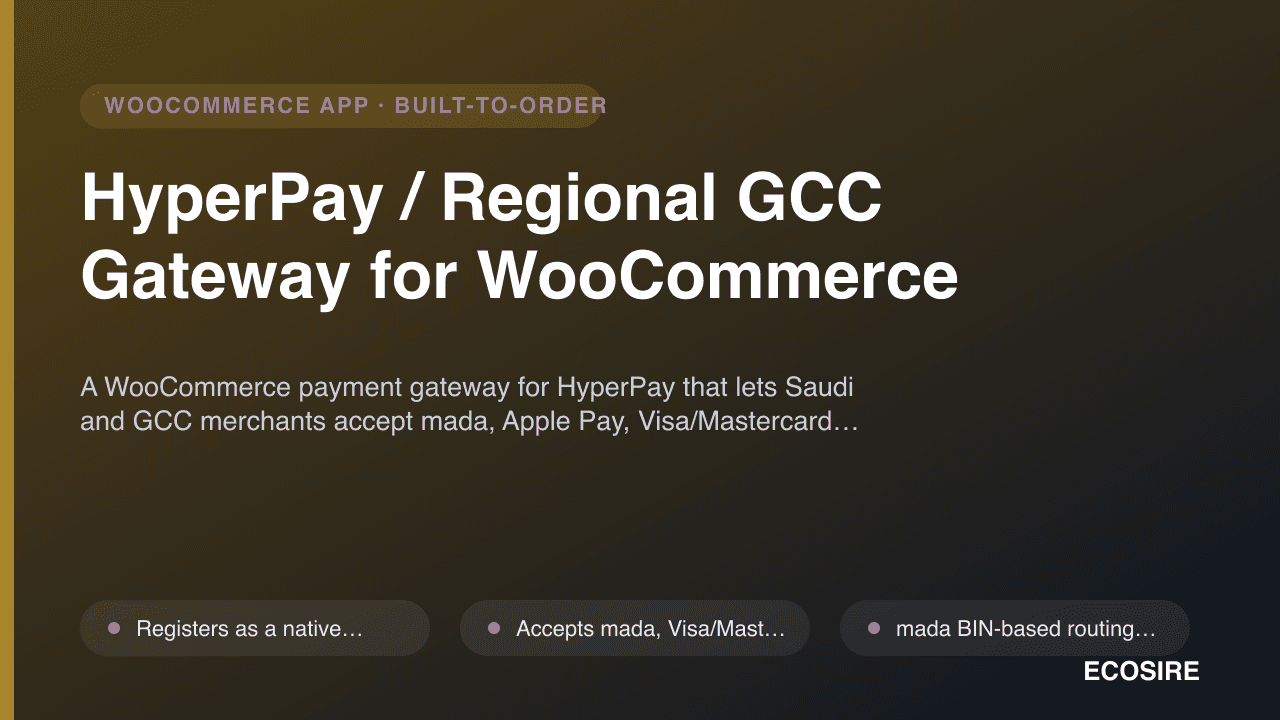
HyperPay / Regional GCC Gateway for WooCommerce
A WooCommerce payment gateway for HyperPay that lets Saudi and GCC merchants accept mada, Apple Pay, Visa/Mastercard and STC Pay. Built, installed and supported on your WordPress site by ECOSIRE.
HubSpot CRM Sync
A build-to-order WooCommerce plugin that keeps customers, orders, and products in sync with HubSpot CRM, and powers abandoned-cart and lifecycle-stage automation. ECOSIRE builds, installs, and supports it on your WordPress site.
- Sync WooCommerce customers to HubSpot contacts, deduplicated by email with configurable property mapping (first/last name, phone, billing address, total spend)
- Push WooCommerce orders to HubSpot as deals with full line-item association, order total, currency, and a configurable pipeline + deal-stage mapping
- Mirror your WooCommerce catalog into the HubSpot product library, keeping SKU, price, and product name aligned on create/update
- Two-way sync: HubSpot contact-property and lifecycle-stage changes flow back to WooCommerce customer meta via HubSpot webhooks