 معاينة توضيحية
Process and reconcile PayPal payments, fees, refunds, and payouts directly inside Business Central
— a per-tenant AL extension built, installed, and supported by ECOSIRE.
ما هو PayPal Payment Connector for Business Central؟
Process and reconcile PayPal payments, fees, refunds, and payouts directly inside Business Central — a per-tenant AL extension built, installed, and supported by ECOSIRE. Built to order by ECOSIRE for Dynamics 365 BC (build-to-order) — indicative price from $999.00 USD; request a quote for a scoped proposal.
الميزات الرئيسية
مبني حسب الطلب، ننجزه بالكامل لك
لا إعداد يدوي — تطبيق جاهز يبنيه ويثبّته ويدعمه ECOSIRE.
- 1
تطلب
ابدأ بسعر بناء لمرة واحدة. نحدّد النطاق معك عند الانطلاق.
- 2
نبني ونثبّت
يقوم ECOSIRE ببنائه وتهيئته وتثبيته على Dynamics 365 Business Central الخاص بك.
- 3
الإطلاق + الدعم
تنطلق خلال أسبوع عمل واحد تقريبًا، مع أسبوعين من الدعم بعد التشغيل. نصلح عيوب الكود الذي نسلّمه مجانًا.
عن هذا المنتج
The PayPal Payment Connector for Business Central is a build-to-order AL extension that wires PayPal directly into your Dynamics 365 Business Central tenant — so cash collection, reconciliation, and refunds live where your ledger already does, not in a separate browser tab.
This is not an instant AppSource download. ECOSIRE builds the extension to fit your chart of accounts, currencies, and posting conventions, then installs it as a per-tenant extension on your Business Central environment (cloud SaaS or on-prem) and supports it afterward.
What it does. The extension adds a PayPal payment link to posted sales invoices via a page extension on the Sales Invoice and the customer-facing document email. When a buyer pays, a job queue entry polls the PayPal Orders and Payments REST API (or consumes webhook events through an Azure Function relay), then auto-applies the payment: it posts a Cash Receipt Journal line, closes the customer ledger entry, and records the PayPal transaction fee to a dedicated G/L account. Refunds are initiated from inside Business Central — an action on the posted invoice calls PayPal's refund endpoint and posts the reversing entry. Payouts and settlement batches are reconciled against your bank account through a staging table and a reconciliation page, with multi-currency handled by BC's native currency and exchange-rate engine.
Built for control. Dedicated permission sets, AL event subscribers (no base-app modification), encrypted credential storage in isolated storage, and an audit log on every API call. Optionally surfaced to Power BI or the Power Platform via the standard BC OData/API endpoints and Dataverse virtual tables.
Delivered, deployed, and maintained by the team that built it — with source ownership terms agreed up front.
ما تحصل عليه
- A per-tenant Business Central AL extension (.app) built to your chart of accounts, currencies, and posting rules
- Installation and configuration on your Business Central environment (cloud SaaS or on-premises), including sandbox validation before go-live
- PayPal REST API app registration guidance and secure credential setup in isolated storage
- Permission sets and a setup/configuration page wired to your fee account and currency mapping
- Source AL code and technical documentation, with ownership/license terms agreed in writing up front
- A post-deployment support and update window covering Business Central monthly-release compatibility and PayPal API changes
لمن هذا
SMB Merchant Owner
Runs a small or mid-size business on Business Central, accepts PayPal from customers, and is tired of manually matching PayPal payouts to invoices each week. Wants payments to clear and reconcile without leaving the ERP.
Finance / Accounts Receivable Lead
Owns the customer ledger and bank reconciliation. Needs every PayPal payment, fee, and refund posted to the right G/L accounts automatically, with an audit trail for month-end close and dispute handling.
Business Central Administrator / IT Partner
Manages the tenant and cares about upgrade-safety. Wants a clean per-tenant extension built on event subscribers with proper permission sets — not a base-app hack that breaks on the next monthly release.
كيف يقارن PayPal Payment Connector for Business Central.
| المعيار | ECOSIRE | بناء مخصص | منافس | Dynamics 365 Business Central الأصلي |
|---|---|---|---|---|
| Payments auto-post to the customer ledger inside BC | متضمنة | دعم جزئي | دعم جزئي | غير متضمنة |
| PayPal transaction fees posted to a dedicated G/L account | متضمنة | دعم جزئي | دعم جزئي | غير متضمنة |
| Refunds initiated from inside Business Central | متضمنة | دعم جزئي | دعم جزئي | غير متضمنة |
| Payout / settlement-batch reconciliation against the bank | متضمنة | دعم جزئي | غير متضمنة | غير متضمنة |
| Tailored to your chart of accounts and posting rules | متضمنة | متضمنة | غير متضمنة | غير متضمنة |
| Upgrade-safe (event subscribers, no base-app changes) | متضمنة | دعم جزئي | متضمنة | متضمنة |
| Vendor builds, installs, and supports it for you | متضمنة | غير متضمنة | دعم جزئي | غير متضمنة |
| Source code ownership available | متضمنة | متضمنة | غير متضمنة | غير متضمنة |
الأسئلة المتداولة حول PayPal Payment Connector for Business Central
Is this an instant download from Microsoft AppSource?
No. This is a build-to-order extension. ECOSIRE builds it to match your chart of accounts, currencies, and posting conventions, then installs it as a per-tenant extension on your own Business Central environment. There is no instant AppSource purchase or self-serve download.
How long does delivery take?
A standard build typically takes about one working week from requirements sign-off: scoping and PayPal app registration, AL development, sandbox testing against your tenant, then production install and go-live. Heavier customization (multi-entity, unusual currency handling, Power Platform integration) can extend the timeline, which we confirm in writing before starting.
What does ongoing support and updates cover?
After go-live we provide a support and update window that keeps the extension compatible with Business Central's monthly release cadence and adapts it to PayPal REST API changes, plus bug fixes and configuration help. Terms (duration and response times) are agreed up front and can be renewed.
Does it modify the Business Central base application?
No. The extension is built entirely with AL table/page extensions and event subscribers, so it never alters the base app. This keeps your tenant upgrade-safe across Business Central updates and lets the extension be installed or uninstalled cleanly.
Will it work with multiple currencies and PayPal fees?
Yes. It uses Business Central's native currency codes and exchange-rate tables so foreign-currency payments post with correct FX gain/loss. Every PayPal transaction fee is posted to a dedicated, configurable G/L account so your net cash always reconciles against the PayPal payout.
الوحدات ذات الصلة
OnBuy Marketplace Connector
A build-to-order AL extension connecting OnBuy to Dynamics 365 Business Central — importing orders, pushing stock and prices, exporting listings, confirming shipments and posting settlement fees. ECOSIRE scopes, builds, installs and supports it for your tenant.
OpenCart Connector for Business Central
A build-to-order AL extension that keeps your OpenCart storefronts and Business Central in sync — orders and customers into BC, products and prices out to OpenCart, and live inventory both ways. Built, installed per-tenant, and supported by ECOSIRE.
Peppol E-Invoicing Access Point Connector for Business Central
A per-tenant AL extension that connects Business Central to the Peppol network so you can send and receive compliant UBL / Peppol BIS 3, XRechnung and FatturaPA e-invoices across the EU. Built, deployed and supported by ECOSIRE on your own tenant.
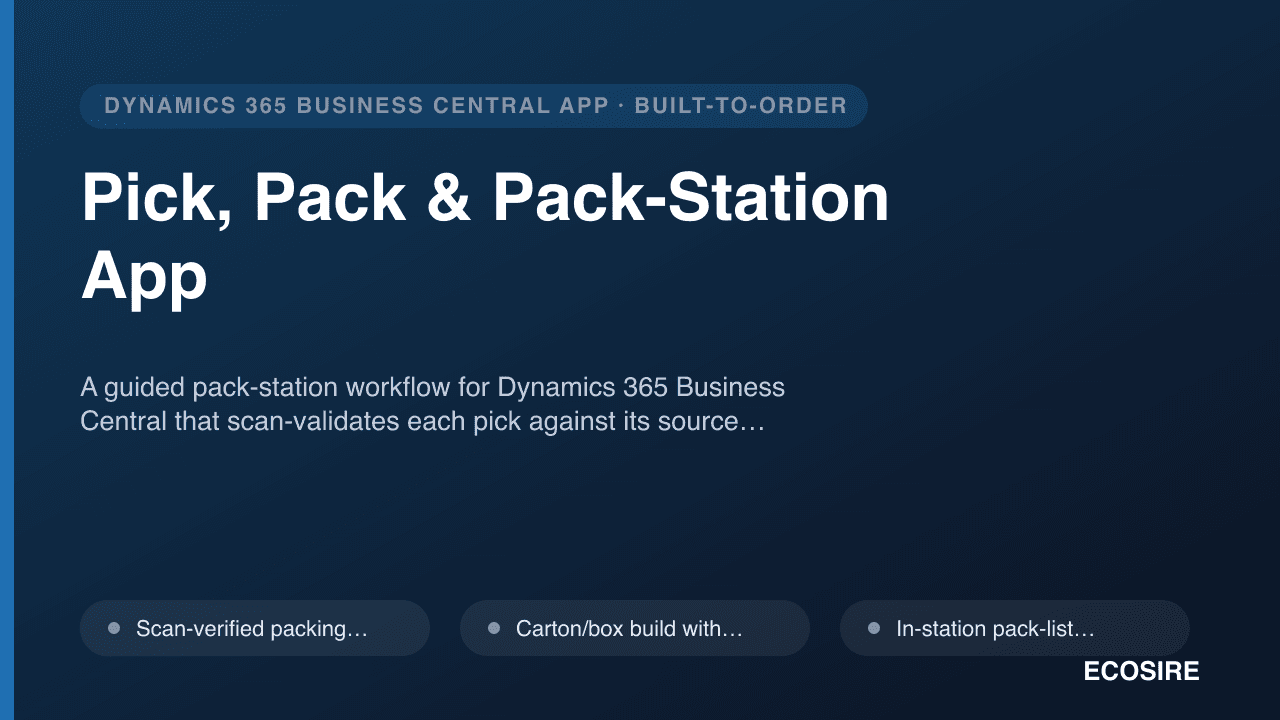
Pick, Pack & Pack-Station App
A guided pack-station workflow for Dynamics 365 Business Central that scan-validates each pick against its source document, builds cartons, captures weight, and prints pack lists and shipping labels in one station flow. Built, installed as a per-tenant AL extension, and supported by ECOSIRE on your own BC environment.
PayPal Payment Connector for Business Central
Process and reconcile PayPal payments, fees, refunds, and payouts directly inside Business Central — a per-tenant AL extension built, installed, and supported by ECOSIRE.
- PayPal payment link automatically added to posted sales invoices via a Sales Invoice page extension and the document email body
- Job queue entry polls the PayPal Orders/Payments REST API (or consumes webhooks via an Azure Function relay) to detect completed payments
- Automatic posting on payment: creates the Cash Receipt Journal line, applies and closes the open customer ledger entry, marks the invoice paid
- PayPal transaction fees posted to a dedicated, configurable G/L account so net cash always reconciles