 معاينة توضيحية
Configurable, rule-based approval matrices for every Business Central document type,
with per-workflow approvers, amount limits, delegation, and email/mobile responses. Built and installed by
ECOSIRE as a per-tenant AL extension.
ما هو Advanced Approval Workflows؟
Configurable, rule-based approval matrices for every Business Central document type, with per-workflow approvers, amount limits, delegation, and email/mobile responses. Built and installed by ECOSIRE as a per-tenant AL extension. Built to order by ECOSIRE for Dynamics 365 BC (build-to-order) — indicative price from $999.00 USD; request a quote for a scoped proposal.
الميزات الرئيسية
مبني حسب الطلب، ننجزه بالكامل لك
لا إعداد يدوي — تطبيق جاهز يبنيه ويثبّته ويدعمه ECOSIRE.
- 1
تطلب
ابدأ بسعر بناء لمرة واحدة. نحدّد النطاق معك عند الانطلاق.
- 2
نبني ونثبّت
يقوم ECOSIRE ببنائه وتهيئته وتثبيته على Dynamics 365 Business Central الخاص بك.
- 3
الإطلاق + الدعم
تنطلق خلال أسبوع عمل واحد تقريبًا، مع أسبوعين من الدعم بعد التشغيل. نصلح عيوب الكود الذي نسلّمه مجانًا.
عن هذا المنتج
Business Central ships with a workflow engine, but anyone who has tried to run real finance governance on it knows where it stops: one approval hierarchy driven by a single Approval User Setup chain, amount limits that don't differ by document type, no true parallel approvals, and clumsy out-of-office handling. Controllers end up bolting on spreadsheets and email chains to fill the gaps.
Advanced Approval Workflows is a per-tenant AL extension that ECOSIRE builds for your specific document types and signing policy. It extends the native approval framework rather than replacing it, so it cooperates with the standard Workflow, Approval Entries, and Notification pages your users already know.
What you get: a separate approval matrix per document type (purchase orders, vendor invoices, sales quotes, journals, payment journals, item journals, requisitions, and custom documents). Each matrix carries its own amount-based limits, its own approver pool, and its own escalation rules. Approvals can run multi-level (sequential) or parallel (all-must-approve / any-can-approve), with delegation and out-of-office substitution so nothing stalls when an approver is away. Approvers act from Outlook/email action links or from the Business Central mobile app — no need to open the full client.
Because this is build-to-order, ECOSIRE scopes your real approval rules, develops the extension in AL (table/page extensions plus event subscribers on the approval codeunits), installs it as a per-tenant extension on your cloud or on-prem environment, configures permission sets and the Job Queue entries that drive escalation, and supports it afterward. This is not an instant AppSource download — it is a delivered, installed, and maintained solution. Honest lead time and a support arrangement are part of the deal.
ما تحصل عليه
- A per-tenant AL extension (.app) built to your approval policy, installed on your Business Central environment
- Configured approval matrices for each in-scope document type, including amount limits and approver pools
- Permission sets for requesters, approvers, and workflow administrators
- Job Queue entries configured for escalation, reminders, and timeout handling
- Email/Outlook and mobile approval response wiring, tested end-to-end
- Source code (AL project) plus a short technical handover document and admin runbook
- A configuration/admin training session and a defined post-go-live support window
لمن هذا
Financial Controller
Needs amount-based, multi-level sign-off that differs by document type and survives auditor scrutiny — beyond the single global approval limit the base engine offers.
Procurement / AP Process Owner
Wants purchase orders and vendor invoices routed by value and category to the right buyers and budget holders, with delegation so approvals never stall during leave.
Business Central Administrator
Wants the gaps closed using the native approval framework — a clean per-tenant extension, scoped permission sets, and Job Queue automation — not a fragile pile of customizations.
كيف يقارن Advanced Approval Workflows.
| المعيار | ECOSIRE | بناء مخصص | منافس | Dynamics 365 Business Central الأصلي |
|---|---|---|---|---|
| Separate approval matrix per document type | متضمنة | دعم جزئي | دعم جزئي | غير متضمنة |
| Amount limits varying by document type and dimension | متضمنة | دعم جزئي | دعم جزئي | غير متضمنة |
| True parallel approvals (all/any must approve) | متضمنة | دعم جزئي | دعم جزئي | غير متضمنة |
| Delegation / out-of-office substitution | متضمنة | دعم جزئي | دعم جزئي | دعم جزئي |
| Email/Outlook + mobile approval responses | متضمنة | دعم جزئي | متضمنة | متضمنة |
| Built on native framework (no replacement, upgrade-safe) | متضمنة | دعم جزئي | دعم جزئي | متضمنة |
| Tailored to your exact policy, installed and supported for you | متضمنة | متضمنة | غير متضمنة | غير متضمنة |
| You own the AL source code | متضمنة | متضمنة | غير متضمنة | غير متضمنة |
الأسئلة المتداولة حول Advanced Approval Workflows
How long does delivery take, and how is it installed?
After a short scoping call to capture your document types, amount limits, and approver hierarchy, a typical build runs about one working week depending on how many document types and edge cases are in scope. We develop the AL extension, test it against a sandbox copy of your environment, then install it as a per-tenant extension on your production Business Central (cloud or on-prem). This is build-to-order — there is no instant AppSource download; ECOSIRE delivers and installs it for you.
What does ongoing support and updates look like?
Every build includes a defined post-go-live support window for fixes and configuration tweaks. Because it is a per-tenant extension built on the native approval framework, Microsoft's monthly and major BC releases generally do not break it; we test against the next BC version and supply a recompiled .app when needed. You own the AL source, so you are never locked in — and you can extend the support arrangement on a retainer or per-change basis.
Will this conflict with Business Central's built-in approvals?
No. The extension subscribes to events on the standard approval management codeunits and extends the existing Workflow, Approval User Setup, and Approval Entries pages rather than replacing them. Your standard approval history, notifications, and admin pages keep working — we add the matrix-per-document-type, parallel approvals, and delegation logic on top.
Can approvals integrate with Teams, Power Automate, or external systems?
Yes. The native email/Outlook and mobile approval actions are included by default. For Teams adaptive cards, external sign-offs, or cross-system flows, we can expose approval state through the BC REST/OData API and hand off to Power Automate / Dataverse. That integration layer is scoped as an add-on since it depends on your Power Platform setup.
What do you need from us to start, and what about permissions and data?
We need a sandbox or copy of your Business Central environment, your current document-type list with intended amount limits and approver hierarchy, and an admin contact for installing the extension and assigning permission sets. All development and testing happen against your environment under your control; ECOSIRE does not move your data off your tenant.
الوحدات ذات الصلة
Warehouse Mobility & Barcode Scanning for Business Central
A handheld and barcode-driven warehouse app for Microsoft Dynamics 365 Business Central — receiving, put-away, picking, packing and counting that posts live to BC. Built, deployed as a per-tenant AL extension, and supported by ECOSIRE.
Waste Collection & Recycling Operations
A build-to-order Business Central extension that runs collection rounds, tracks every container and skip on hire, captures weighbridge tickets against real material grades, and turns all of it into contract invoices by lift, weight or fixed periodic charge. ECOSIRE builds, installs and supports it for your tenant after a scoping call.
Affiliate & Referral Management for Business Central
A build-to-order Business Central extension that registers affiliates and referrers, attributes sales to referral codes and links, calculates tiered commission, and posts payouts as vendor invoices — installed per-tenant and supported by ECOSIRE.
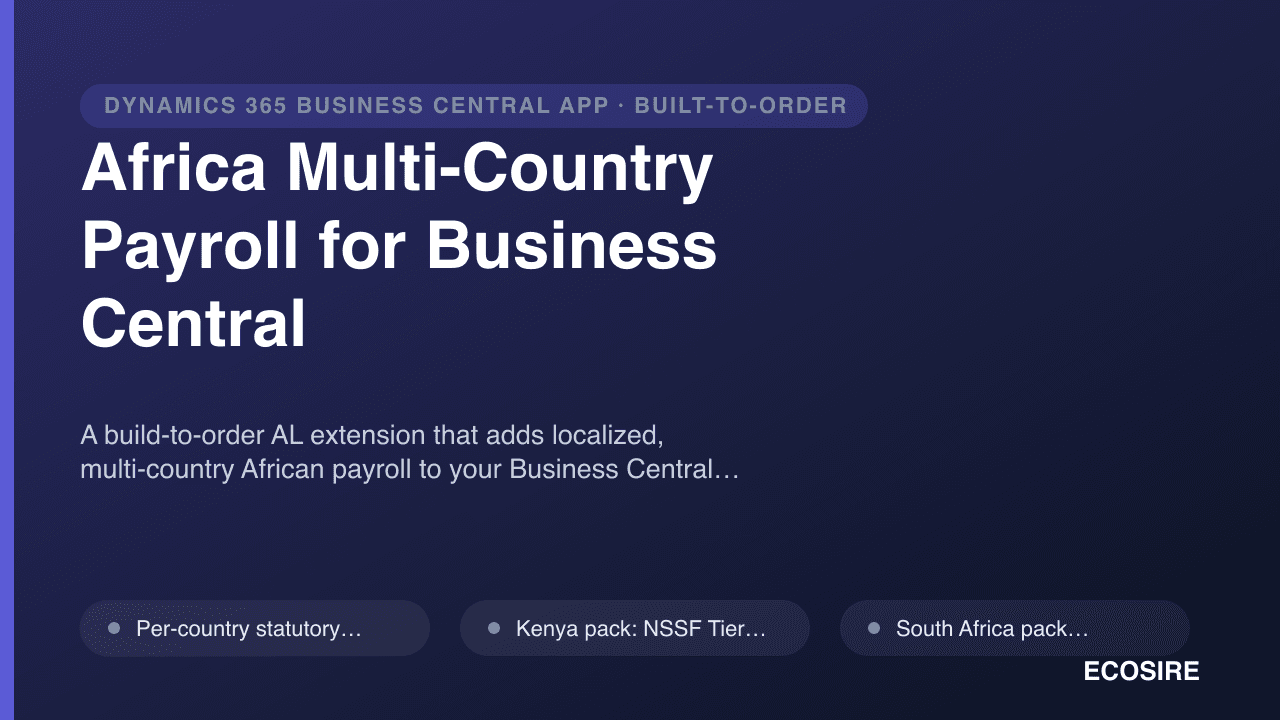
Africa Multi-Country Payroll for Business Central
A build-to-order AL extension that adds localized, multi-country African payroll to your Business Central tenant — per-country PAYE and statutory deductions, multi-currency multi-entity runs, statutory filing exports, and employee self-service payslips.
Advanced Approval Workflows
Configurable, rule-based approval matrices for every Business Central document type, with per-workflow approvers, amount limits, delegation, and email/mobile responses. Built and installed by ECOSIRE as a per-tenant AL extension.
- Separate approval matrix per document type — purchase orders, vendor invoices, sales documents, GL/payment/item journals, requisitions, and custom documents each get their own rules
- Amount-based approval limits that vary by document type and dimension (department, project, cost center), not just one global approval limit
- Multi-level sequential approvals with configurable escalation when an approver doesn't respond within an SLA window
- Parallel approval modes — all-must-approve or any-can-approve — for committees and dual-control finance policies