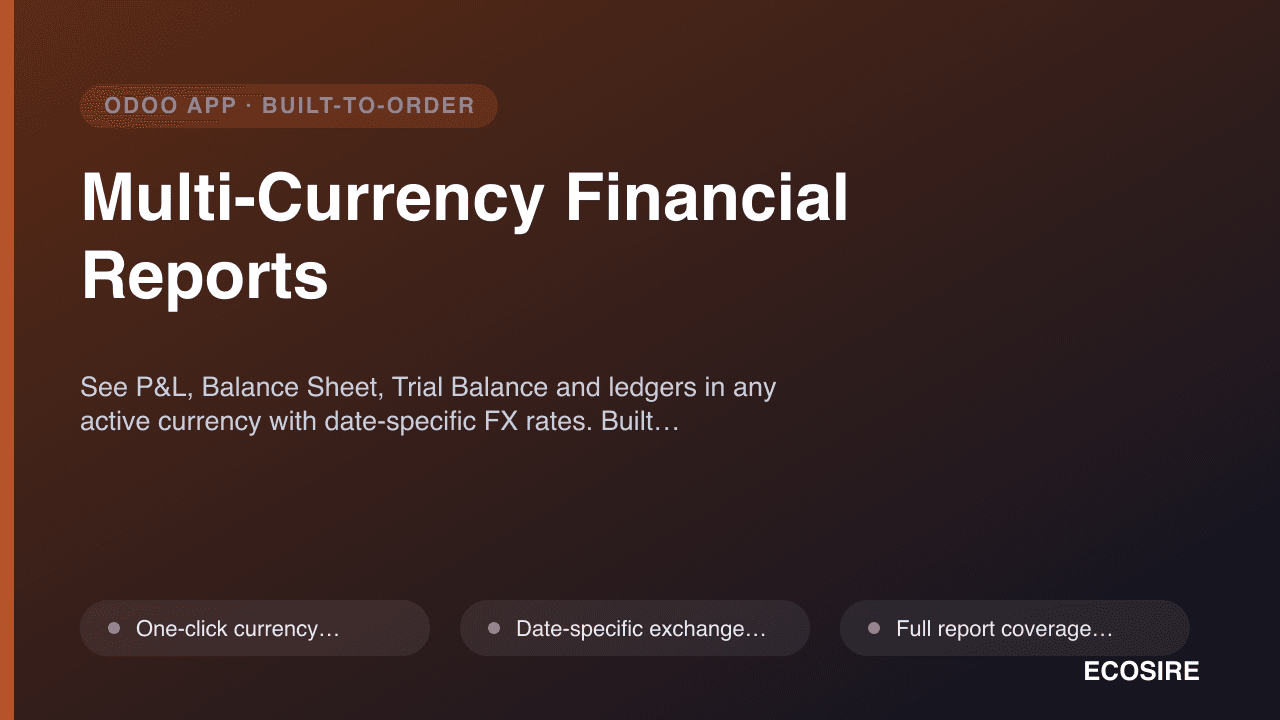
 示意预览
示意预览See P&L, Balance Sheet, Trial Balance and ledgers in any active currency with date-specific FX rates.
Built, installed and supported by ECOSIRE.
什么是 Multi-Currency Financial Reports?
See P&L, Balance Sheet, Trial Balance and ledgers in any active currency with date-specific FX rates. Built, installed and supported by ECOSIRE. Built to order by ECOSIRE for Odoo 17, 18, 19 — indicative price from $999.00 USD; request a quote for a scoped proposal.
核心功能
按需定制,全程代劳
无需自行搭建——由 ECOSIRE 构建、安装并提供支持的可用应用。
- 1
您下单
以一次性构建价格开始。我们在启动时与您共同确定范围。
- 2
我们构建与安装
ECOSIRE 在您的 Odoo 上构建、配置并安装。
- 3
上线 + 支持
约一个工作周内上线,并包含两周上线支持。我们交付的代码中的缺陷免费修复。
技术规格
- Odoo 兼容性
- Odoo 17, Odoo 18, Odoo 19
- 版本
- 企业版和社区版
- 许可证
- 许可证需要确认
- Python 要求
- Python 3.10+
- 数据库
- PostgreSQL 12+
关于此产品
Odoo posts every journal entry in your company currency, so the standard Accounting reports only ever speak one language. The moment a CFO needs to show the group P&L in USD, hand a bank a Balance Sheet in EUR, or reconcile a Trial Balance against a parent company's reporting currency, the native reports fall short — you end up exporting to spreadsheets and applying rates by hand, one line at a time.
Multi-Currency Financial Reports is a build-to-order Odoo module that ECOSIRE designs, develops, installs and supports for you. It adds a currency selector and an "as-of date" to Odoo's core financial reports, then converts every figure on the fly using the exchange rate that was valid on the date you choose — no re-posting of entries, no exports, no manual math.
Because it reads directly from Odoo's account.move.line data and your res.currency.rate table, the numbers always trace back to your real ledger. Under the hood the module extends Odoo's account report engine (account.report / the report handler mixins on Odoo 17, 18 and 19), computing converted balances via @api.depends-driven fields and the standard currency._convert() method. Rate lookups honour the effective date, so a report run "as of 31 Dec" uses December's closing rate, while a range report can revalue opening and movement columns independently.
Coverage spans the reports finance teams actually live in: Profit & Loss, Balance Sheet, Trial Balance, General Ledger, and Aged Receivables/Payables — each viewable in any currency active in your database. For balance-sheet accounts the module can apply period-end revaluation rates and surface the resulting unrealized FX gain/loss, so you can see exposure before it hits the books. QWeb PDF and XLSX exports carry the chosen currency and rate basis in the header, giving auditors and banks a clean, self-documenting report.
Access is governed by Odoo's own security model — ir.model.access.csv and record rules scoped to your accounting groups — so nothing new leaks data outside the users who already see your books. Everything installs cleanly on Community and Enterprise, respects your existing chart of accounts and analytic setup, and ships with a proper __manifest__.py, migration-safe models, and a documented JSON-RPC/XML-RPC surface if you want to pull converted figures into Power BI or a data warehouse.
This is not an instant download from apps.odoo.com. ECOSIRE builds the module to fit your Odoo version, chart of accounts and rate sources, delivers it in one working week, installs it on your server or Odoo.sh, trains your team, and supports it after go-live.
你得到什么
- Complete, version-specific Odoo module (source code) with a documented __manifest__.py, models, views (XML/OWL) and security files — yours to keep
- Installation and deployment on your environment (self-hosted server or Odoo.sh), including build for your exact Odoo 17/18/19 version and edition
- Configuration of your currencies, exchange-rate sources and report presets against your live chart of accounts
- Validation pass: sample P&L, Balance Sheet and Trial Balance reconciled in company currency vs. converted currency so numbers tie out
- Written technical + user documentation (how conversion works, rate-date behaviour, how to add presets, RPC endpoints)
- Live training session for your finance/accounting team, recorded for future staff onboarding
- A post-go-live support window (bug fixes and Odoo-version compatibility patches) with a named ECOSIRE contact
- Source handover via a private Git repository plus a signed-off acceptance checklist
这是给谁的
Group CFO in a multi-entity business
Needs consolidated-style P&L and Balance Sheet views in a single reporting currency (e.g. USD) for the board and lenders, without waiting on spreadsheet rework each month-end.
Accountant at an export / import company
Books in local currency but invoices and buys in several others. Wants Aged Receivables/Payables and the Trial Balance in the counterparty currency, using the correct rate for each period-end.
Financial controller preparing audit and bank packs
Must hand auditors and banks reports that clearly state the currency and rate basis, trace back to the ledger, and export cleanly to PDF/XLSX with no manual conversion to defend.
Odoo administrator / IT lead
Wants a clean, upgrade-safe module that respects existing security groups, installs on their Odoo version, and exposes RPC endpoints for their BI stack — without patching Odoo core.
Multi-Currency Financial Reports 如何比较
| 标准 | 伊科西尔 | 定制建造 | 竞争对手 | Odoo 原生 |
|---|---|---|---|---|
| View core financial reports (P&L, BS, TB, GL) in a non-company currency | Built-in across all listed reports with one dropdown | Possible but must be specified and built from scratch | Varies — often P&L/BS only, edition-limited | 不包括在内 |
| Date-specific exchange rate applied to the report | Yes — as-of date drives rate lookup per period | Only if explicitly scoped and coded | 部分支持 | 不包括在内 |
| Aged Receivables / Payables in chosen currency | Yes, converted per report date | Extra build effort | 部分支持 | 不包括在内 |
| Unrealized FX gain/loss on foreign-currency balances | Computed with period-end revaluation rates | Complex to build correctly and test | 部分支持 | 部分支持 |
| Figures traceable to account.move.line via native currency._convert() | Yes — no re-posting, fully auditable | Depends on developer discipline | Often opaque conversion logic | 包含 |
| Tailored to your Odoo version, chart of accounts and rate sources | Yes — built and configured for your instance | Yes, but you own all the design decisions | 不包括在内 | 不包括在内 |
| Installation, training and post-go-live support included | Yes — install, train, supported window | Your team or a contractor arranges it | Docs only; support varies by vendor | 部分支持 |
| Odoo 17, 18 and 19 compatibility, Community and Enterprise | Built for your exact version and edition | Whatever you commission | Depends on listing; upgrades not guaranteed | 部分支持 |
关于Multi-Currency Financial Reports的常见问题
How long until the module is delivered and live?
This is a build-to-order module, not an instant apps.odoo.com download. Typical delivery is one working week from confirmation, depending on your Odoo version, chart-of-accounts complexity and how many reports you need currency-aware. Timeline covers building the module for your exact Odoo 17/18/19 environment, installing it, configuring your currencies and rate sources, reconciling sample reports, and training your team. We share a milestone schedule at kickoff.
What support and updates are included after go-live?
Every engagement includes a post-go-live support window with a named ECOSIRE contact for bug fixes and configuration help. During that window we also provide compatibility patches if you move between Odoo minor versions. Because you receive the full source in a private Git repo, you're never locked in. We also offer optional annual maintenance covering major-version upgrades (e.g. moving the module from Odoo 18 to 19) and enhancements.
Does this work on Odoo Community, or only Enterprise?
Both. The module extends Odoo's accounting report engine and currency conversion, which exist on Community and Enterprise across Odoo 17, 18 and 19. On Enterprise it complements the built-in financial reports; on Community it delivers the currency-aware P&L, Balance Sheet, Trial Balance, General Ledger and aged reports directly. We build against your specific edition and version.
Where do the exchange rates come from, and can I control the date used?
Rates come from your existing res.currency.rate records — whether you enter them manually or pull them from a provider feed configured in Odoo. Every report accepts an as-of date; the module applies the rate that was effective on that date. Balance-sheet accounts can use period-end revaluation rates, and range reports revalue opening balances and movements independently so the figures stay correct across rate changes.
Will the converted figures still tie back to my actual ledger?
Yes. Conversion is applied on top of your posted entries at report time using Odoo's native currency._convert() — it never re-posts or alters journal entries. Every converted figure derives from real account.move.line data, and reports print the selected currency and rate basis in the header. You can always reconcile a converted report against the company-currency original, which we demonstrate during the validation pass.
Can we pull the converted numbers into Power BI or Excel?
Yes. The module exposes converted balances through Odoo's JSON-RPC / XML-RPC API, so you can feed a specified currency and date into Power BI, Excel or a data warehouse and get back consistent, ledger-traceable figures. We document the endpoints and parameters as part of handover, and can help wire up your first BI connection during the engagement.
Do we need to change our chart of accounts or re-import data?
No. The module reads your existing chart of accounts, journals, analytic accounts and multi-company structure as-is. There is no data re-import and no restructuring — conversion happens at the reporting layer, so your day-to-day bookkeeping and existing reports are completely unaffected.
相关模块

Multi-Currency Financial Reports
See P&L, Balance Sheet, Trial Balance and ledgers in any active currency with date-specific FX rates. Built, installed and supported by ECOSIRE.
- One-click currency conversion of any core financial report — pick a currency from a dropdown and every figure re-computes without re-posting entries
- Date-specific exchange-rate application: choose an as-of date and the report uses the res.currency.rate valid on that date (period-end, month-end or any custom date)
- Full report coverage: Profit & Loss, Balance Sheet, Trial Balance, General Ledger, and Aged Receivables/Payables all currency-aware
- Aged Receivables and Aged Payables aging buckets displayed in your chosen currency, converted per the report date