 示意预览
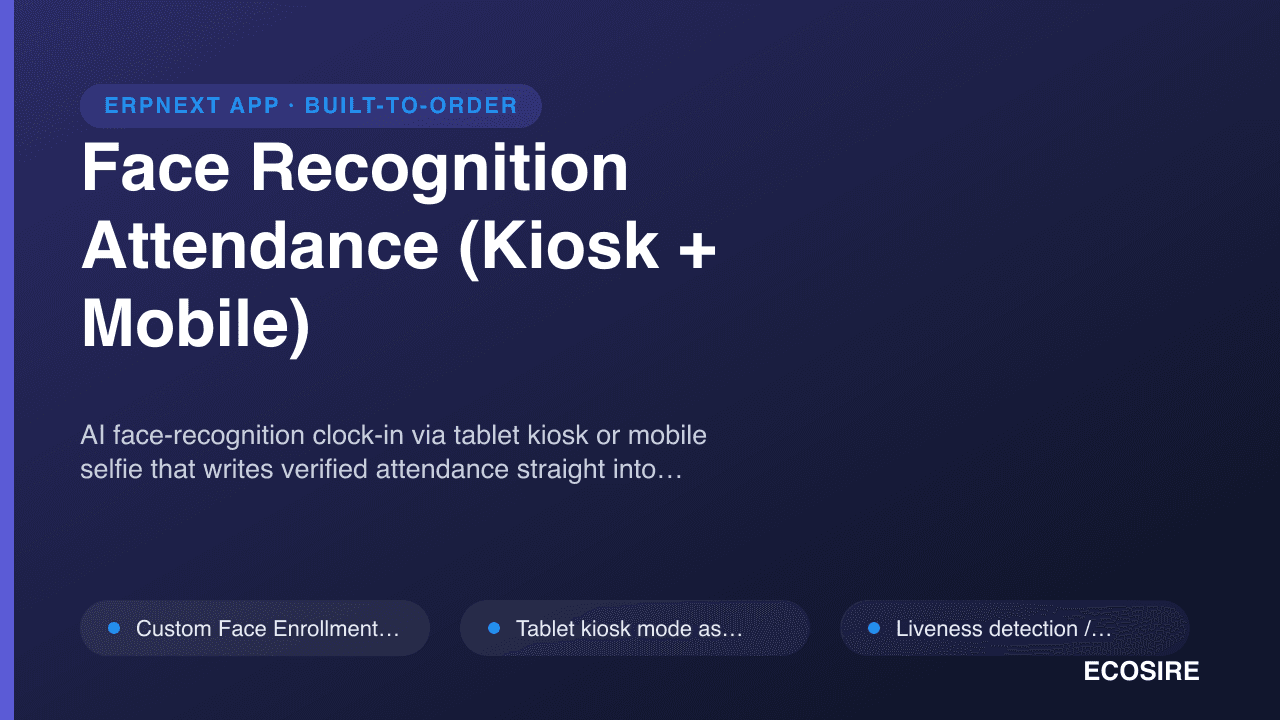
示意预览AI face-recognition clock-in via tablet kiosk or mobile selfie that writes verified attendance straight into
ERPNext HR. A ready-to-install Frappe app that
ECOSIRE installs, commissions, and supports for your team.
什么是 Face Recognition Attendance (Kiosk + Mobile)?
AI face-recognition clock-in via tablet kiosk or mobile selfie that writes verified attendance straight into ERPNext HR. A ready-to-install Frappe app that ECOSIRE installs, commissions, and supports for your team. One-time license from $499.00 USD for ERPNext 16 — includes 12 months of updates and support.
核心功能
安装概述
- 1
从ECOSIRE下载
在 ecosire.com 上购买许可证并从您的帐户仪表板下载 Face Recognition Attendance (Kiosk + Mobile) 应用程序 ZIP。
- 2
将应用程序添加到您的工作台
将 ZIP 解压到您的 bench 的 apps 文件夹中,或者使用解压缩的应用程序的路径运行“bench get-app”。
- 3
安装在您的网站上
运行 `bench --site SITE_NAME install-app APP_NAME`,然后运行 `bench migrate` 以安装 Face Recognition Attendance (Kiosk + Mobile) 并应用其架构。
- 4
激活您的许可证
打开您站点上的 ECOSIRE 许可证设置并激活您的许可证密钥。需要免费的 ecosire_connect 和 ecosire_license_client 应用程序。
技术规格
- ERPNext 兼容性
- ERPNext 16
- 许可证
- 许可证需要确认
- Python 要求
- Python 3.10+
- 数据库
- MariaDB 10.6+
关于此产品
Add consent-based face enrollment, mobile web check-in and paired kiosk attendance to ERPNext v16. The app creates native Employee Checkin records for your existing ERPNext and HRMS workflows.
Version 0.2.2 includes separate /face-checkin and /face-kiosk pages, company-aware enrollment and paired device controls. Matching and liveness use configurable heuristics; confidence settings are not measured accuracy guarantees or certified anti-spoofing protection. Validate the capture environment, permissions and attendance processing before rollout.
A paired kiosk supports a bounded offline queue of up to 200 captures for seven days. Pre-issued offline challenges provide weaker assurance and records can require HR review. Unpairing removes queued local data, so operators must monitor and reconcile pending captures.
The source package was verified on a fresh ERPNext v16 bench. Installation needs ERPNext, HRMS and approved model weights. Confirm deployment, enrollment, training and support arrangements for your site.
你得到什么
- ERPNext v16 source package at version 0.2.2
- Setup, kiosk, mobile check-in and troubleshooting documentation
这是给谁的
HR and attendance teams
Review enrollment, pending offline captures and native employee check-in records.
ERPNext administrators
Configure the v16 app, model files, permissions and paired devices before rollout.
关于Face Recognition Attendance的常见问题
What is available, and how is installation arranged?
The source package targets ERPNext v16 with ERPNext and HRMS installed. Confirm server requirements, model setup, enrollment and rollout arrangements before deployment. Existing accepted installation, commissioning and support agreements remain unchanged.
How do face matching and liveness checks work?
Employees enroll with consent. The app compares a capture with enrolled embeddings and applies configurable matching and liveness heuristics. A confidence threshold is a setting, not a measured accuracy guarantee. The checks are not certified presentation-attack detection and cannot guarantee rejection of every spoof.
Does this replace ERPNext HR?
The app creates native Employee Checkin records. ERPNext and HRMS continue to handle shifts, attendance processing and payroll. Validate those workflows for your site during rollout.
What happens when a kiosk loses its connection?
A paired kiosk can queue up to 200 captures for up to seven days using pre-issued challenges. These captures have weaker assurance and can require HR review. Unpairing clears local data. Operators should monitor and reconcile pending records; offline capture does not guarantee against data loss.
Which versions and interfaces are verified?
Version 0.2.2 was tested on a fresh ERPNext v16 bench. The app provides a separate mobile web check-in page and a paired kiosk page. It does not add an attendance tile to the separate Frappe HR mobile application. Other versions require compatibility review.
What biometric data and models are required?
Enrollment stores face embeddings. Setup requires approved model weights, employee consent and appropriate access controls. Review retention, browser/device security and local biometric requirements before enabling collection.
相关模块
与 ECOSIRE 专家讨论Face Recognition Attendance
获取定制报价、现场演示或帮助评估适合度。