 示意预览
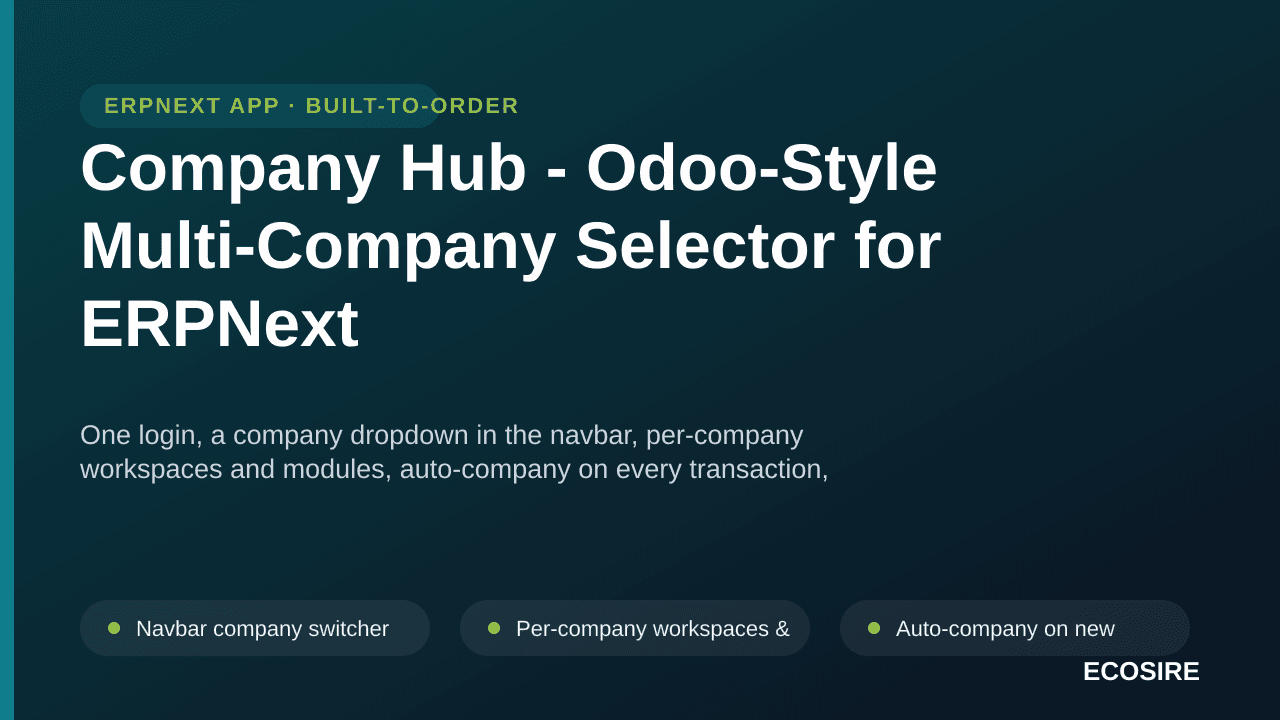
示意预览One login, a company dropdown in the navbar, per-company workspaces and modules,
auto-company on every transaction, and server-side company permissions - an Odoo-style multi-company experience for ERPNext groups with zero core modifications. Ready to install on ERPNext v16 -
ECOSIRE installs and configures it for your group with your purchase.
什么是 Company Hub - Odoo-Style Multi-Company Selector for ERPNext?
One login, a company dropdown in the navbar, per-company workspaces and modules, auto-company on every transaction, and server-side company permissions - an Odoo-style multi-company experience for ERPNext groups with zero core modifications. Ready to install on ERPNext v16 - ECOSIRE installs and configures it for your group with your purchase. One-time license from $750.00 USD for ERPNext 16 — includes 12 months of updates and support.
核心功能
安装概述
- 1
从ECOSIRE下载
在 ecosire.com 上购买许可证并从您的帐户仪表板下载 Company Hub - Odoo-Style Multi-Company Selector for ERPNext 应用程序 ZIP。
- 2
将应用程序添加到您的工作台
将 ZIP 解压到您的 bench 的 apps 文件夹中,或者使用解压缩的应用程序的路径运行“bench get-app”。
- 3
安装在您的网站上
运行 `bench --site SITE_NAME install-app APP_NAME`,然后运行 `bench migrate` 以安装 Company Hub - Odoo-Style Multi-Company Selector for ERPNext 并应用其架构。
- 4
激活您的许可证
打开您站点上的 ECOSIRE 许可证设置并激活您的许可证密钥。需要免费的 ecosire_connect 和 ecosire_license_client 应用程序。
技术规格
- ERPNext 兼容性
- ERPNext 16
- 许可证
- 许可证需要确认
- Python 要求
- Python 3.10+
- 数据库
- MariaDB 10.6+
关于此产品
ERPNext supports multiple companies in one database, but the day-to-day experience keeps every company's modules and records in one cluttered desk - users must pick the company on every transaction, and it is easy to post into the wrong subsidiary. Groups coming from Odoo expect something better: log in once, choose the company you are working in, and see only that company's world. Company Hub delivers exactly that as a separate, upgrade-safe Frappe app, ready to install. A company dropdown sits in the main navigation; the selection is remembered and every new transaction defaults to it; each company displays only the workspaces you map to it (a construction subsidiary sees projects and procurement, a property subsidiary sees leases and landlords, a security firm sees its own operations); and group management can switch freely with a consolidated view. Crucially, restriction is not cosmetic - data isolation is enforced server-side with ERPNext User Permissions, so records stay protected in reports, search and direct links. Includes a per-company workspace mapping screen and an admin helper to grant company access per user. ECOSIRE configures it for your group's companies during installation.
你得到什么
- Installed and configured on your ERPNext v16 instance
- Per-company workspace mapping set up for your group's companies
- User company-permission setup for your staff
- Documentation and admin handover
这是给谁的
Multi-company business group
Runs several subsidiaries in one ERPNext and wants each team to see only its own company's world.
Odoo migrator
Expects the Odoo company switcher experience and finds stock ERPNext multi-company too cluttered.
Group CFO / management
Needs consolidated oversight across all companies while staff stay isolated to theirs.
关于Company Hub - Odoo-Style Multi-Company Selector的常见问题
Does it modify ERPNext core files?
No. It is a separate Frappe app using official override points only, so ERPNext upgrades remain safe.
Is the restriction real security or just hidden menus?
Real security: data isolation is enforced server-side through ERPNext User Permissions; the workspace filtering is the user experience on top.
Can management see everything?
Yes - group users switch between all authorised companies and keep a consolidated group view, while ordinary users see only their companies.
相关模块

与 ECOSIRE 专家讨论Company Hub - Odoo-Style Multi-Company Selector
获取定制报价、现场演示或帮助评估适合度。