 示意预览
示意预览An interactive drag-and-drop Gantt board for Dynamics 365 Business Central that visualizes work-center load and
lets planners reschedule production orders and operations against real capacity — built and installed by
ECOSIRE as a per-tenant AL extension.
什么是 Visual Production Scheduler (Gantt)?
An interactive drag-and-drop Gantt board for Dynamics 365 Business Central that visualizes work-center load and lets planners reschedule production orders and operations against real capacity — built and installed by ECOSIRE as a per-tenant AL extension. Built to order by ECOSIRE for Dynamics 365 BC (build-to-order) — indicative price from $999.00 USD; request a quote for a scoped proposal.
核心功能
按需定制,全程代劳
无需自行搭建——由 ECOSIRE 构建、安装并提供支持的可用应用。
- 1
您下单
以一次性构建价格开始。我们在启动时与您共同确定范围。
- 2
我们构建与安装
ECOSIRE 在您的 Dynamics 365 Business Central 上构建、配置并安装。
- 3
上线 + 支持
约一个工作周内上线,并包含两周上线支持。我们交付的代码中的缺陷免费修复。
关于此产品
Native Business Central manufacturing planning lives in lists: the Planning Worksheet, the Released/Firm Planned Production Order pages, and work-center calendars. It works, but a scheduler trying to balance load across machines, juggle priorities, and resolve conflicts has no single visual surface to do it on. Visual Production Scheduler (Gantt) gives your planners that surface inside Business Central.
This is an interactive Gantt board rendered on a page extension over your production order and routing data. Planners drag a production order operation to a new slot, drop it on a different work center, and the change writes straight back through the standard Prod. Order Routing Line and Capacity Ledger logic via AL event subscribers — so dates, load, and demand stay consistent with the rest of BC. A capacity heat view shows work-center utilization at a glance; color-coded bars flag status, priority, and scheduling conflicts (over-capacity, due-date breach, predecessor overlap). Planners can pin operations they don't want auto-moved, run what-if reschedules, and sequence a work center by due date with one action.
This is a build-to-order engagement, not an instant AppSource download. ECOSIRE builds the extension in AL, tailors the Gantt fields, status colors, and conflict rules to your routing setup, then installs it as a per-tenant extension on your Business Central environment (Online or on-prem) with its own permission set and job queue entries. We validate against your real production orders in a sandbox first, then publish to production. You get the source, a documented install, and ongoing support. Optional Power Platform / Dataverse hooks let the same schedule surface in a Power BI capacity dashboard. Honest delivery: typically one working week depending on routing complexity and integration scope.
你得到什么
- A per-tenant Business Central extension (AL) built, published and installed on your environment by ECOSIRE
- Gantt scheduling board page extension wired to your production order and routing data
- Configured status/priority color rules and conflict-detection thresholds matched to your routing setup
- A dedicated permission set and recommended user-group assignment for planners
- Job queue entry configured to recalculate work-center load on your chosen cadence
- Sandbox validation against your real production orders before production publish, plus the AL source and a written deploy/runbook
这是给谁的
Production Scheduler / Planner
Needs visual control beyond native planning lists — to see machine load, drag operations to open slots, and resolve conflicts without re-keying dates across multiple order pages.
Manufacturing / Operations Manager
Wants confidence that the floor schedule is realistic against capacity and due dates, with priority and conflict flags visible at a glance instead of buried in worksheets.
Business Central Administrator / IT Lead
Requires a clean per-tenant extension with its own permission set and job queue that installs without customizing the base app and survives Microsoft's BC upgrade cycle.
Visual Production Scheduler (Gantt) 如何比较
| 标准 | 伊科西尔 | 定制建造 | 竞争对手 | Dynamics 365 Business Central 原生 |
|---|---|---|---|---|
| Drag-and-drop Gantt scheduling surface inside BC | 包含 | 部分支持 | 包含 | 不包括在内 |
| Write-back through standard Prod. Order Routing Line (stays consistent with MRP/Capacity Ledger) | 包含 | 部分支持 | 部分支持 | 包含 |
| Tailored to your routing setup, status colors and conflict rules | 包含 | 包含 | 不包括在内 | 不包括在内 |
| Installed as upgrade-safe per-tenant extension (no base-app customization) | 包含 | 部分支持 | 包含 | 包含 |
| Built, installed and supported for you (no in-house AL team required) | 包含 | 不包括在内 | 部分支持 | 包含 |
| What-if rescheduling and manual pin/lock of operations | 包含 | 部分支持 | 部分支持 | 不包括在内 |
| Optional Power BI / Dataverse capacity dashboard via OData/REST API | 包含 | 部分支持 | 部分支持 | 部分支持 |
| One-time predictable cost with source delivered | 包含 | 不包括在内 | 不包括在内 | 部分支持 |
关于Visual Production Scheduler的常见问题
How long does delivery take and what's the process?
Typical delivery is one working week from kickoff, depending on your routing complexity and whether you want the optional Power BI/Dataverse dashboard. We start by reviewing your production order and work-center setup, build the AL extension, validate it against your real orders in a Business Central sandbox, then publish to production with you. You receive the per-tenant extension installed, the AL source, and a written runbook.
Is this an AppSource app I can just download?
No — this is build-to-order. There is no instant AppSource install. ECOSIRE builds the extension in AL, tailors the Gantt fields, color rules and conflict thresholds to your environment, and installs it as a per-tenant extension on your tenant (Online or on-prem). That's what lets us match it to your specific routing and capacity setup rather than shipping a generic app.
How does it stay in sync with native Business Central planning?
Schedule changes write back through the standard Prod. Order Routing Line via AL event subscribers, so production order dates, demand and the Capacity Ledger stay consistent with the rest of BC. The Planning Worksheet, MRP and reporting continue to see correct data — the Gantt board is a control surface over your real records, not a parallel copy.
What about ongoing support and Business Central updates?
Because it's a per-tenant extension, it does not block Microsoft's monthly/major BC updates. ECOSIRE provides post-delivery support to fix issues and to re-validate the extension against new BC versions when needed. Enhancements (new color rules, extra conflict checks, added integrations) are handled as scoped follow-on work.
Does it work with Business Central Online and on-premises?
Yes. The extension is standard AL and installs as a per-tenant extension on both BC Online (SaaS) and on-premises deployments. Optional integrations like the Power BI capacity dashboard use the Business Central OData/REST API and Dataverse, which are available on both — we confirm the exact wiring against your environment during build.
相关模块

UAE FTA E-Invoicing (Peppol PINT AE) for Business Central
A build-to-order Business Central extension that generates Peppol PINT AE compliant documents and transmits UAE sales invoices and credit notes to the FTA through a certified access point — with clearance, validation and acknowledgment handling built in.

UDI / Medical Device Compliance Labeling
A build-to-order Business Central extension that generates compliant UDI-DI/UDI-PI labels, manages device master records, and prepares GUDID and EUDAMED submissions — built, installed per-tenant and supported by ECOSIRE on your environment.

Warehouse Mobility & Barcode Scanning for Business Central
A handheld and barcode-driven warehouse app for Microsoft Dynamics 365 Business Central — receiving, put-away, picking, packing and counting that posts live to BC. Built, deployed as a per-tenant AL extension, and supported by ECOSIRE.
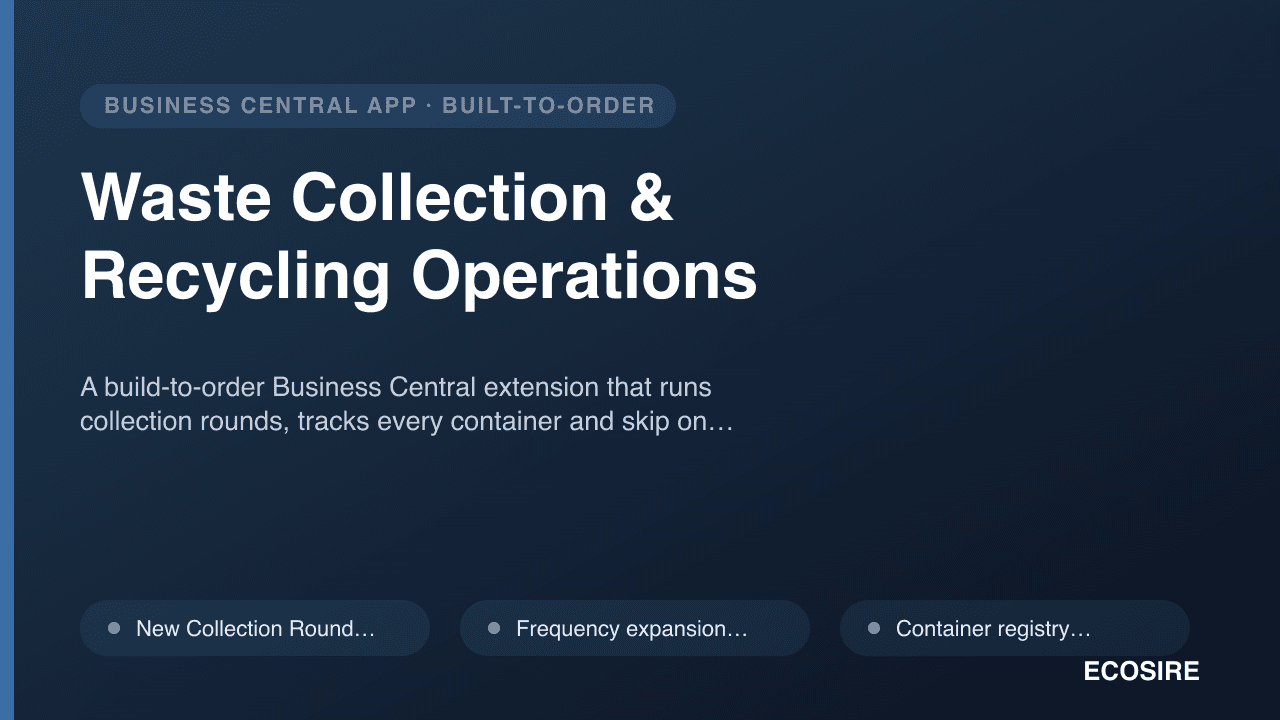
Waste Collection & Recycling Operations
A build-to-order Business Central extension that runs collection rounds, tracks every container and skip on hire, captures weighbridge tickets against real material grades, and turns all of it into contract invoices by lift, weight or fixed periodic charge. ECOSIRE builds, installs and supports it for your tenant after a scoping call.
Visual Production Scheduler
An interactive drag-and-drop Gantt board for Dynamics 365 Business Central that visualizes work-center load and lets planners reschedule production orders and operations against real capacity — built and installed by ECOSIRE as a per-tenant AL extension.
- Drag-and-drop Gantt board for production orders and individual routing operations, rendered on an AL page extension inside the Business Central web client
- Work-center load and capacity heat view showing utilization against the standard Capacity Ledger and work-center calendars
- Color-coded bars for order status, priority tier, and conflict flags (over-capacity, due-date breach, predecessor overlap)
- Manual pin / lock so chosen operations are excluded from auto-reschedule and what-if moves