 مثالی پیش منظر
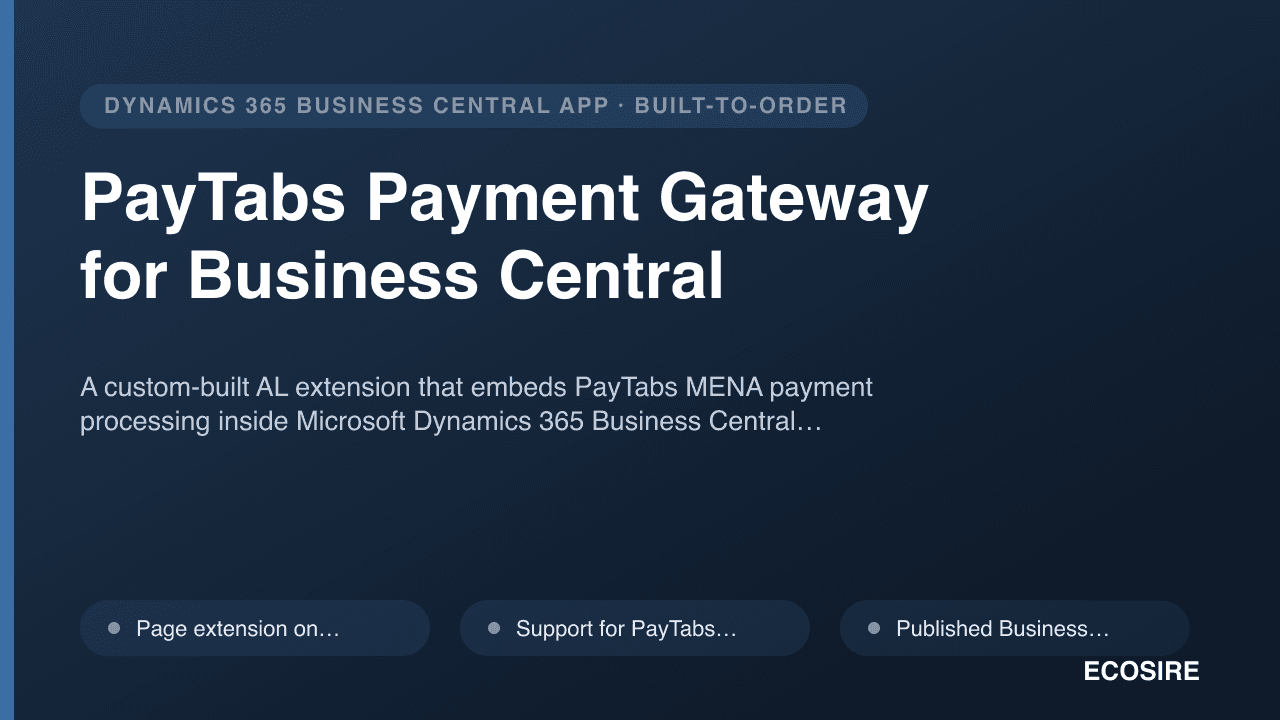
A custom-built AL extension that embeds PayTabs MENA payment processing inside Microsoft Dynamics 365 Business
Central — invoice payment links, card and local payment methods, webhook confirmation, automatic ledger reconciliation and refunds — installed and supported by
ECOSIRE on your tenant.
PayTabs Payment Gateway for Business Central کیا ہے؟
A custom-built AL extension that embeds PayTabs MENA payment processing inside Microsoft Dynamics 365 Business Central — invoice payment links, card and local payment methods, webhook confirmation, automatic ledger reconciliation and refunds — installed and supported by ECOSIRE on your tenant. Built to order by ECOSIRE for Dynamics 365 BC (build-to-order) — indicative price from $999.00 USD; request a quote for a scoped proposal.
اہم خصوصیات
آرڈر پر تیار، مکمل طور پر آپ کے لیے
خود سیٹ اپ کی ضرورت نہیں — ایک کام کرنے والی ایپ جو ECOSIRE بناتا، انسٹال اور سپورٹ کرتا ہے۔
- 1
آپ آرڈر دیتے ہیں
ایک بار کی تعمیر کی قیمت سے آغاز کریں۔ آغاز پر ہم آپ کے ساتھ مل کر دائرہ کار طے کرتے ہیں۔
- 2
ہم بناتے اور انسٹال کرتے ہیں
ECOSIRE اسے آپ کے Dynamics 365 Business Central پر بناتا، ترتیب دیتا اور انسٹال کرتا ہے۔
- 3
لائیو + معاونت
آپ تقریباً ایک کاروباری ہفتے میں لائیو ہو جاتے ہیں، گو لائیو کے بعد دو ہفتوں کی معاونت کے ساتھ۔ ہمارے فراہم کردہ کوڈ کی خرابیاں مفت درست کی جاتی ہیں۔
اس مصنوع کے بارے میں
PayTabs Payment Gateway for Business Central is a build-to-order AL extension that connects your Microsoft Dynamics 365 Business Central environment directly to PayTabs, the regional payment processor used across Saudi Arabia, UAE, Egypt, Jordan and the wider MENA market. ECOSIRE designs, builds, installs and supports it on your tenant — it is not an instant Microsoft AppSource download.
Business Central core has no native PayTabs connector. Out of the box you reconcile card settlements by hand, chase customers for bank transfers, and re-key refunds into journals. This extension closes that gap with real AL engineering: a page extension on the Posted Sales Invoice adds a "Send Payment Link" action that calls the PayTabs hosted-payment REST API and emails a secure link to the customer. When the buyer pays, a PayTabs webhook hits a published Business Central API page (codeunit-backed), and an event subscriber on the posting flow applies the customer payment, marks the invoice paid, and posts the entry to the Customer and Bank/Gateway ledgers — auto-reconciled, with the PayTabs transaction reference stored on the Cust. Ledger Entry.
It supports PayTabs card schemes and local MENA methods (mada, Apple Pay, STC Pay and others your PayTabs profile enables), multi-currency, and full or partial refunds initiated from within Business Central that call back to PayTabs and post the matching credit. A dedicated Job Queue entry polls for late webhooks so nothing is missed, and a custom permission set scopes who can issue links and refunds.
Delivered as a per-tenant extension (not a shared AppSource listing), so it is shaped to your number series, dimensions, posting groups and approval workflow. ECOSIRE handles sandbox testing against PayTabs test credentials, the production cutover, and ongoing support as your BC environment receives Microsoft's monthly and major updates.
What you get
- A per-tenant Business Central AL extension (.app) built to your environment, installed by ECOSIRE on sandbox then production
- PayTabs connection setup configured with your Profile ID and Server Key stored in Isolated Storage
- Custom permission set(s) assigned to the BC user groups you nominate
- Job Queue entry configured for missed-webhook reconciliation polling
- Sandbox validation run against PayTabs test credentials with a documented end-to-end test (link → pay → reconcile → refund)
- Short admin runbook covering setup, the payment-link workflow, refunds and webhook troubleshooting
- Source AL code handover and a defined post-go-live support and update window
Who this is for
Finance Lead at a MENA business
Owns AR and cash reconciliation on Business Central. Wants customers to pay invoices by card or local method (mada, Apple Pay) and have those payments land reconciled in the ledger automatically, without manual journal entries.
Business Central Administrator / IT Manager
Responsible for the BC tenant, extensions and security. Needs a clean per-tenant extension with proper permission sets, Isolated Storage secrets and a maintainable upgrade path across Microsoft's update waves.
E-commerce or Operations Manager
Sends a high volume of invoices and chases payment. Wants a one-click payment link on each posted invoice and instant confirmation when the customer pays, with refunds handled inside BC instead of a separate PayTabs portal.
How PayTabs Payment Gateway for Business Central Compares
| Criterion | ECOSIRE | Custom Build | Competitor | Dynamics 365 Business Central نیٹو |
|---|---|---|---|---|
| PayTabs invoice payment links from inside Business Central | Included | Partial support | Partial support | Not included |
| Webhook-driven automatic reconciliation to the customer and bank/gateway ledgers | Included | Partial support | Partial support | Not included |
| Local MENA methods (mada, Apple Pay, STC Pay) supported | Included | Partial support | Partial support | Not included |
| Full and partial refunds initiated from within Business Central | Included | Partial support | Partial support | Not included |
| Built to your number series, dimensions, posting groups and approval flow | Included | Included | Not included | Partial support |
| Installed, tested and supported on your tenant by the vendor | Included | Not included | Partial support | Not included |
| Credentials in Isolated Storage with a dedicated permission set | Included | Partial support | Partial support | Partial support |
| Maintained for compatibility across Microsoft BC update waves | Included | Not included | Included | Included |
Frequently Asked Questions about PayTabs Payment Gateway for Business Central
How long does delivery take and what is the process?
This is a build-to-order extension, not an instant download. Typical delivery is around one working week depending on your PayTabs profile, currencies and approval workflow. The flow is: scoping call, build in AL, sandbox install and end-to-end testing against PayTabs test credentials, then a scheduled production cutover. You receive the timeline in writing after the scoping call.
How is ongoing support and Business Central updates handled?
After go-live, ECOSIRE provides a defined support window covering bug fixes and questions. Because Microsoft ships monthly service updates and two major releases a year, we test the extension against new BC versions and keep it compatible. Continued support beyond the included window, or changes to the PayTabs methods you use, are handled under a support arrangement agreed up front.
Why a per-tenant extension instead of a Microsoft AppSource app?
A per-tenant extension is built specifically for your environment, so it respects your number series, dimensions, posting groups and approval flow. AppSource apps are generic, must satisfy Microsoft's marketplace constraints, and rarely match your exact reconciliation rules. We deploy directly to your tenant via the BC admin centre or your DevOps pipeline.
Are my PayTabs credentials stored securely?
Yes. Your PayTabs Profile ID and Server Key are stored in Business Central Isolated Storage, not in plain table fields, and access is scoped by a dedicated permission set. Webhook callbacks are validated before any ledger entry is posted, and every gateway request and response is logged for audit.
Do I need an existing PayTabs merchant account?
Yes. You provide an active PayTabs merchant account with the card and local payment methods you want enabled on your profile. ECOSIRE builds and connects the Business Central side; PayTabs remains your payment processor and settlement relationship. We test against your PayTabs sandbox before touching production.
Related Modules
Nonprofit & NGO Fund Accounting for Business Central
A build-to-order Business Central extension that adds true fund accounting for nonprofits and NGOs: restricted-fund dimensions, donation and pledge tracking, donor management, and restricted-vs-unrestricted reporting by fund and program.
OEE & Production Performance Analytics
A per-tenant AL extension that turns Business Central manufacturing actuals into true OEE — availability x performance x quality — with downtime Pareto analysis, scrap/yield tracking, and live utilization dashboards. Custom-built, installed and supported by ECOSIRE on your tenant.
Pest Control Service Management
A build-to-order Dynamics 365 Business Central extension for pest control operators: recurring treatment plans and route-aware scheduling, a validated chemical register with batch traceability, treatment certificates, and a contract renewal pipeline with price uplifts. ECOSIRE scopes, builds, deploys and supports it — typical delivery is one working week from confirmed scope.
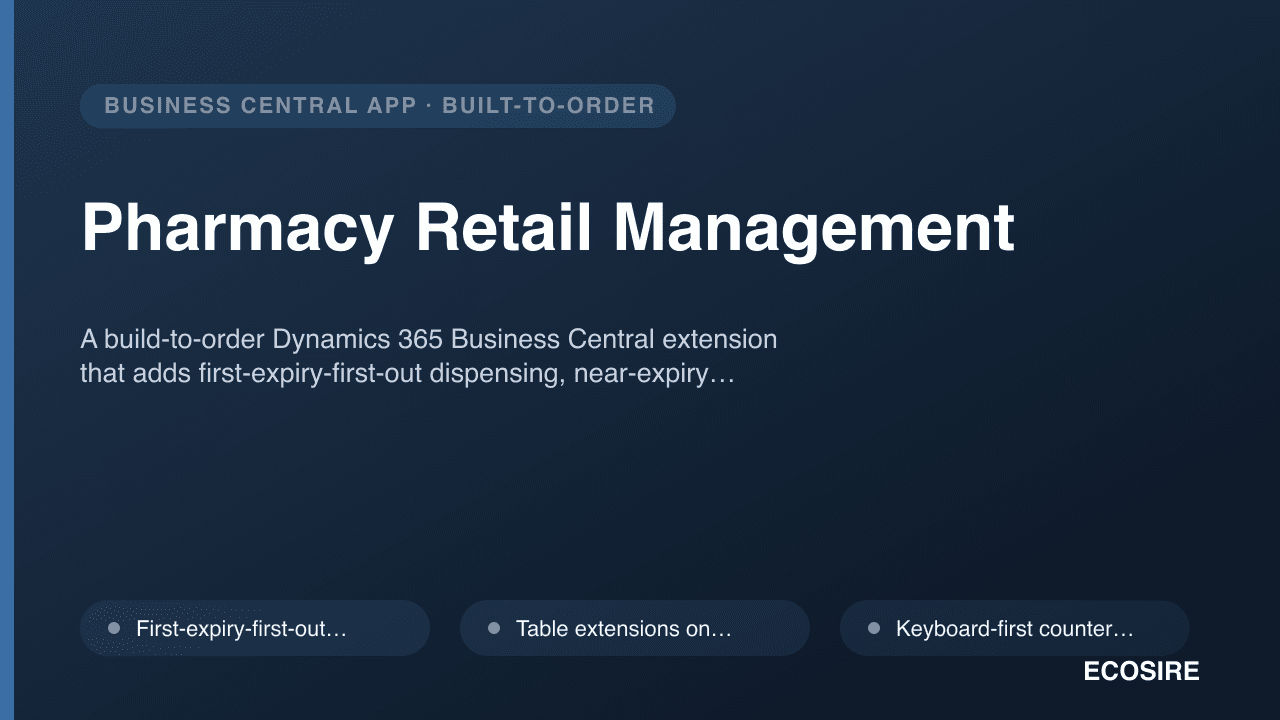
Pharmacy Retail Management
A build-to-order Dynamics 365 Business Central extension that adds first-expiry-first-out dispensing, near-expiry alerting and returns, keyboard-fast counter billing, supplier scheme costing and configurable regulatory registers. ECOSIRE builds it for your Business Central version, installs it, and hands over the AL source.
PayTabs Payment Gateway for Business Central
A custom-built AL extension that embeds PayTabs MENA payment processing inside Microsoft Dynamics 365 Business Central — invoice payment links, card and local payment methods, webhook confirmation, automatic ledger reconciliation and refunds — installed and supported by ECOSIRE on your tenant.
- Page extension on Posted Sales Invoice with a 'Send Payment Link' action that generates a PayTabs hosted-payment URL via the PayTabs REST API and emails it to the customer
- Support for PayTabs card schemes plus local MENA methods (mada, Apple Pay, STC Pay and others enabled on your PayTabs merchant profile)
- Published Business Central API page (codeunit-backed) that receives PayTabs webhook callbacks for real-time payment confirmation
- Event subscriber on the payment/posting flow that auto-applies the customer payment and posts to the Customer and Bank/Gateway ledger entries