The business pain
Global carriers are well served by off-the-shelf integrations. Domestic couriers are not. If you ship across the Gulf, South Asia or Africa, your real volume moves with regional carriers who each publish their own API, their own status vocabulary, their own label format, and in some cases only a partner portal with a CSV upload. Some support cash on delivery and remit collections weekly; some do not.
So the warehouse team opens three courier portals a day. They copy the consignee address out of Zoho Inventory, paste it into a portal, download a PDF label, and paste the tracking number back into a custom field — when they remember. Customers email asking where their order is, and support checks a portal rather than Zoho. Cash-on-delivery remittances arrive as a lump sum with no link to the orders they cover, so accounts receivable stays open on parcels that were delivered and paid for two weeks ago. Delivery failures are discovered when the customer complains.
None of this is a data problem. Zoho Inventory already holds the package, the shipment and the sales order. The gap is the carrier layer.
What ECOSIRE builds
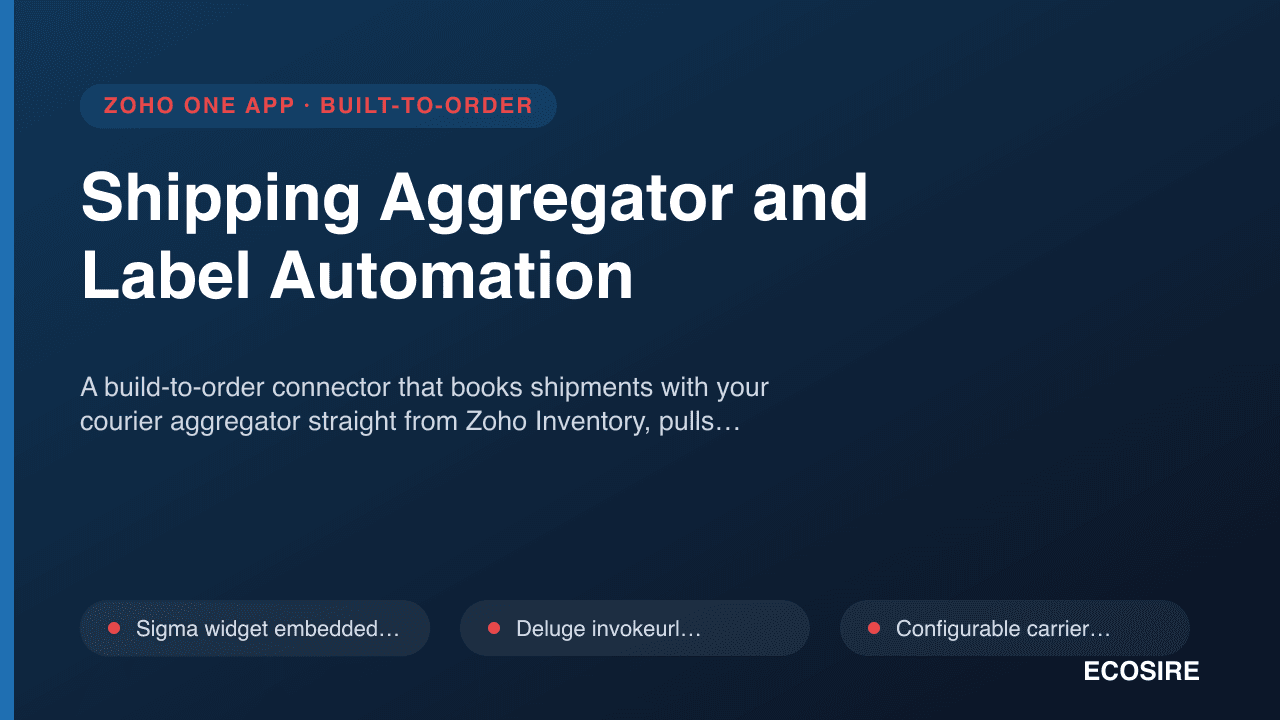
We build a courier hub inside your Zoho org: Deluge custom functions in Zoho Inventory, a Zoho Creator application for the dispatch desk and carrier configuration, Zoho Flow for scheduled polling and error routing, and REST API calls to each of your carriers. Where a carrier offers no API, we build the file-based lane instead — generate their upload format, ingest their status file — and we say so plainly in the quote rather than pretending an API exists.
Booking and label generation
From a Zoho Inventory package or shipment record, a user picks the carrier and books in one action. The Deluge function assembles the consignment payload — consignee, address, pieces, weight, dimensions, declared value, COD amount, service level — calls the carrier API, and writes the returned tracking number and consignment reference back onto the Zoho Inventory shipment. The carrier's label comes back as a PDF or ZPL stream and is attached to the shipment record so the warehouse prints from Zoho, not from a portal.
One status vocabulary across many carriers
Every carrier invents its own status names. We map each carrier's raw statuses onto one normalised set — booked, picked up, in transit, out for delivery, delivered, attempted, returned, cancelled, exception — while keeping the carrier's original status text on the record for dispute purposes. Every downstream automation reads the normalised value, which means adding a fourth carrier later does not break your workflows.
Tracking updates without manual checking
Where a carrier supports webhooks, we expose a receiving endpoint with signature or token verification. Where they do not, a scheduled Zoho Flow job polls active consignments on a cadence tuned to your volume and the carrier's rate limits. Updates write to a tracking event log on the shipment, so you get the full journey, not just the latest state. The shipment and the linked sales order in Zoho Inventory carry the current normalised status, and the Zoho CRM record shows it too, so support answers from Zoho.
Customer-facing tracking
A branded tracking page, built as a Zoho Creator public page or Zoho Sites embed, lets a customer enter their order reference and see the normalised journey without exposing the carrier portal or your internal data. Dispatch, out-for-delivery and delivery notifications go out via Zoho Inventory or Zoho CRM email and SMS workflows, which cuts the where-is-my-order queries that dominate support inboxes.
Cash on delivery and remittance matching
For carriers that collect COD, we record the COD amount at booking, mark it collected when the carrier confirms, and match the carrier's remittance batch against the individual consignments it covers. The matched batch creates the Zoho Books payment records against the right invoices and posts the carrier's COD handling fee to a nominated expense account. Anything unmatched goes to a queue rather than being written off.
Returns and failed deliveries
An attempted-delivery or return-to-origin status triggers the workflow you choose — a task in Zoho CRM, a stock movement back into Zoho Inventory on receipt, a credit note in Zoho Books, or all three. Where the carrier charges a return fee, it is captured as a cost against the shipment so your true cost to serve is visible.
Rates, zones and tax
Carrier charges are recorded per shipment so you can compare actual cost by carrier and by zone. Where the carrier invoices you, we can reconcile their invoice against the recorded shipment charges and flag differences. VAT or GST treatment on freight and COD fees is configured against your existing Zoho Books tax rates per Books organization, on your accountant's instruction.
Who it is for
E-commerce sellers, distributors and D2C brands running Zoho Inventory who ship domestically or regionally with more than one courier, especially where cash on delivery is a meaningful share of orders. It fits teams whose warehouse currently works out of carrier portals and whose support team answers tracking questions by looking somewhere other than Zoho.
It is not needed if you ship exclusively with a single global carrier that already has a maintained Zoho integration covering your needs.
How delivery works
Scoping call. We list your carriers, get their API documentation or partner file specs, and check what each actually supports — booking, label format, tracking, webhooks, COD, returns. This call is where we find out that one of your carriers has no API at all, which is far better than finding out mid-build.
Fixed quote. A written scope names each carrier and exactly which lanes we build for it, the notification design, the COD handling, and what is out of scope. The price is fixed against that scope.
Build. We develop against carrier test credentials where available and a sandbox Zoho environment. Typical lead time is one working week; more carriers or file-based lanes extend it, and we quote that openly.
Install in test, then production. We install into a test Zoho org and you book real consignments with each carrier's test account, print labels, and walk a shipment through to delivered. COD remittance matching is tested against a real historical remittance file. Production follows your sign-off.
Support. A defect-fix and configuration support window follows go-live. Adding a new carrier afterwards is separate quoted work, and the normalised status layer is designed to make that additive rather than disruptive.